
2speech logo 2Speech AI

AI音声生成

AIの声でテキストを音声に変換します。声と話し方のスタイルを選んで、コンテンツ用の音声を作成しましょう。
音声効果 効果を選び、挿入する位置をクリックしてください
0 / 100000
作成した音声
まだ生成されたファイルはありません。
[Example] A young boy was walking in the mountains with his father. Suddenly, he tripped and shouted, "AAAH!" To his surprise, he heard a voice repeating, "AAAH!" Curious, he yelled, "Who are you?" The voice answered, "Who are you?" Angered, he shouted, "You are a coward!" The voice replied, "You are a coward!" He looked at his father and asked, "What is happening?" The father smiled and said, "Son, pay attention." He then yelled, "I admire you!" The voice answered, "I admire you!" "Life is like an echo," the father explained. "It gives you back everything you say or do. If you want more love in the world, create more love in your heart."
[Example] Deep beneath the silver moonlight, there lived a tiny crab named Pip who believed he was a painter. While others spent their nights hunting, Pip used his claws to draw swirling patterns in the wet sand. One evening, a falling star streaked across the sky and landed softly in a tide pool. It was a golden starfish, glowing dim and cold. Pip didn't hesitate; he began to brush the golden sand around the starfish, creating a shimmering mosaic of warmth. By dawn, the starfish began to glow again. As the tide came in, the golden light spread through the entire ocean. Pip realized then that art wasn't just about making things look beautiful—it was about bringing light back to those who had lost their glow.
[Example] In the heart of an ancient city stood a library where the books didn't have titles—they had heartbeats. When you walked past the shelves, you could hear the faint rustle of wind from a desert story or the cold splash of a sea voyage. Elias, the old librarian, knew every heartbeat by heart. He didn't give people the books they wanted; he gave them the books they needed. One day, a lonely girl entered, seeking a map. Instead, Elias handed her a small, dusty volume that hummed like a warm hearth. As she opened it, the scent of cinnamon and old memories filled the air. She didn't find a map to a place, but she found a way back to herself. In the Library of Whispers, the greatest stories were always the ones that listened back.
[Example] A giant Oak tree stood proudly by a river, its trunk thick and its branches reaching for the clouds. Beside it grew a slender Willow, swaying gently with every breeze. The Oak often mocked the Willow, saying, "You are so frail! Look at me—I stand firm against the fiercest storms." One night, a terrible hurricane swept through the valley. The Oak stood rigid, fighting the wind with all its might, until finally, its roots snapped and it crashed to the ground. The Willow, however, bent low, letting the wind pass over its supple branches. When the sun rose the next morning, the Willow straightened itself, unharmed. "To survive the storm," the Willow whispered to the fallen giant, "one must know when to bow."

AI音声生成ツールの使い方

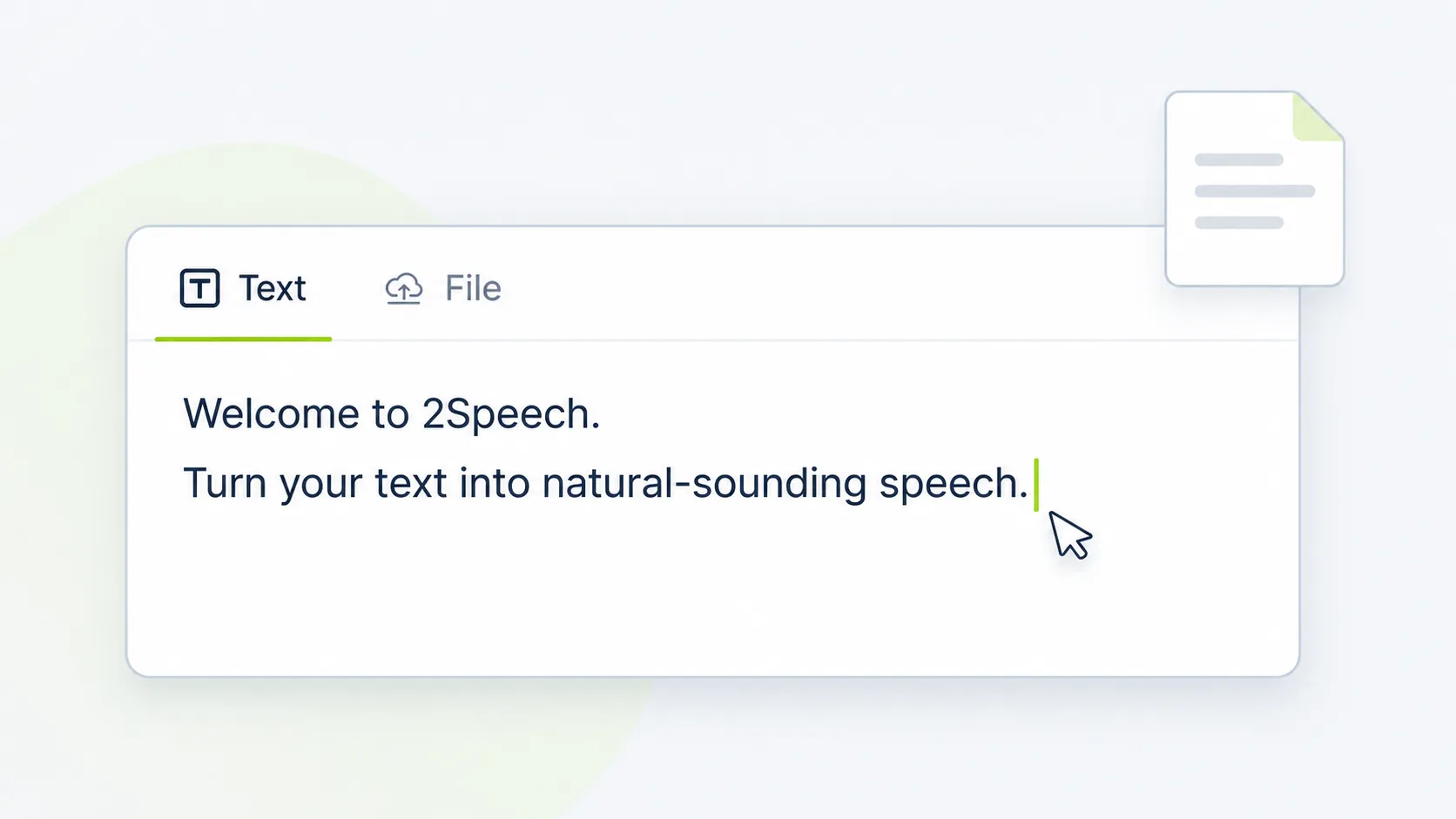
  1. テキストを入力

    テキストを入力

    台本をテキストボックスに入力または貼り付けるか、音声に変換したいテキストを含むファイルをアップロードします。
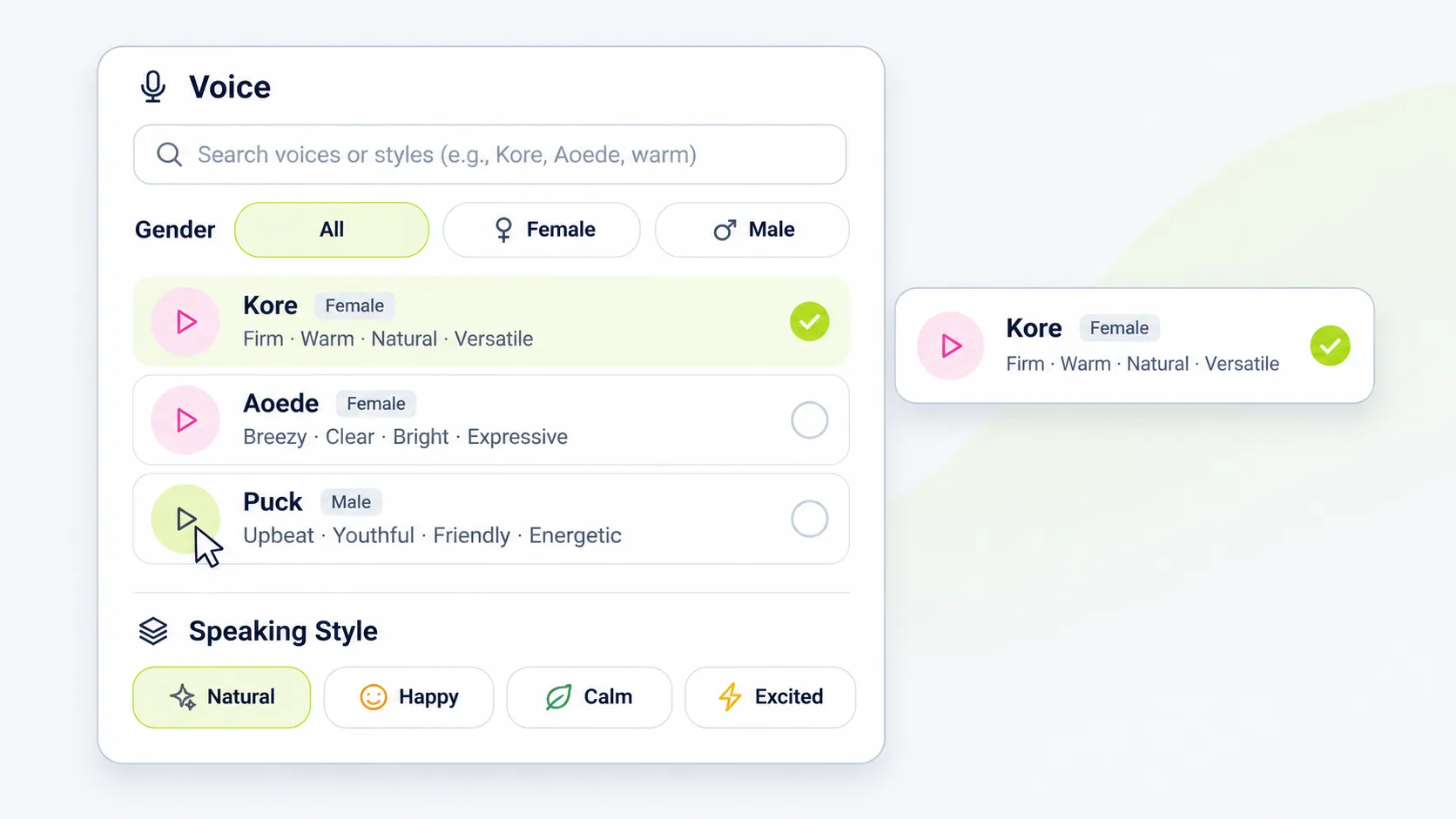
  2. AIの声を選ぶ

    AIの声を選ぶ

    利用できるAIの声を試聴して、コンテンツに合うものを選びます。必要に応じて話し方のスタイルを選び、音声効果を追加します。
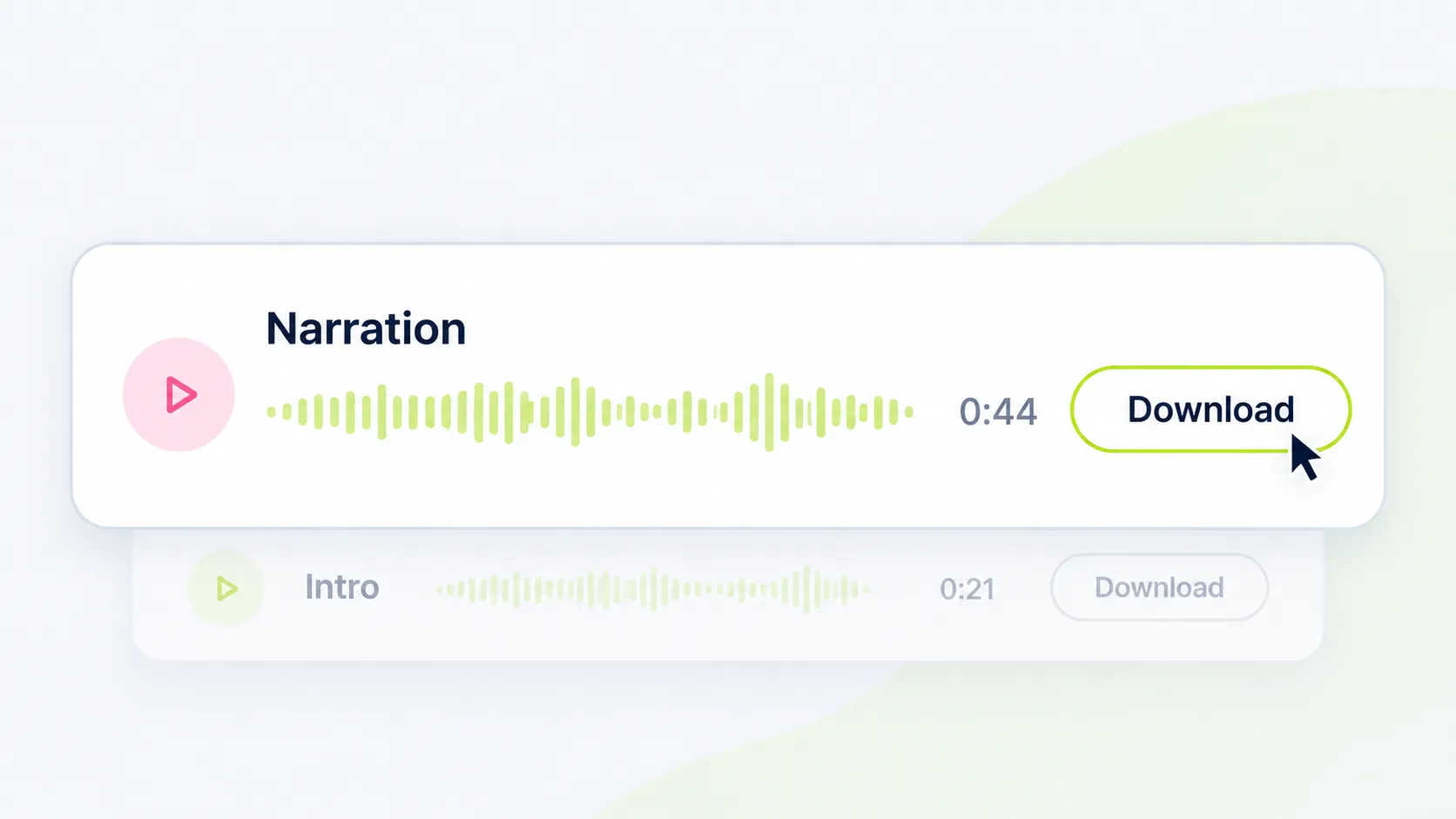
  3. 生成して聴く

    生成して聴く

    「音声を生成」をクリックするとテキストが音声になります。完成したら再生して確認し、プロジェクト用にダウンロードできます。

AI音声生成とは

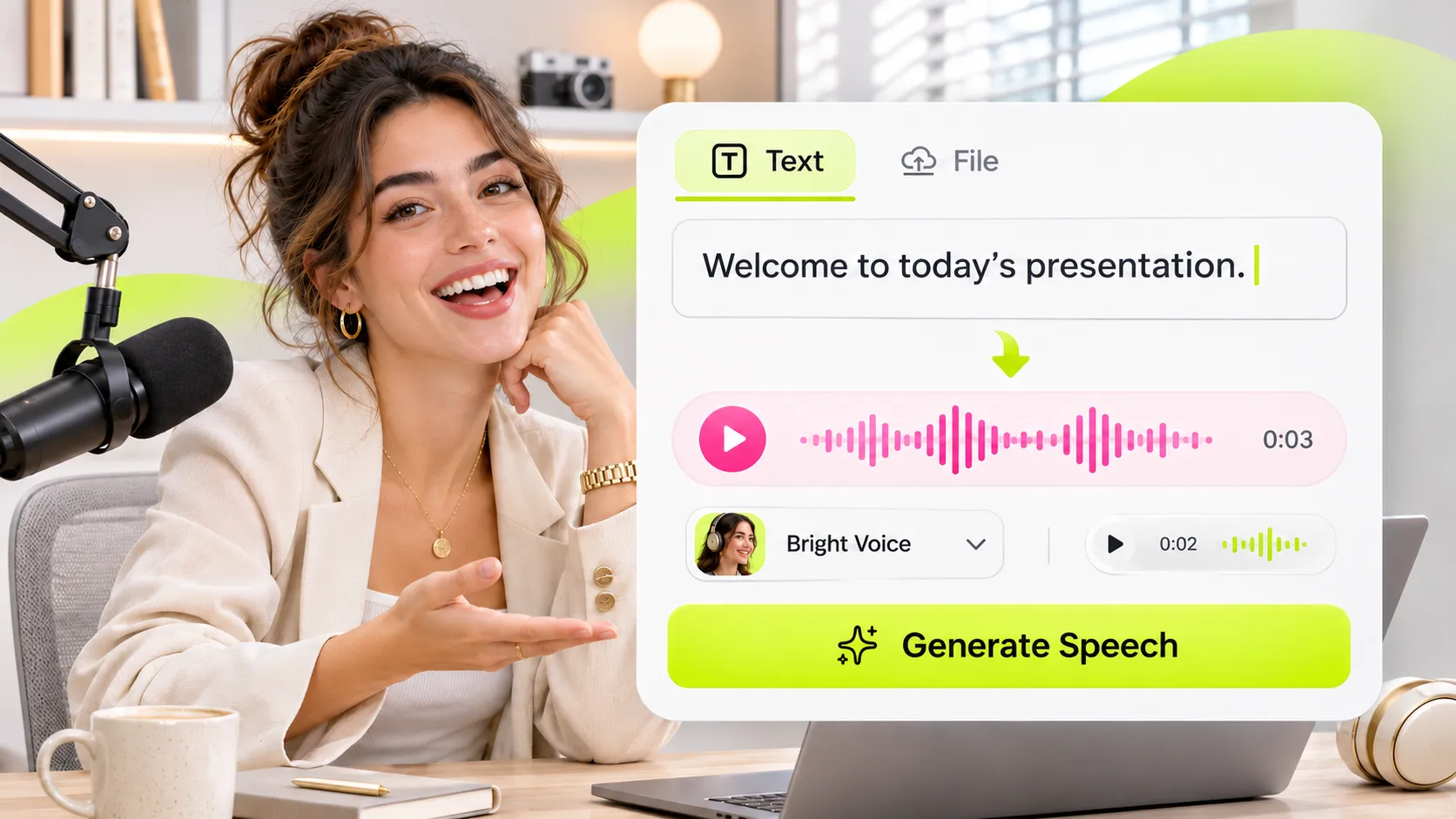
AI音声生成は、書かれたテキストを音声に変換する機能です。自分で録音しなくても音声を作れます。複数のAIの声と話し方のスタイルから、コンテンツに合うものを選べます。チュートリアルからプレゼンまで、ナレーションをより効率的に制作でき、書かれた情報を聴いて理解しやすくなります。
AI音声生成とは

コンテンツに合うAIの声を選ぶ

適切な声は、コンテンツの雰囲気を決める助けになります。落ち着いたプロフェッショナルな声から、明るく表現豊かな声まで、性質の異なる男性・女性のAIの声を試せます。試聴して、伝えたい印象に合う声を選びましょう。
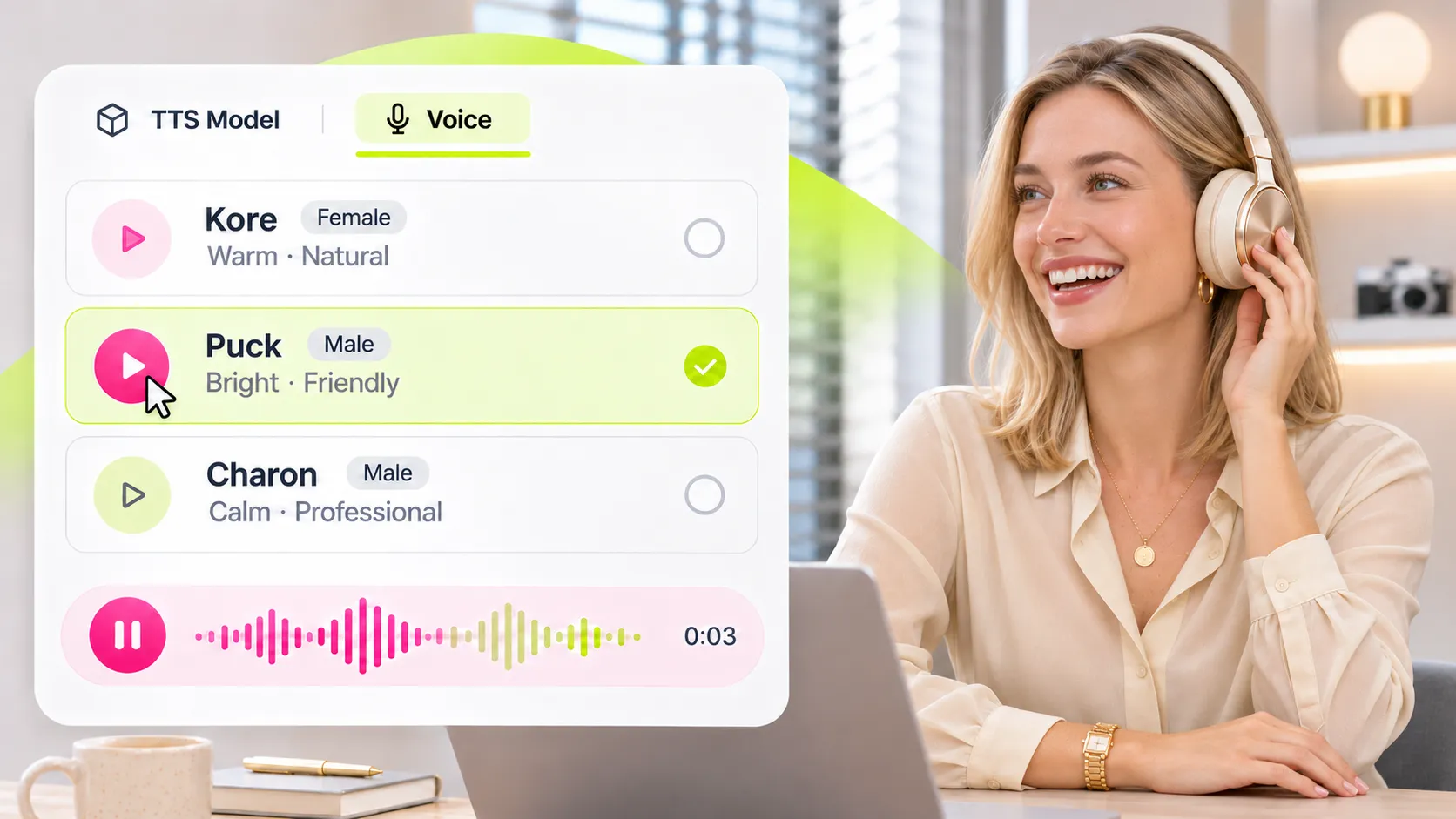
コンテンツに合うAIの声を選ぶ

さまざまな話し方のスタイルでAI音声を生成

物語、お知らせ、プレゼンでは、それぞれ適した話し方が違います。落ち着いた、興奮した、語りかけるといったスタイルを選ぶと、テキストの読み上げ方を調整できます。AIが生成する声は、台本の目的や雰囲気によりよく合います。
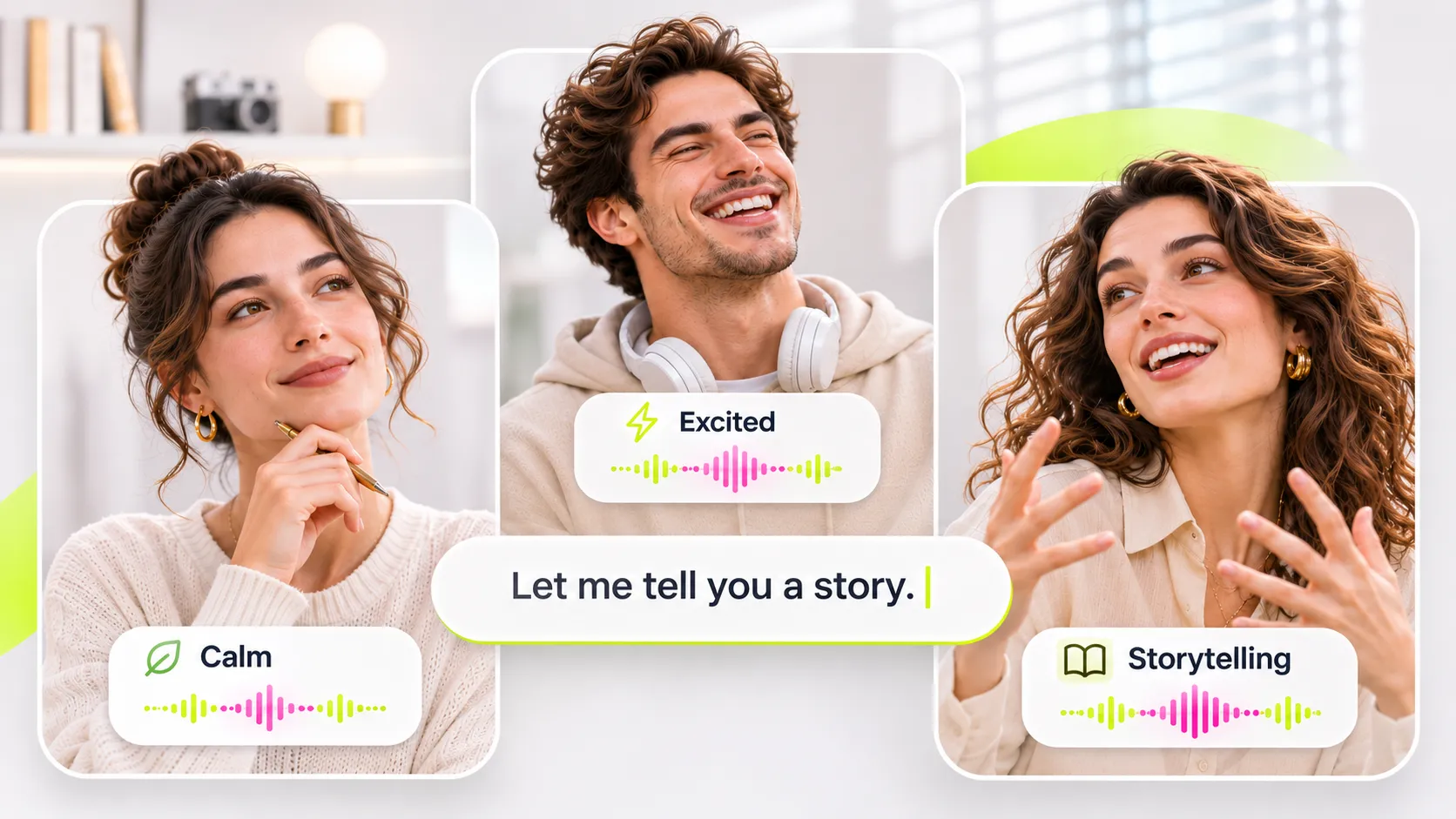
さまざまな話し方のスタイルでAI音声を生成

音声効果で表現力豊かな音声に

間や声の表情があると、話し言葉の内容は追いやすくなります。テキストの適切な位置に短い間、笑い声、ため息などの効果を入れると、AI音声生成ツールがその細部を音声に反映し、コンテンツのリズムと表現を支えます。
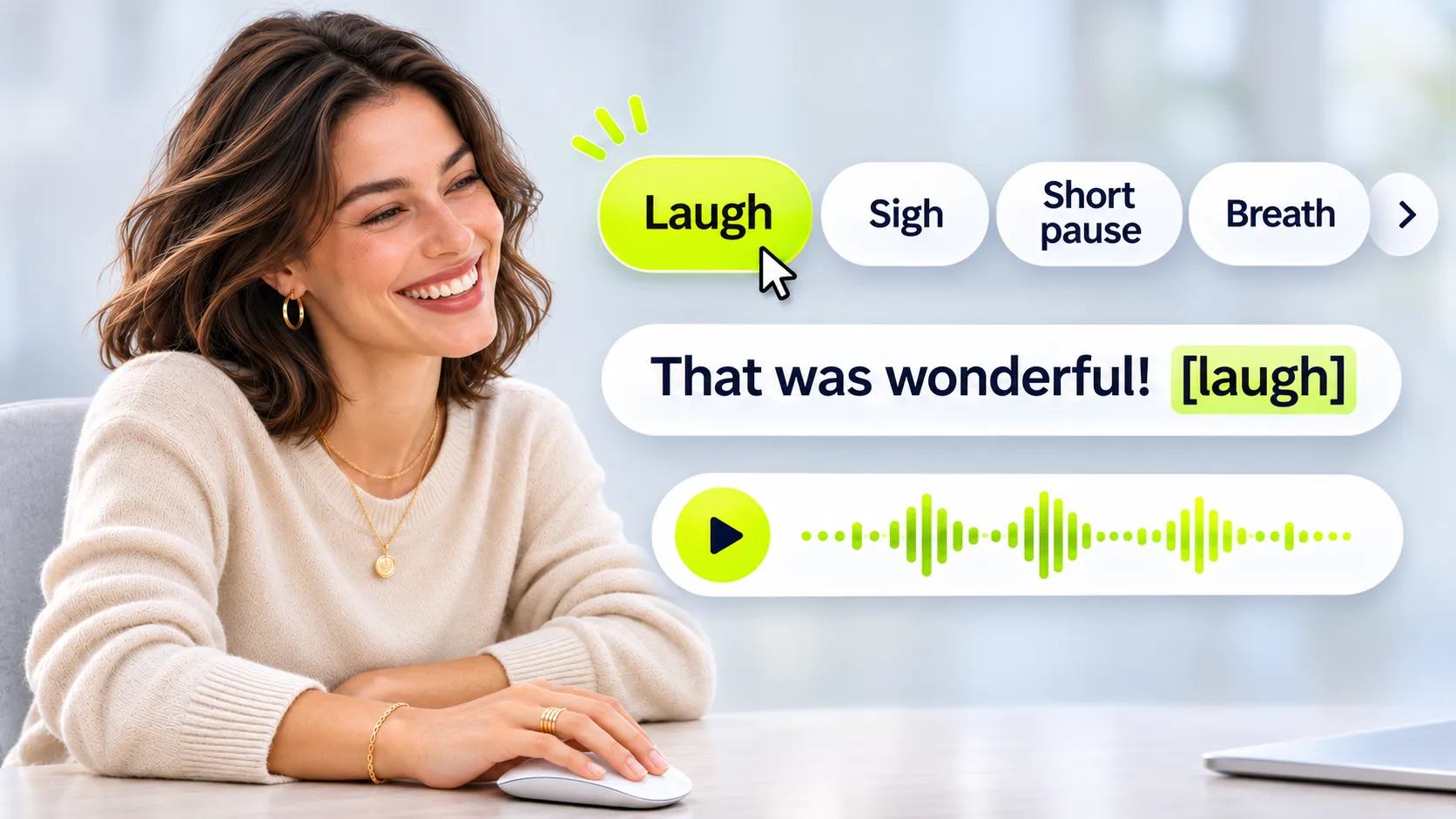
音声効果で表現力豊かな音声に

日常のさまざまな制作に使えるAI音声生成

チュートリアルのナレーションを更新

製品や手順が変わったら、まず音声テキスト変換で既存のナレーションを台本にします。テキストを直してナレーションを再生成すれば、録り直しは不要です。

研修資料を音声にする

文書の手順書や研修ガイドを音声に変換し、入社時や社内学習に使えます。従業員は手順を聴きながら作業でき、復習したいときに音声を再生できます。

AIナレーションで台本を確認

動画の台本をAIナレーションにして、制作前にテンポと長さを確認できます。下書きを聴くと、短くする部分や書き直す部分が見つけやすくなります。

語学練習用の音声を作る

AI音声生成のテキスト読み上げで、例文や短い文章をリスニング教材に変換できます。先生も学習者も、テキストと音声を並べて繰り返し聴き、文脈の中で語彙を復習できます。

AIナレーションをより良くするコツ

  • 話すときのように文を書き、考えの区切りは句読点で示しましょう。
  • 略語や珍しい名前の発音が分かりにくいときは、読み方を書き添えましょう。
  • 話の切り替わりについていけるよう、または要点を噛みしめられるよう、必要な場所に間を入れましょう。
  • 生成した音声を聴き、不自然に聞こえる部分はテキストを直しましょう。

AI音声生成に関するよくある質問

AI音声生成ツールは無料で使えますか?

はい。無料のAI音声生成ツールでテキストを音声に変換し、コンテンツ用の音声を作成できます。

オンラインでAIの声を生成するには?

AI音声生成ツールでオンラインのテキスト読み上げができます。台本を入力し、声を選んで、プロジェクト用の音声を生成してください。

複数のAIの声を選べますか?

はい。男性・女性のAIの声から選べ、試聴して台本に合うものを見つけられます。

どの話し方のスタイルが使えますか?

自然、落ち着いた、興奮した、語りかける、ささやきなどのスタイルから選べます。コンテンツの雰囲気に合うスタイルを選んでください。

AI音声に間や声の表情を加えられますか?

はい。テキストの適切な位置に間、笑い、ため息、呼吸などを加えられます。これらの細部が話し方の印象を形づくります。

AIナレーションから音声をダウンロードできますか?

はい。ナレーションが生成されたらオンラインで再生でき、プロジェクト用に音声をダウンロードできます。

テキスト読み上げツールはさまざまな言語に対応していますか?

はい。テキスト読み上げツールは複数の言語に対応しており、さまざまな言語のテキストから音声を作成できます。

AIの声を作成しましょう

声を選んで、台本を次のプロジェクト用の音声に変えましょう。

AI音声を生成