2speech logo 2Speech AI

AI 語音生成器

用 AI 聲音把文字轉成語音。選擇聲音和朗讀風格,為你的內容產生音訊。

聲音效果 選擇效果,然後點擊要插入的位置
0 / 100000
最近製作的音檔
尚未製作任何音檔。
[Example] A young boy was walking in the mountains with his father. Suddenly, he tripped and shouted, "AAAH!" To his surprise, he heard a voice repeating, "AAAH!" Curious, he yelled, "Who are you?" The voice answered, "Who are you?" Angered, he shouted, "You are a coward!" The voice replied, "You are a coward!" He looked at his father and asked, "What is happening?" The father smiled and said, "Son, pay attention." He then yelled, "I admire you!" The voice answered, "I admire you!" "Life is like an echo," the father explained. "It gives you back everything you say or do. If you want more love in the world, create more love in your heart."
[Example] Deep beneath the silver moonlight, there lived a tiny crab named Pip who believed he was a painter. While others spent their nights hunting, Pip used his claws to draw swirling patterns in the wet sand. One evening, a falling star streaked across the sky and landed softly in a tide pool. It was a golden starfish, glowing dim and cold. Pip didn't hesitate; he began to brush the golden sand around the starfish, creating a shimmering mosaic of warmth. By dawn, the starfish began to glow again. As the tide came in, the golden light spread through the entire ocean. Pip realized then that art wasn't just about making things look beautiful—it was about bringing light back to those who had lost their glow.
[Example] In the heart of an ancient city stood a library where the books didn't have titles—they had heartbeats. When you walked past the shelves, you could hear the faint rustle of wind from a desert story or the cold splash of a sea voyage. Elias, the old librarian, knew every heartbeat by heart. He didn't give people the books they wanted; he gave them the books they needed. One day, a lonely girl entered, seeking a map. Instead, Elias handed her a small, dusty volume that hummed like a warm hearth. As she opened it, the scent of cinnamon and old memories filled the air. She didn't find a map to a place, but she found a way back to herself. In the Library of Whispers, the greatest stories were always the ones that listened back.
[Example] A giant Oak tree stood proudly by a river, its trunk thick and its branches reaching for the clouds. Beside it grew a slender Willow, swaying gently with every breeze. The Oak often mocked the Willow, saying, "You are so frail! Look at me—I stand firm against the fiercest storms." One night, a terrible hurricane swept through the valley. The Oak stood rigid, fighting the wind with all its might, until finally, its roots snapped and it crashed to the ground. The Willow, however, bent low, letting the wind pass over its supple branches. When the sun rose the next morning, the Willow straightened itself, unharmed. "To survive the storm," the Willow whispered to the fallen giant, "one must know when to bow."

如何使用 AI 語音生成器

  1. 加入文字

    加入文字

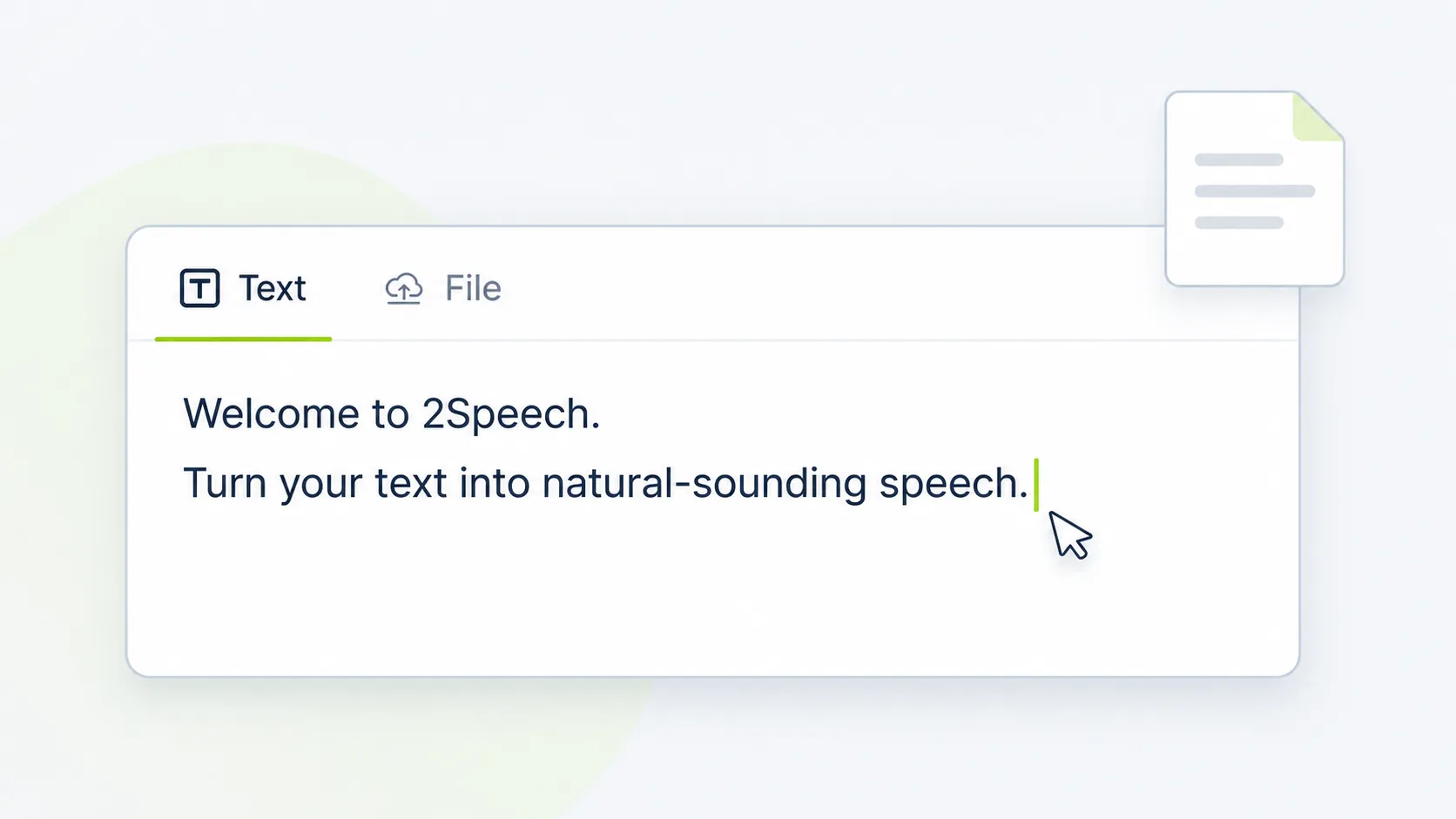
    把腳本輸入或貼到文字方塊,也可以上傳包含待轉換文字的文件。

  2. 選擇 AI 聲音

    選擇 AI 聲音

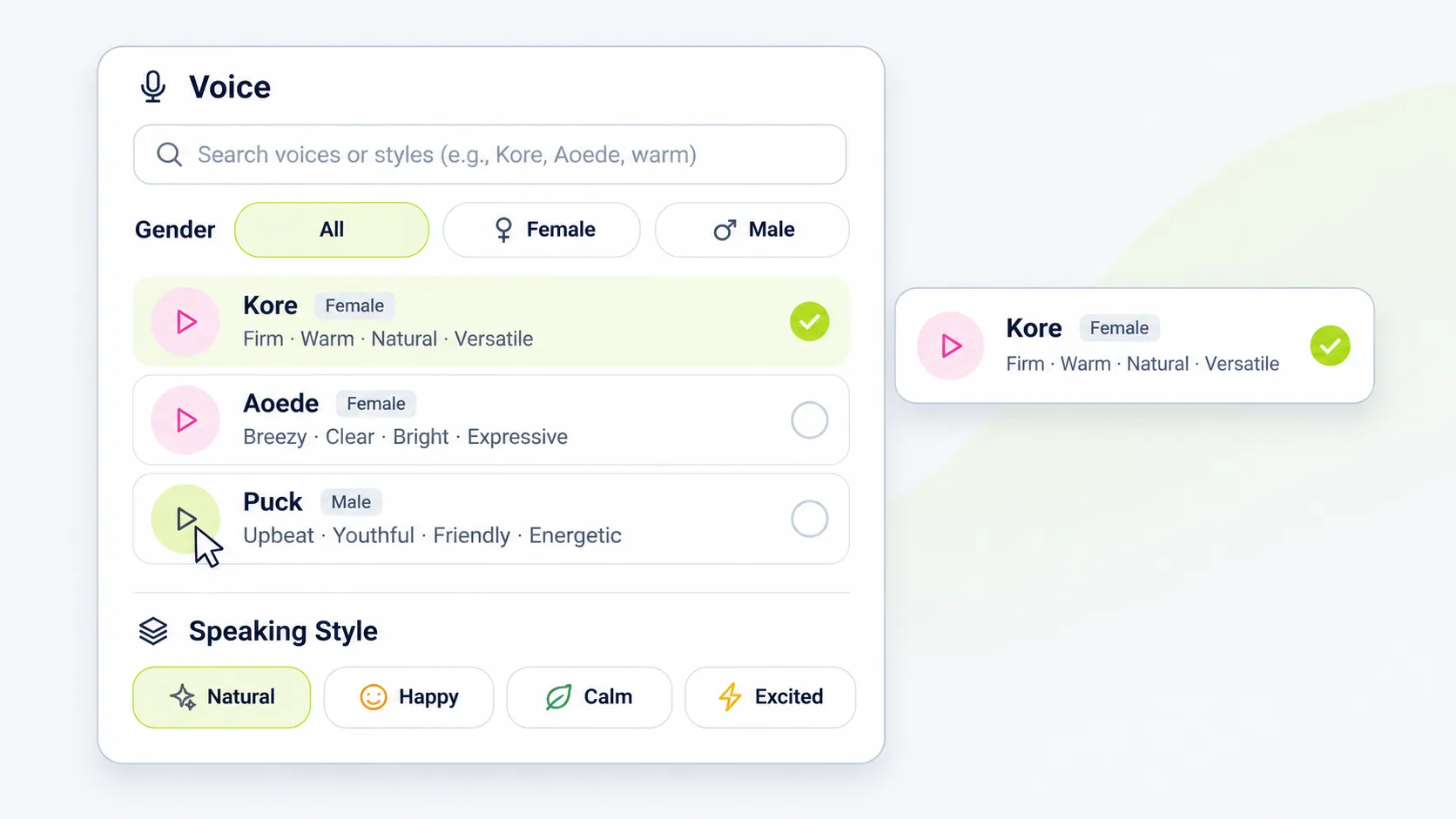
    試聽可用的 AI 聲音,為內容挑選一個。依需求選擇朗讀風格並加入語音效果。
  3. 產生並收聽

    產生並收聽

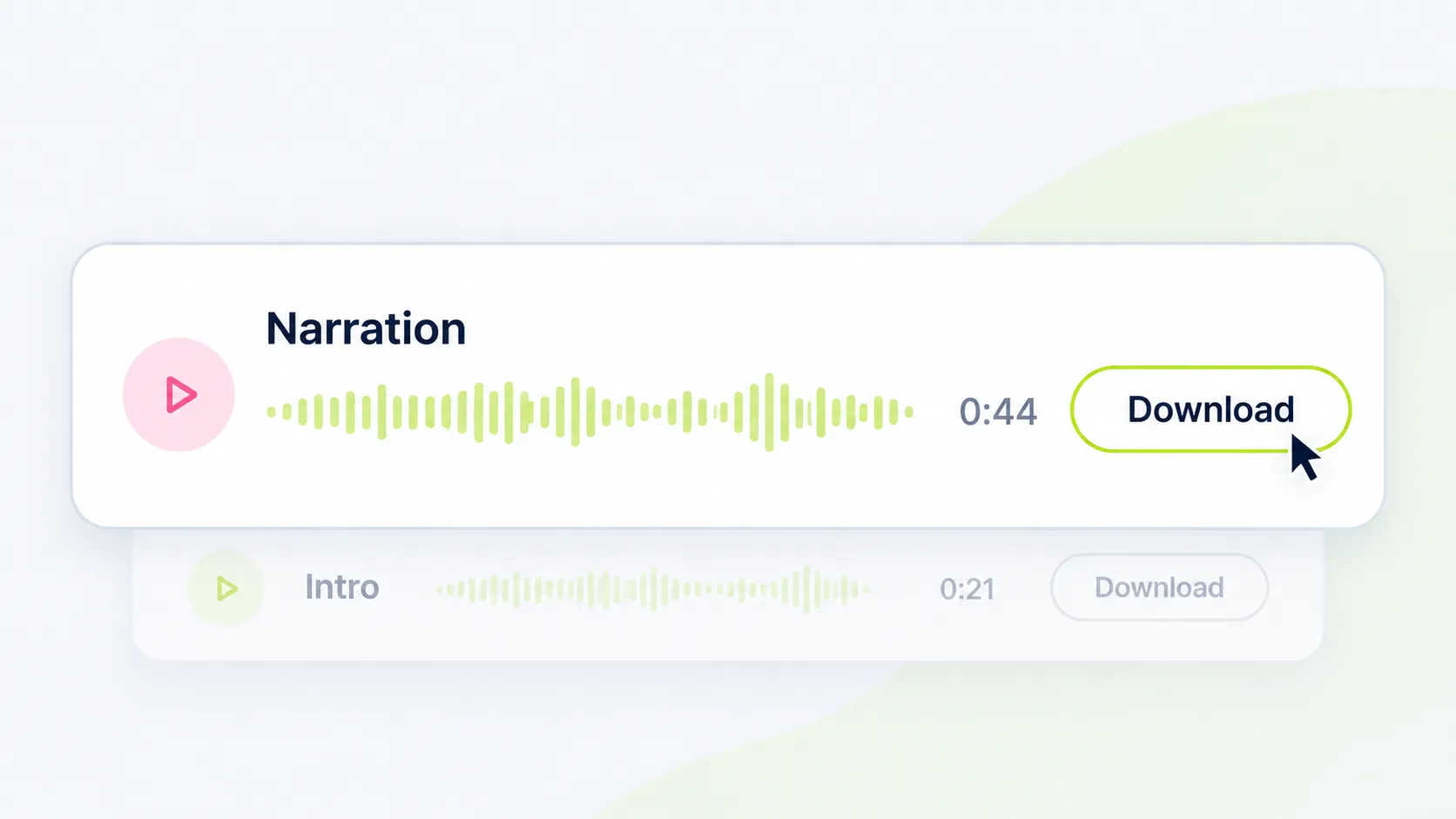
    點擊產生語音,把文字變成音訊。完成後可在線上收聽,或下載到你的專案中。

什麼是 AI 語音生成器?

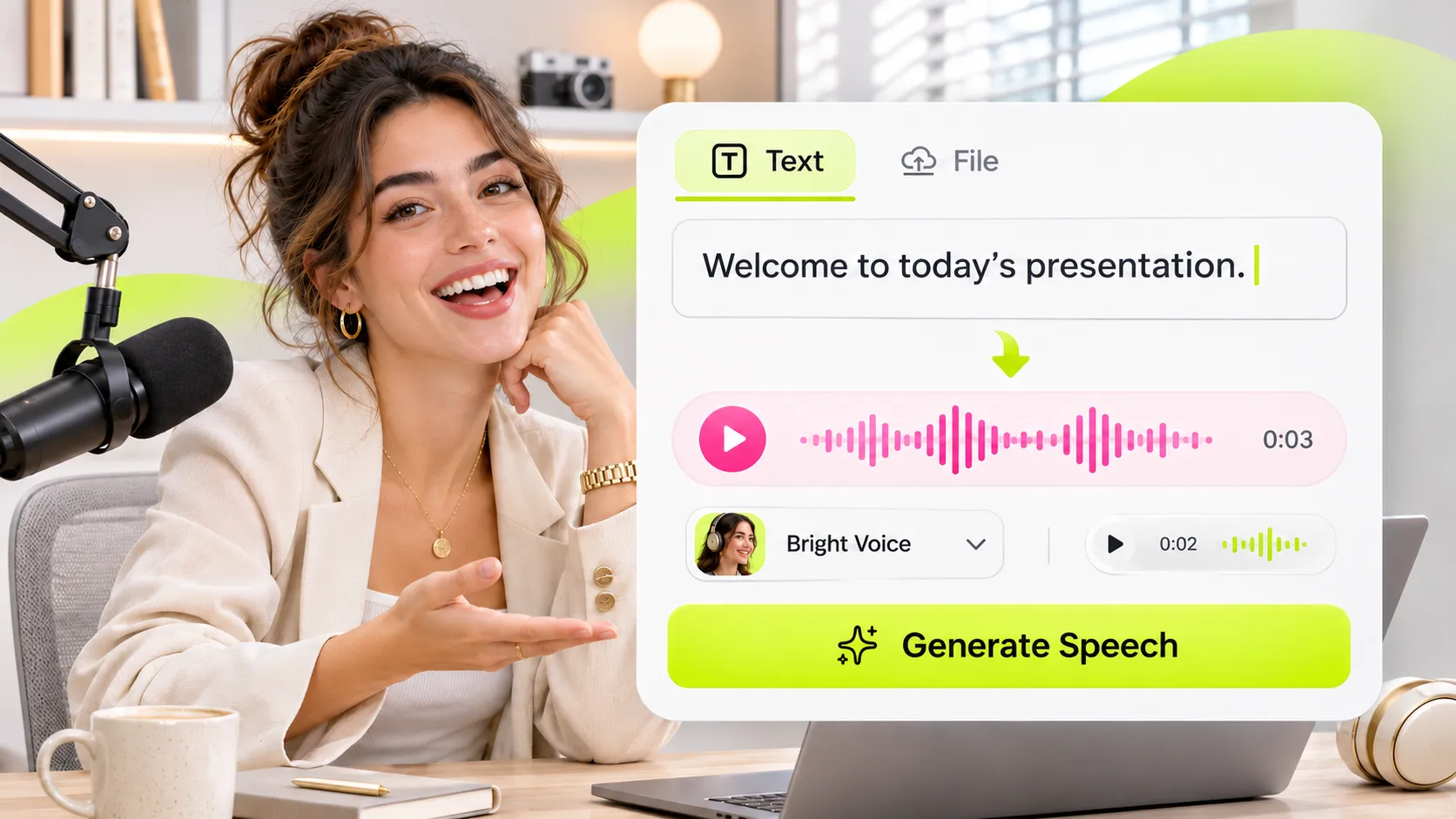
AI 語音生成器會把書面文字轉換成語音,讓你不用自己錄音也能製作音訊。可以從多種 AI 聲音和朗讀風格中挑選,配合內容需要。從教學到簡報,它都能更有效率地產出旁白,讓文字資訊更容易被收聽。
什麼是 AI 語音生成器?

為內容挑選合適的 AI 聲音

適當的聲音能為內容定下基調。這裡有不同質感的男女聲 AI 聲音,從沉穩專業到明亮有表現力,都可以試聽。先試聽,再挑選符合你期望表達方式的聲音。
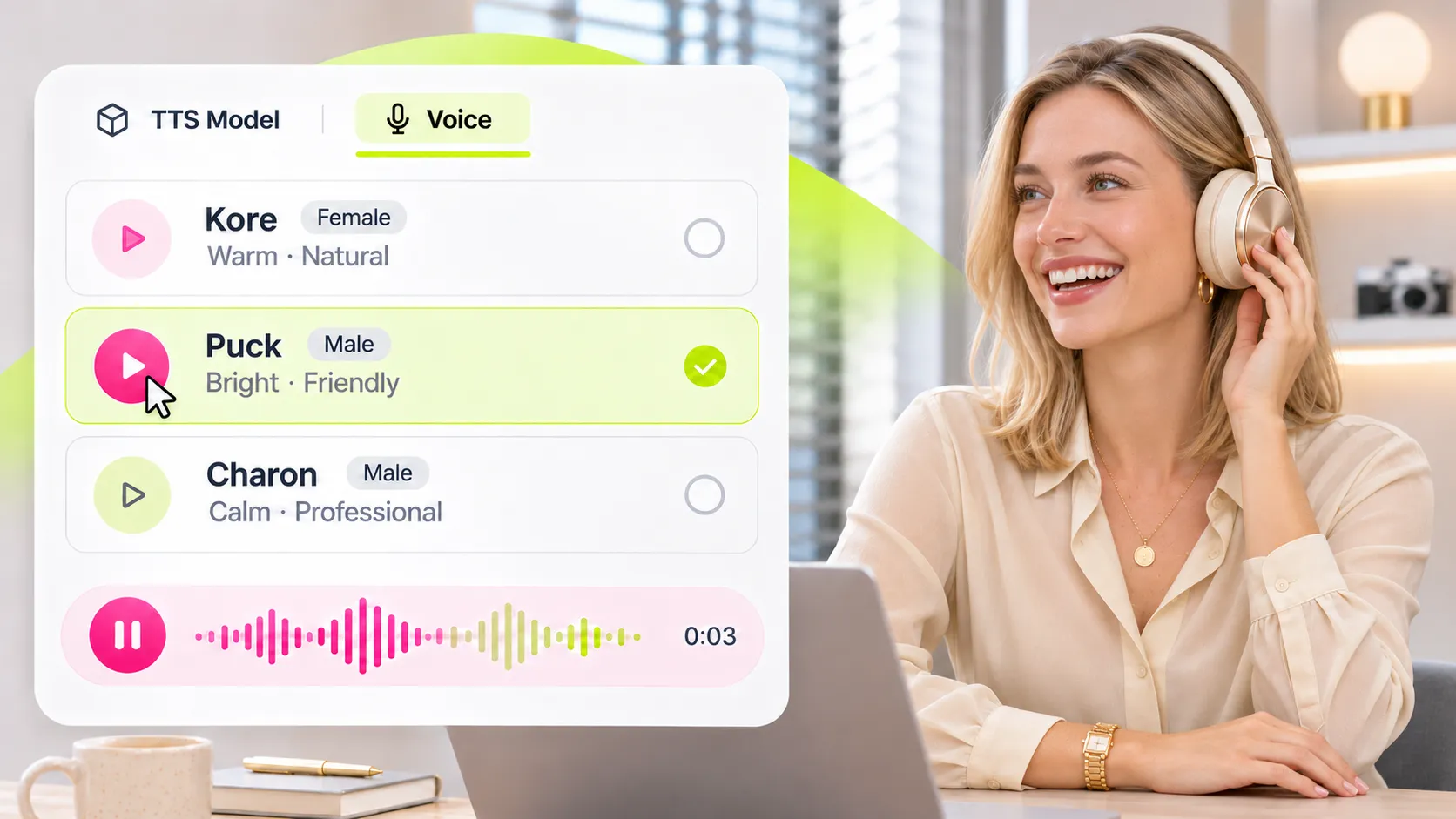
為內容挑選合適的 AI 聲音

用不同朗讀風格產生 AI 語音

故事、公告和簡報所需的表達可能各不相同。可以選擇沉穩、興奮、說故事等朗讀風格,影響文字的讀法。AI 產生的聲音能更貼合腳本的目的和情緒。
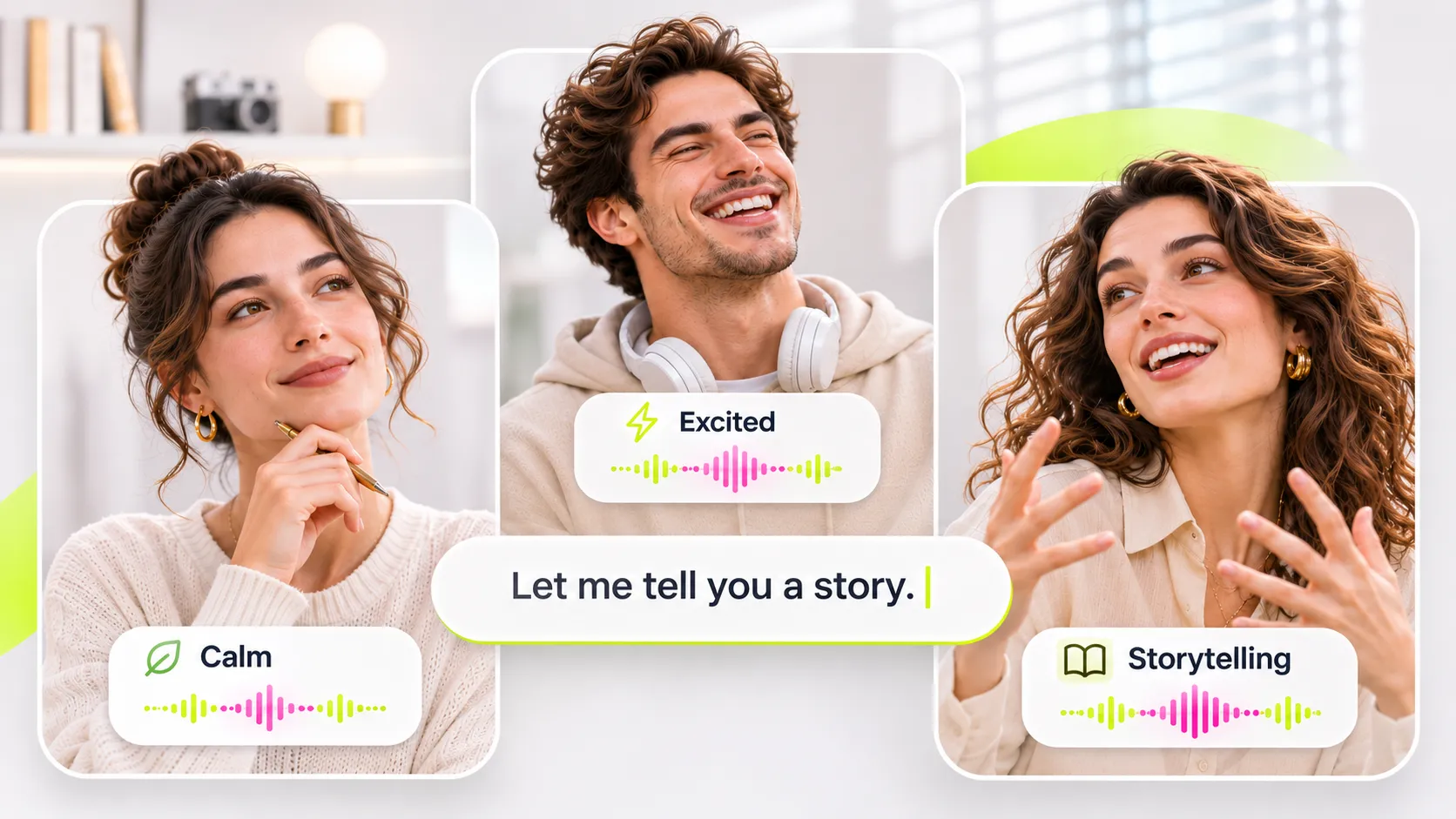
用不同朗讀風格產生 AI 語音

加入語音效果,讓音訊更有表現力

停頓和語氣表達能讓口播內容更容易理解。在合適的位置加入短停頓、笑聲或嘆氣等效果,AI 語音生成器會把這些細節帶進語音裡,支撐內容的節奏與表達。
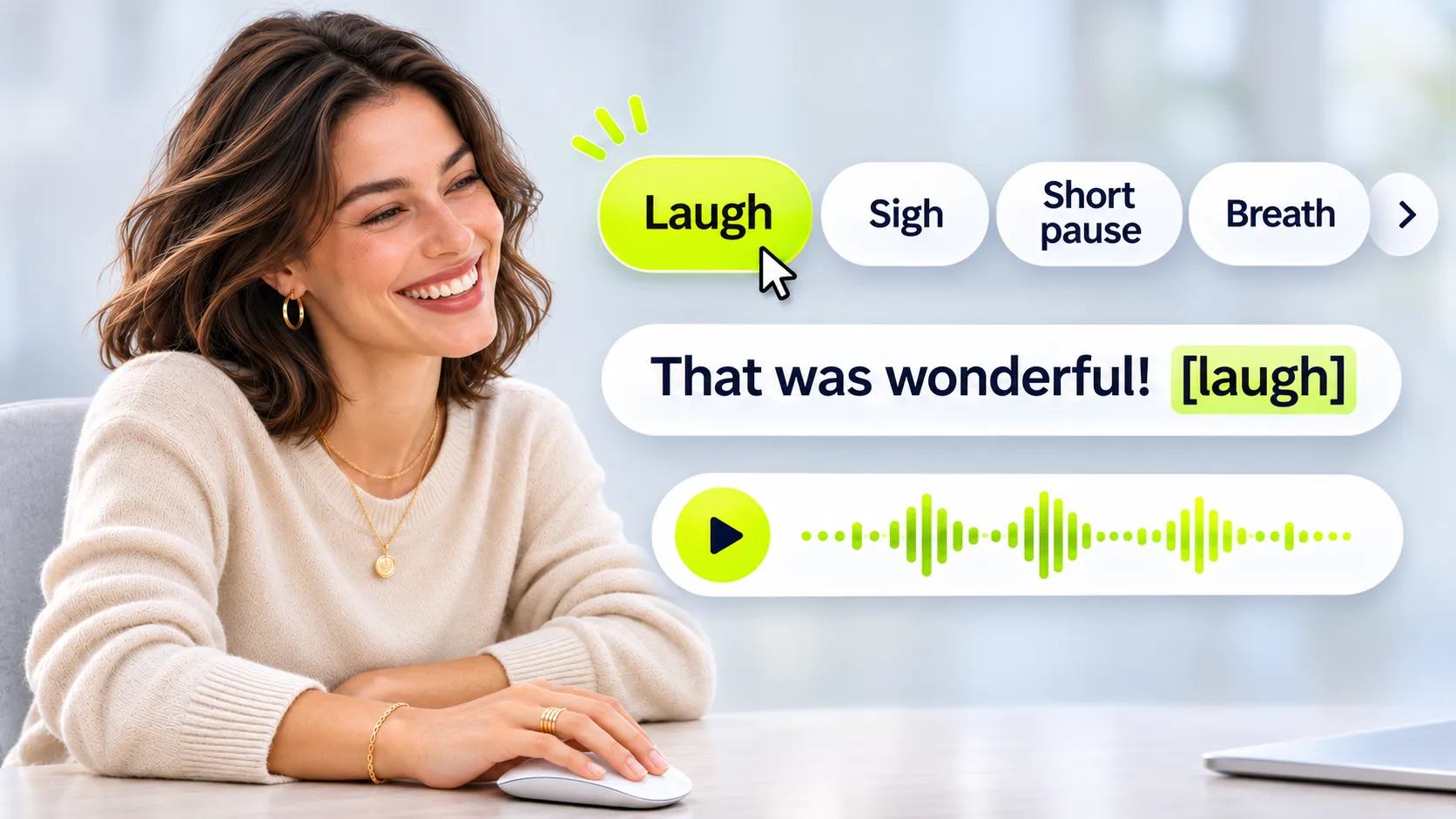
加入語音效果,讓音訊更有表現力

AI 語音生成器適用於各種日常專案

更新教學旁白

產品或流程改變時,先用 語音轉文字 把現有旁白整理成腳本。修改文字後重新產生旁白,不必重新錄音。

把訓練資料變成音訊

把書面說明和訓練指南轉成語音,用於新人訓練和內部學習。員工可以邊聽邊跟著操作,需要複習時隨時重聽。

用 AI 旁白預覽腳本

把影片腳本轉成 AI 旁白,在製作前檢查節奏和長度。聽一遍草稿,更容易找出需要刪減或改寫的段落。

為語言練習製作音訊

借助 文字轉語音 把例句和短文變成聽力材料。老師和學習者可以對照文字反覆收聽,在情境中練聽力、複習詞彙。

做好 AI 旁白的幾個技巧

  • 依口語習慣寫句子,用標點把不同意思分開。
  • 縮寫或不常見的名字讀法不清楚時,請寫出完整形式。
  • 在聽眾需要反應轉折或消化重點的地方加入停頓。
  • 產生後先聽一遍,把聽起來不自然的文字改掉。

AI 語音生成器常見問題

AI 語音生成器可以免費使用嗎?

可以。你可以免費使用 AI 語音生成器把文字轉成語音,為內容製作音訊。

如何在線上產生 AI 語音?

用 AI 語音生成器即可在線上把文字產生語音。輸入腳本、選擇聲音,然後為專案產生音訊。

可以選擇不同的 AI 聲音嗎?

可以。這裡有男女聲 AI 聲音可選,還能試聽,幫你找到適合腳本的一個。

可以用哪些朗讀風格?

可以選擇自然、沉穩、興奮、說故事、耳語等風格。挑一個與內容基調相符的風格。

可以給 AI 語音加停頓或語氣嗎?

可以。在文字合適的位置加入停頓、笑聲、嘆氣、呼吸等效果,這些細節能影響語音的表現。

可以從 AI 旁白生成器下載音訊嗎?

可以。旁白產生後可以在線上收聽,也可以下載音訊用於你的專案。

文字轉語音生成器支援不同語言嗎?

支援。文字轉語音生成器支援多種語言,可以用不同語言的文字產生語音。

產生你的 AI 語音

挑選一個聲音,把腳本變成下一個專案可用的音訊。

產生 AI 語音