
AI Lecture Note Taker Online
Turn lecture recordings into study notes with an AI lecture note taker. Upload audio, let AI transcribe and organize it, then review, copy, or download notes.


Upload or drag a video or audio here.
Max 30 minutes or 500MB per file.
Supported file formats: mp3, mp4, mpeg, mpga, m4a, wav, webm, mov
Learn Case Interviews In Under 30 minutes
In History Class Demo
Youtuber video generated by lip syncing
Anime generated by lip syncing
Trusted by Millions of Creators & Brands
Free AI Note Taker for Lecture Recordings
The free AI note taker helps students, educators, and online learners turn lecture recordings into readable study notes, summaries, topic outlines, and key concepts. Instead of replaying a full class recording just to find one explanation, you can scan organized lecture notes and focus on the parts that matter most.
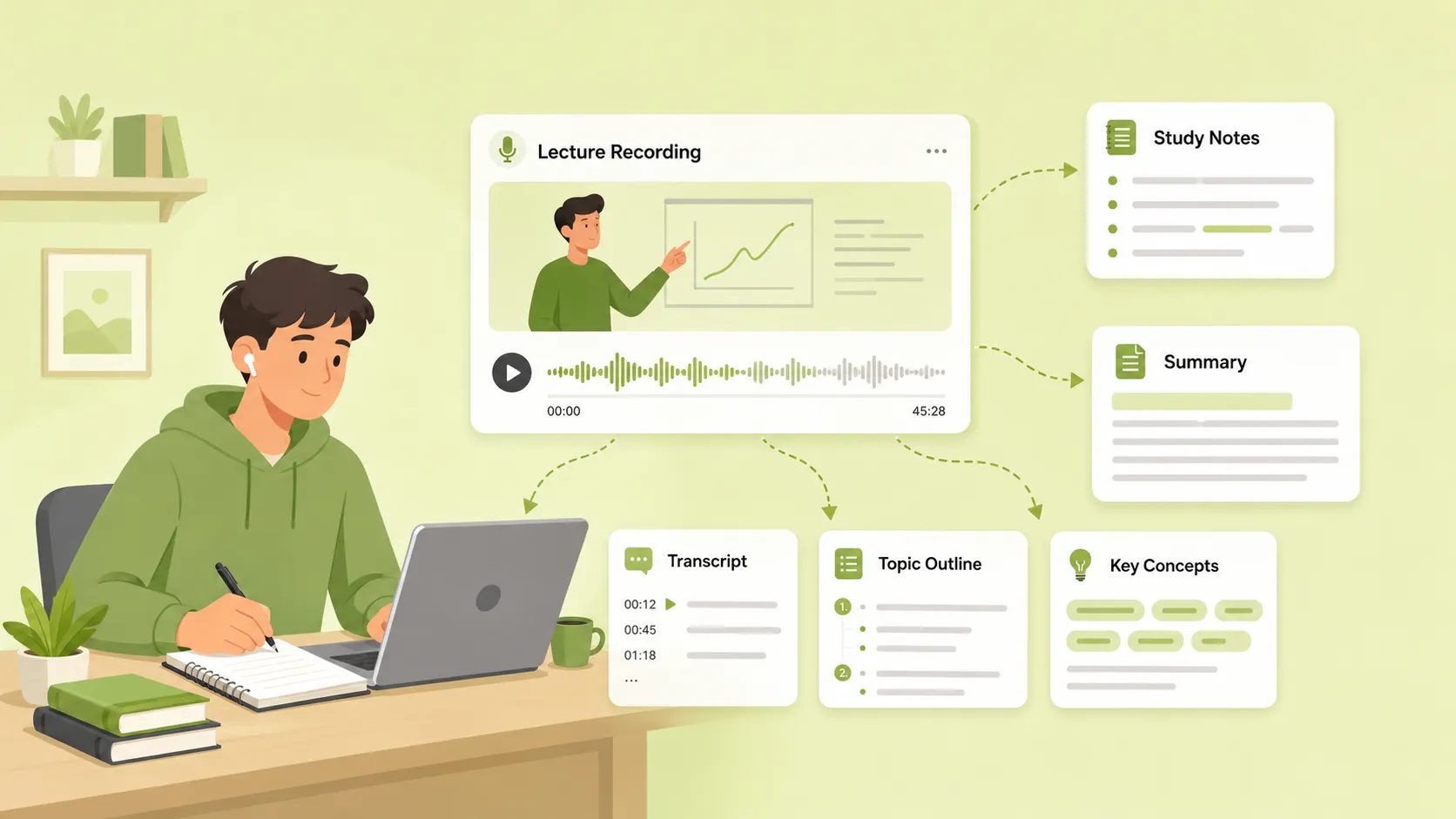
Turn Lectures Into Notes Without Replaying Everything
Lectures often move quickly, and important definitions, examples, and explanations may appear in different parts of the recording. AI lecture notes help turn the full lesson into readable text and organized sections, making it easier to find what you need after class.
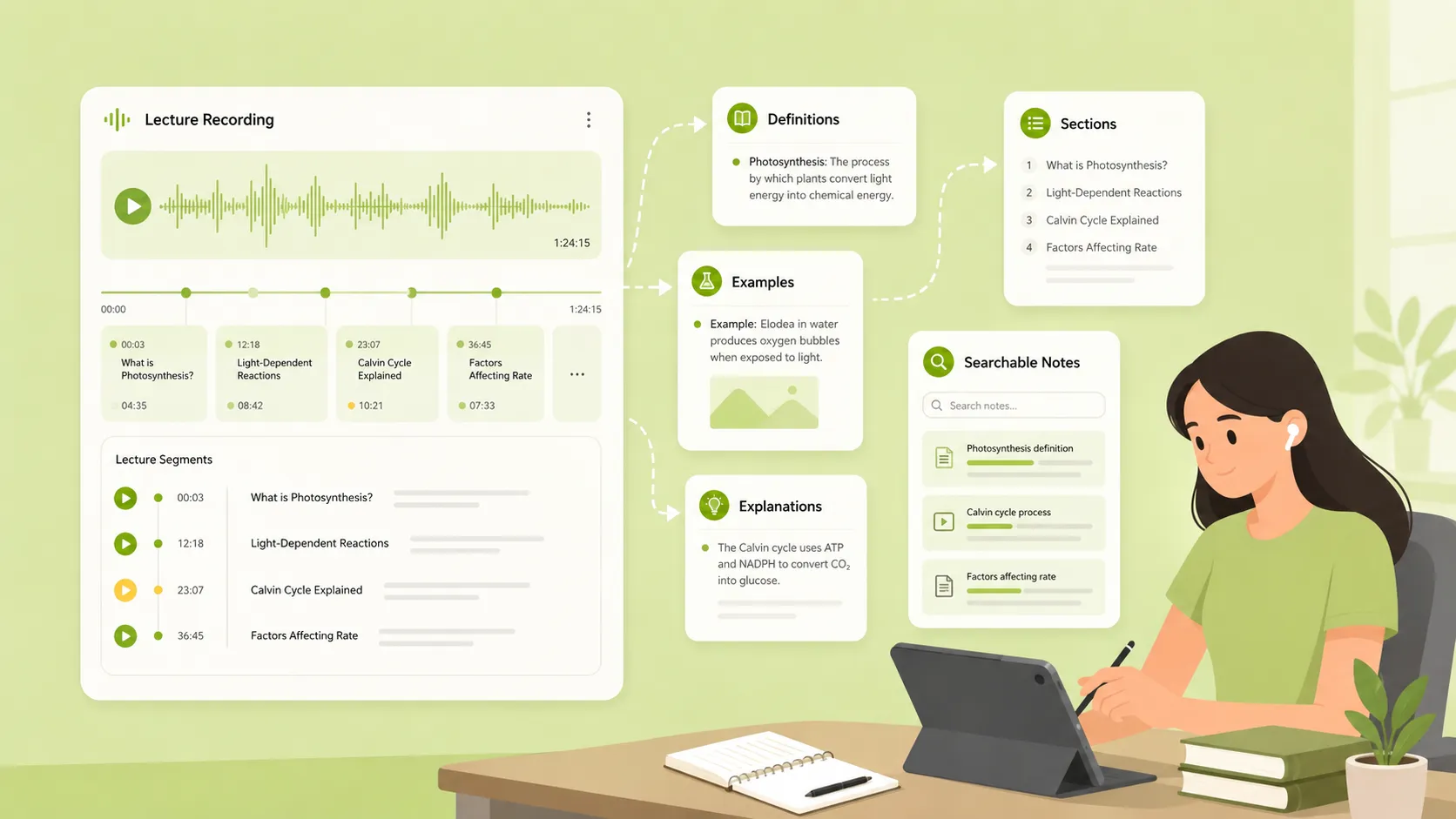
Give Every Lecture More Study Value
A lecture recording is useful, but it is not always easy to review. An AI lecture note taker helps transform audio into summaries, topic outlines, key concepts, and review-ready notes, so the same recording can be used for studying, assignments, research review, or knowledge organization.
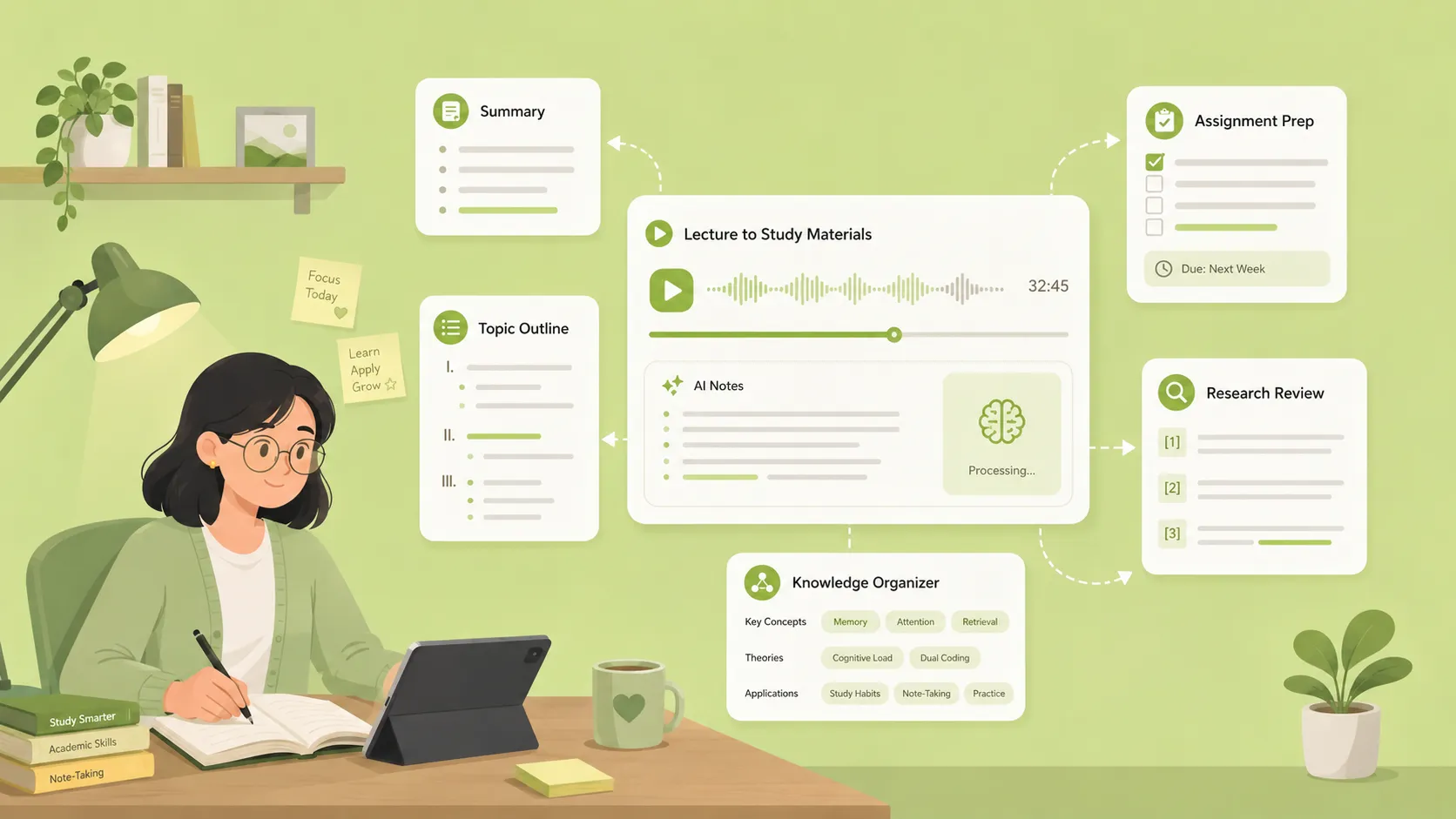
Key Features of Our AI Lecture Note Taker
Lecture Audio Transcription
Upload a lecture recording to transcribe lecture audio into text. The transcript keeps the original class content available for review, search, and detail checking after the lecture.
Structured Lecture Summaries
Long lectures often include repeated explanations, side comments, and topic changes. The AI lecture note taker condenses the lesson into a clear summary, helping you understand the main ideas without reading the full transcript from start to finish.
Key Concept Extraction
Important terms, definitions, theories, and examples can be hard to catch during class. The tool helps identify key concepts from the lecture and presents them in a more organized way for review.
Topic Outlines for Easier Review
A clear outline helps you understand how a lecture is structured. AI lecture notes can separate the content into topics and subtopics, making long lessons easier to scan, compare, and revisit.
How to Use the AI Lecture Note Taker
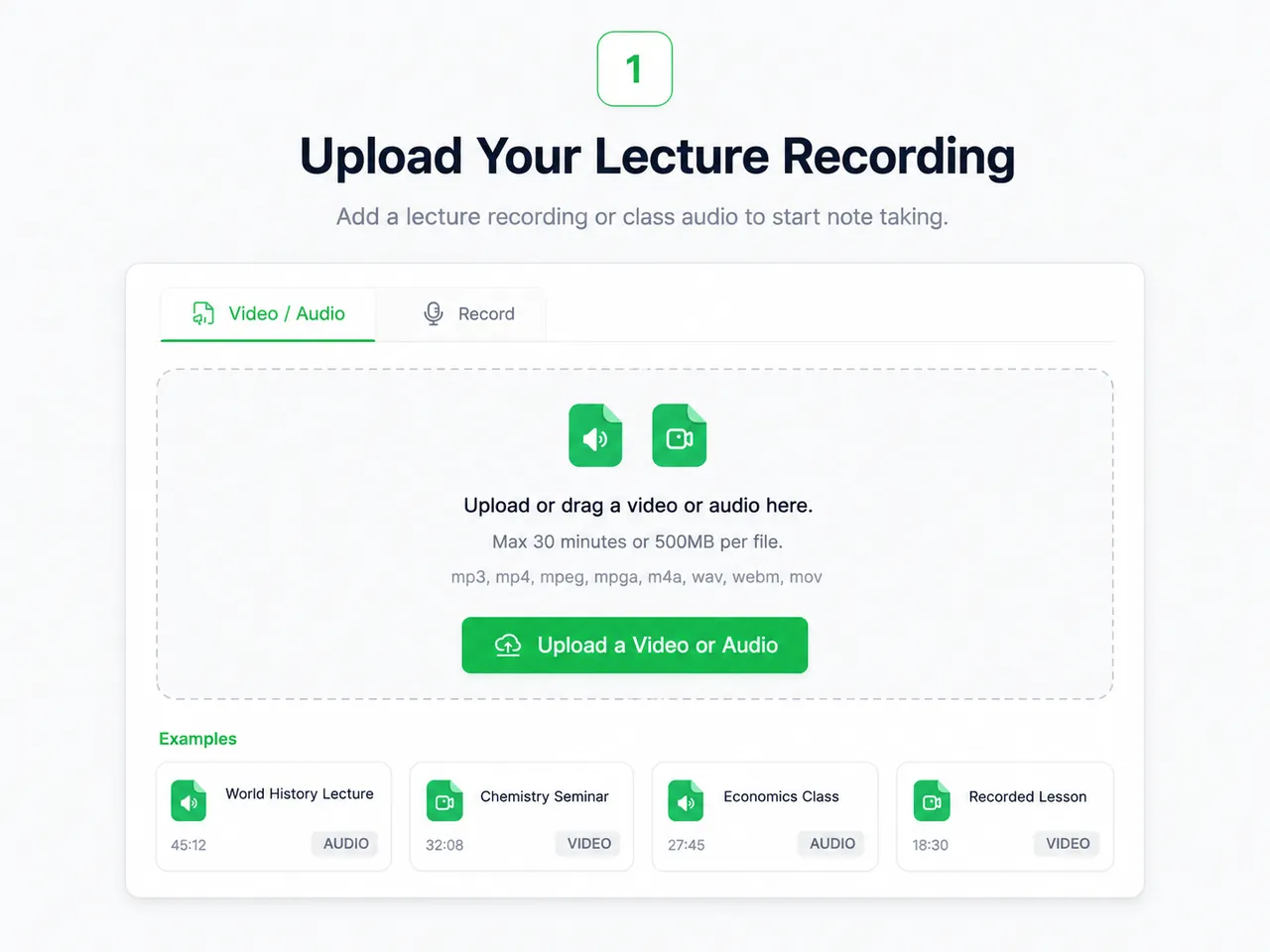
Step 1: Upload Your Lecture Recording
Choose a lecture recording, class audio, seminar recording, or online course audio from your device. The tool supports common audio formats such as MP3, WAV, M4A, AAC, and FLAC.
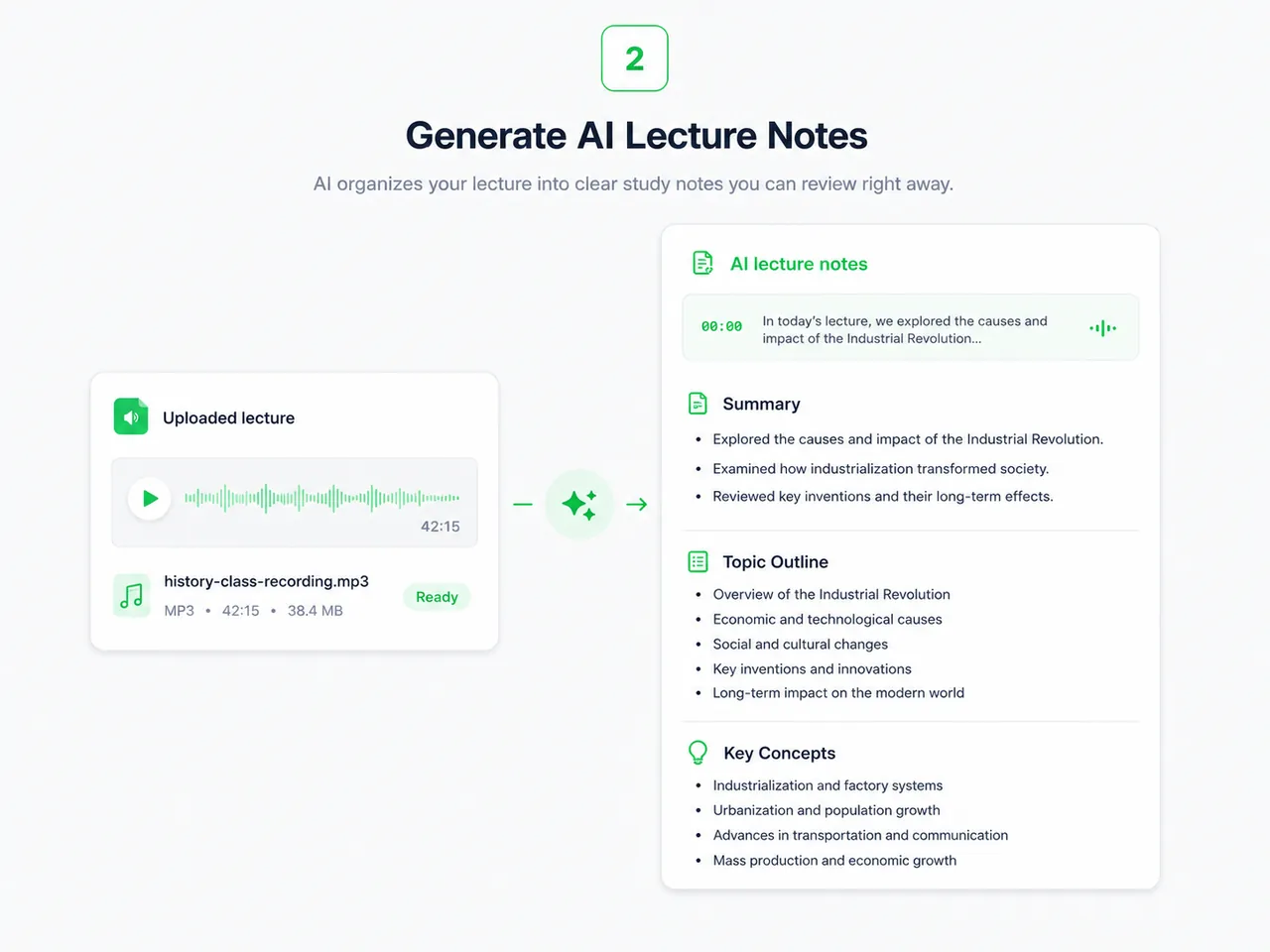
Step 2: Generate AI Lecture Notes
AI analyzes the spoken content, transcribes the lecture, and organizes the material into clearer sections such as transcript, summary, topic outline, key concepts, and review-ready notes.
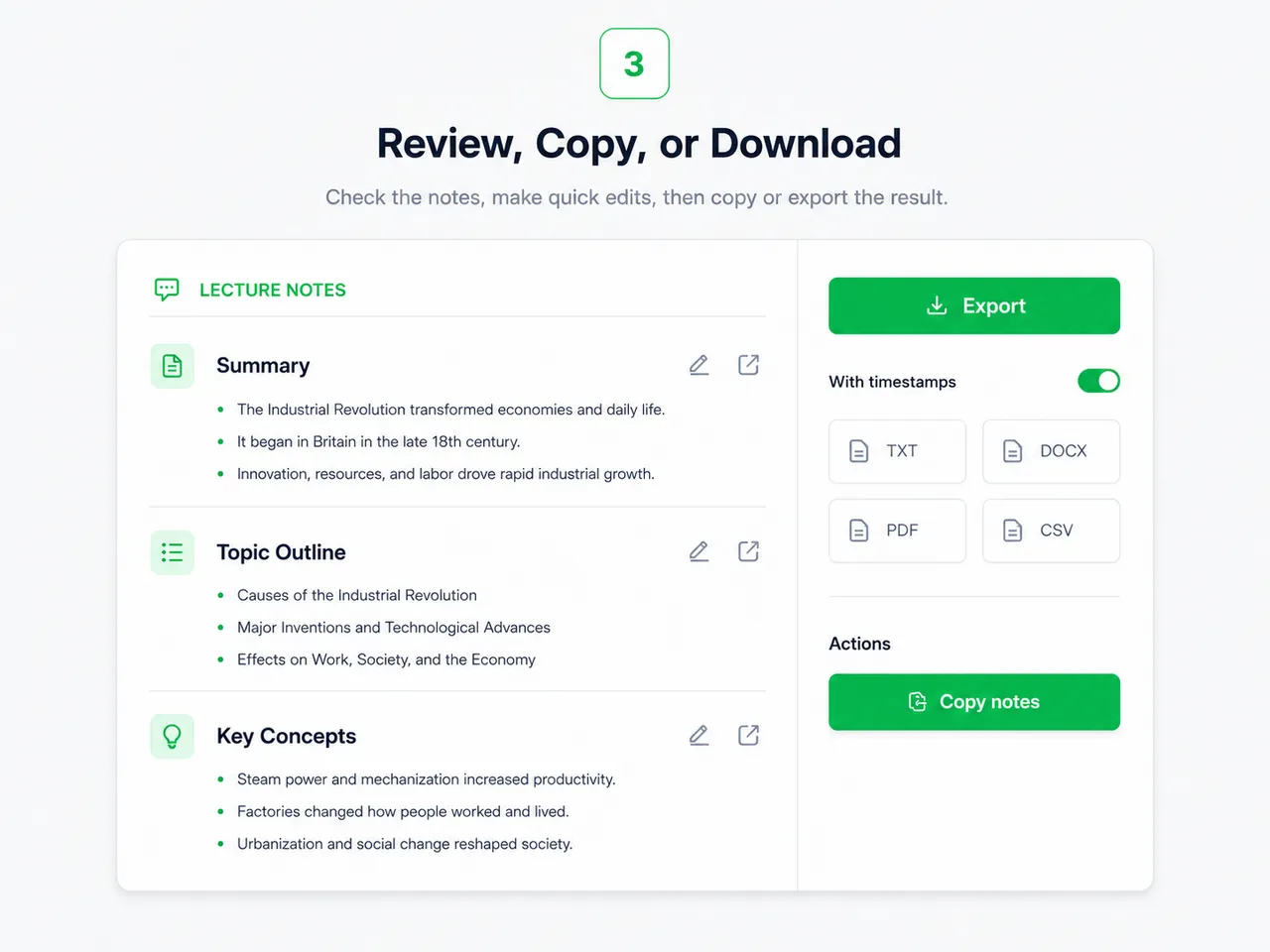
Step 3: Review, Copy, or Download
When the lecture notes are ready, you can review the result, make quick edits, copy useful sections, or download the notes for later study, class review, assignments, or exam preparation.
Why Students Need AI Lecture Notes
Keep Up With Fast Lectures
It is difficult to listen, understand new ideas, watch slides, and write complete notes at the same time. A note-taking AI for students can reduce manual note-taking pressure, so learners can focus more on understanding the lecture while still keeping a reliable written record.
Review Key Concepts Faster
Lecture recordings are hard to scan, but structured notes are easier to review. With study notes AI, students can quickly find definitions, examples, theories, topic summaries, and important explanations without replaying the full audio.
Organize Course Materials Before Exams
Before exams, students often need to review multiple lectures at once. An AI lecture note taker free workflow helps turn recordings into organized study materials, making it easier to compare topics, revisit difficult sections, and build a clearer review plan.
Popular Use Cases for AI Lecture Notes

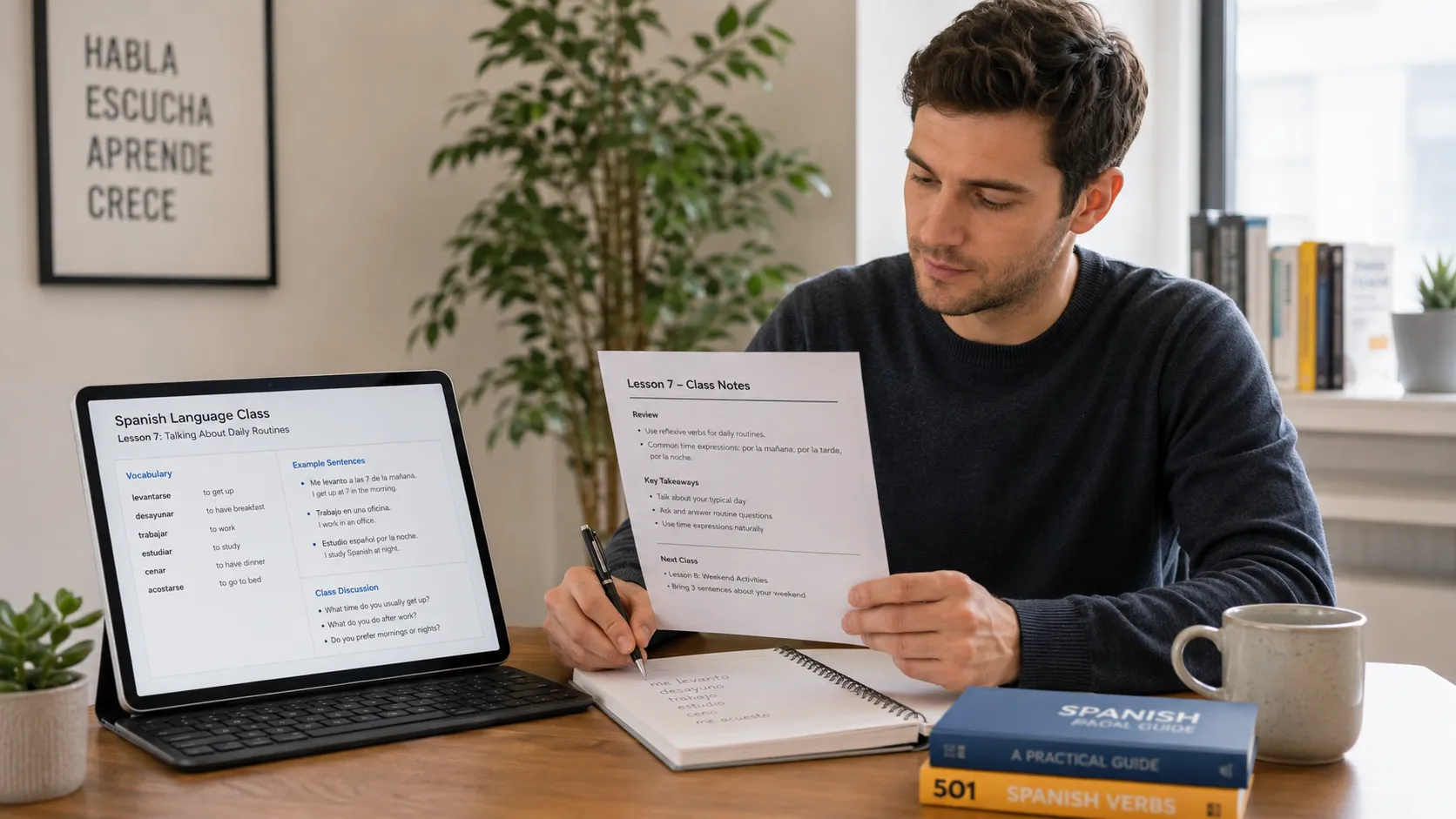
Who Is This AI Lecture Note Taker For?
Students
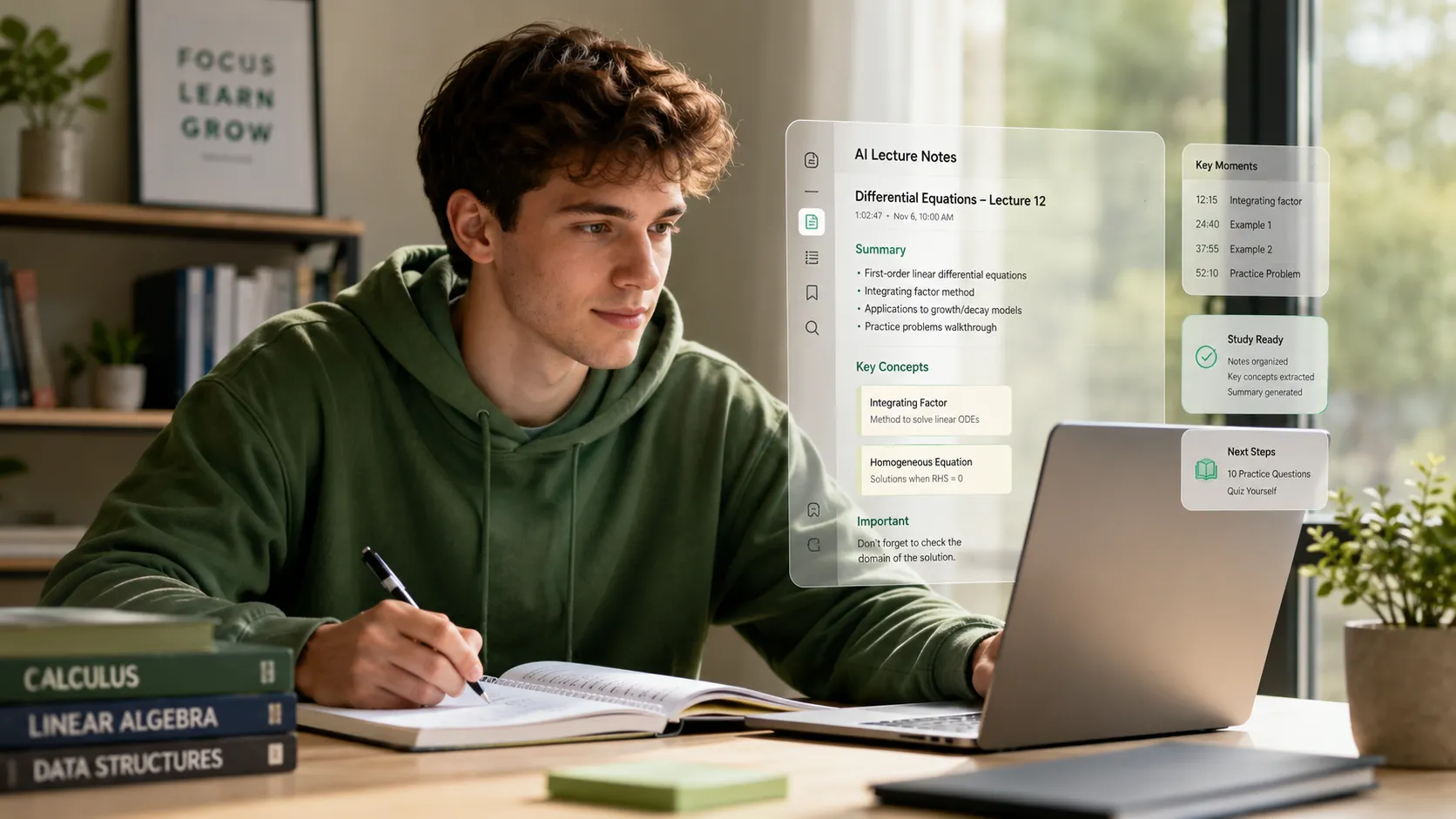
Students can use AI lecture notes to organize class recordings, review important concepts, and prepare for exams more efficiently. Instead of replaying the whole lecture, they can read structured notes and focus on the parts that need more attention.
Educators
Teachers and instructors can turn recorded lessons into readable notes for students. This makes it easier to provide class summaries, review materials, and follow-up resources after a lecture.
Training Teams
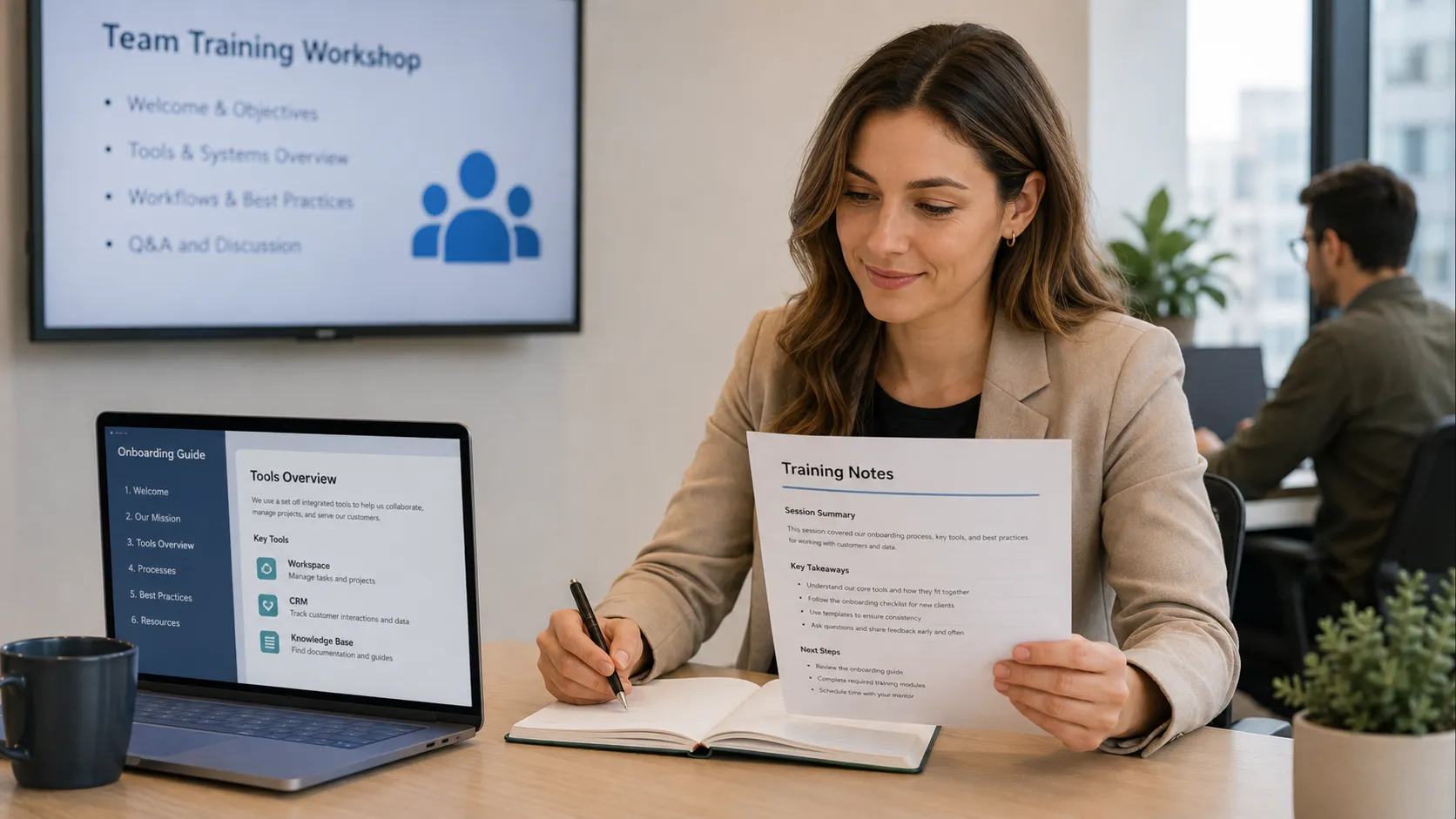
Teams that record internal training sessions can turn those recordings into notes and learning materials. This helps new members review training content without watching or listening to the full session again.
What Users Say About AI Lecture Notes
" I used to replay full lecture recordings before exams, which took too much time. Now I can review the summary, key concepts, and topic outline first, then go back to the audio only when I need more detail. "

Olivia Bennett
College Student
" I use it after online classes to turn course recordings into study notes. It helps me organize each lesson faster and makes it easier to compare topics across different modules. "

Ethan Carter
Online Learner
" For seminars and research discussions, the transcript gives me a useful written record. I can quickly find explanations, references, and important ideas without going through the entire recording again. "

Maya Collins
Graduate Researcher