
Video to Text Converter: Quickly Transcribe Videos Online
Convert video to text online. Upload videos in common formats and get clear transcripts you can view, copy, or download. Fast, easy, and free to try.

Upload or drag a video file here.
Max 30 minutes or 500MB per file.
Supported file formats: mp4, webm, mov, avi, mkv
Youtuber video generated by lip syncing
Anime generated by lip syncing
Talking photo AI demo
Promotion video generated by AI
Trusted by Millions of Creators & Brands
Video to Text Converter for Real Workflows
A video to text converter turns spoken content into text you can actually use. Instead of replaying a video just to catch one line, you can read the transcript, copy useful details, organize notes, and keep the content for later. It is a practical way to make meetings, lessons, interviews, tutorials, and recorded videos easier to handle.
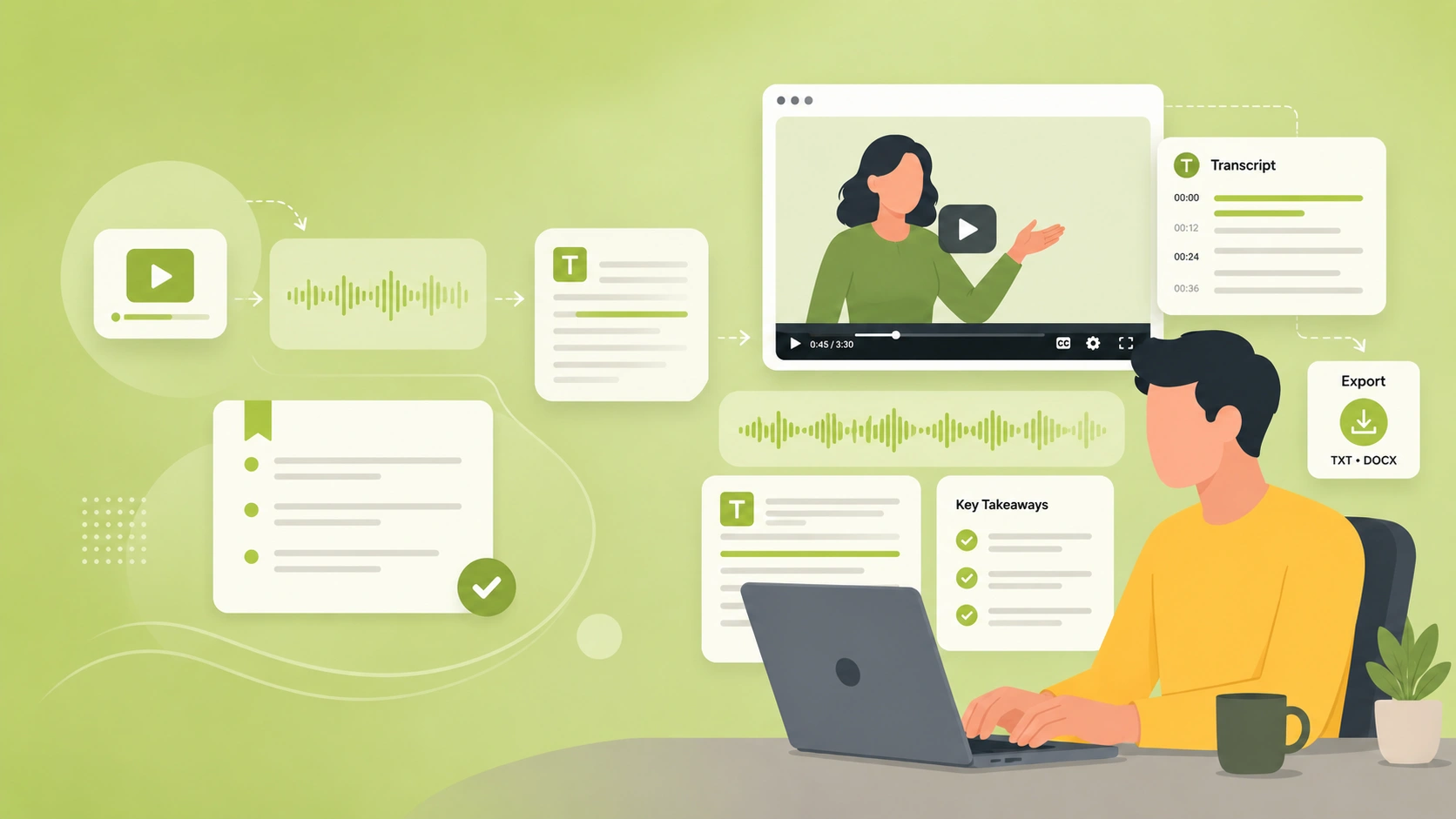
Transcribe Video to Text Without Rewatching
When you transcribe video to text, the important parts are easier to catch. Long videos often contain useful details, but they can be hard to find by watching from start to finish. A text version lets you scan the content faster, pull out key points, and turn spoken information into something easier to review.
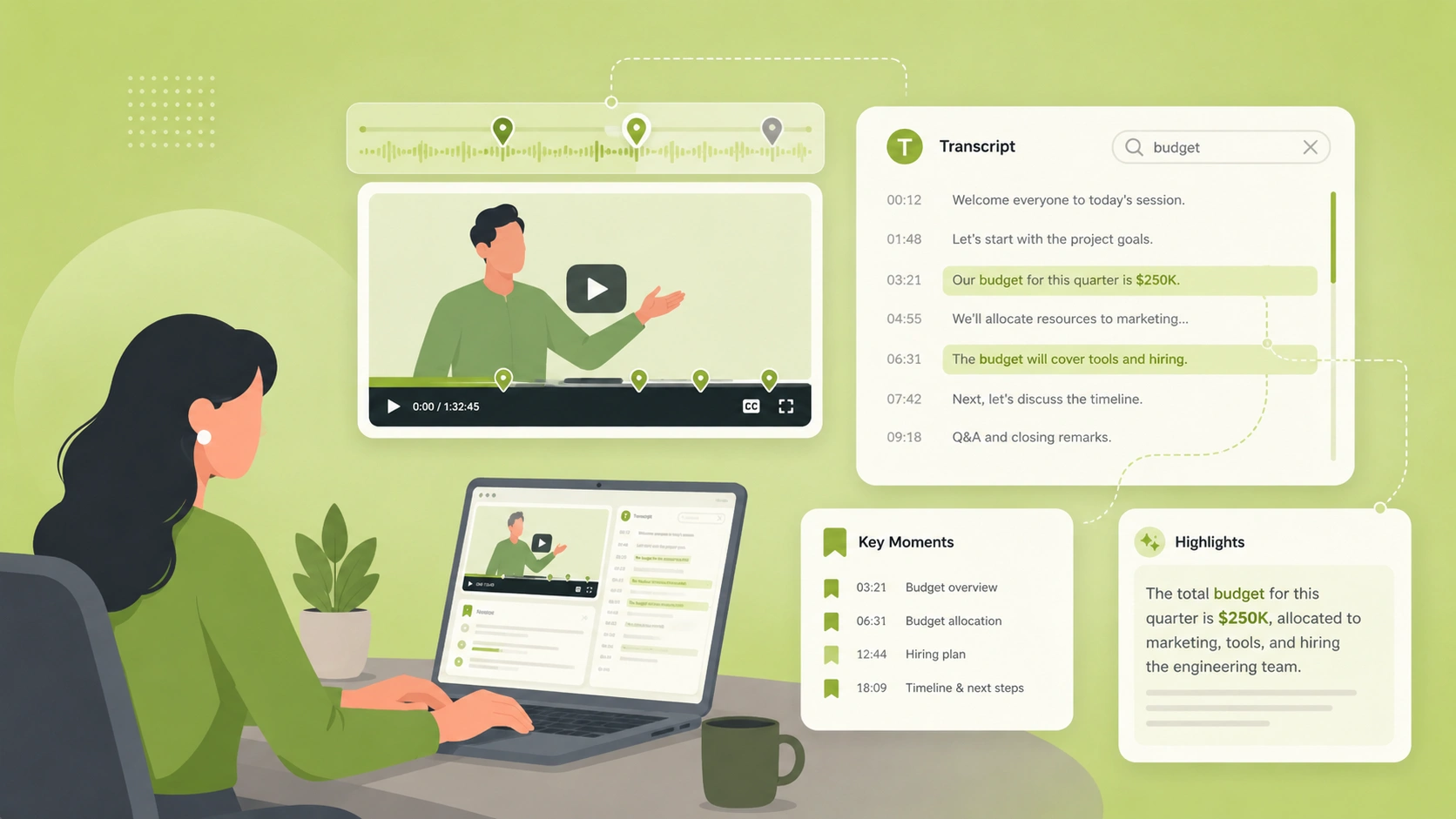
Give Video Content More Ways to Be Used
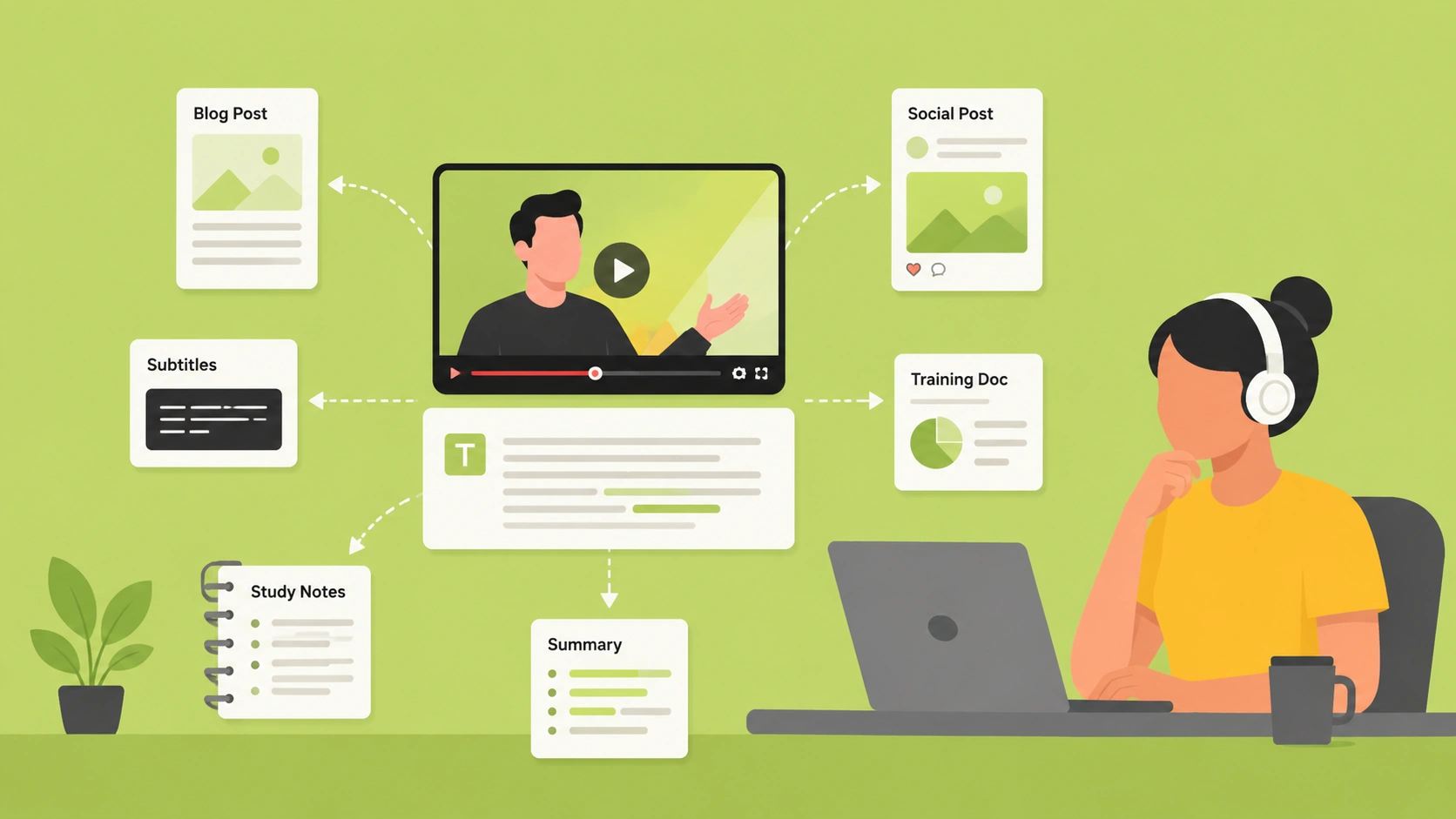
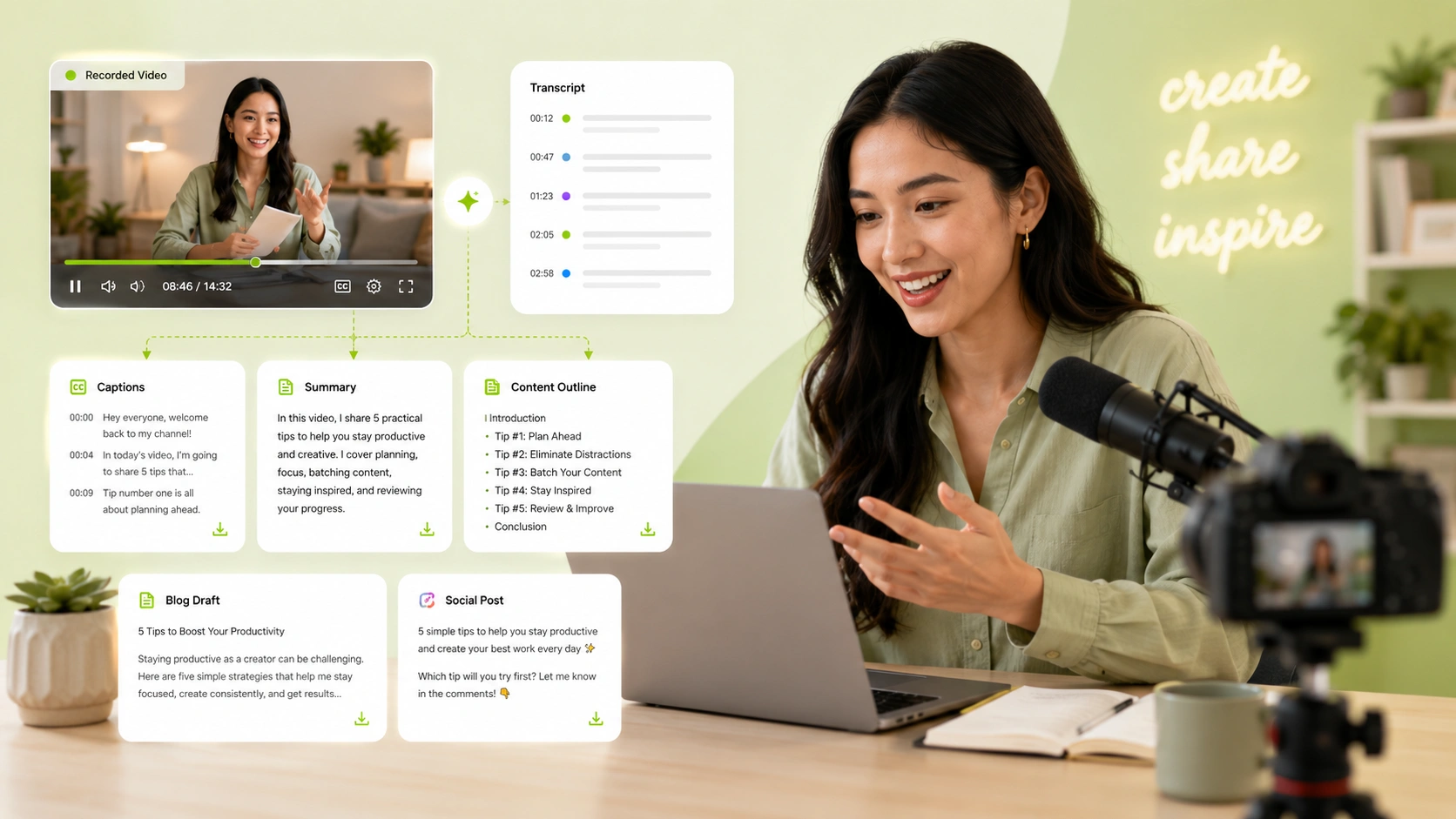
Video text transcription helps one video serve more than one purpose. A recording can become a blog draft, subtitle base, study note, social media post, training document, or summary. This is useful for creators, students, marketers, and teams that want to get more value from the videos they already have.
Unlock More Value with a Video to Text Converter
Less Manual Work After Recording
This workflow helps reduce the extra work that usually comes after a recording ends. Instead of sorting through spoken content by hand, users can get a clear text version and move faster into review, sharing, or documentation.
Clearer Records for Important Content
When you transcribe video to text, important information becomes easier to keep as a written record. This is helpful when users need a reliable reference for decisions, explanations, discussions, or learning materials.
A Better Starting Point for Written Output
Video text transcription gives users a cleaner starting point for written work. The transcript can help users build summaries, outlines, captions, or documents faster without starting from a blank page.
How to Use the Video to Text Converter
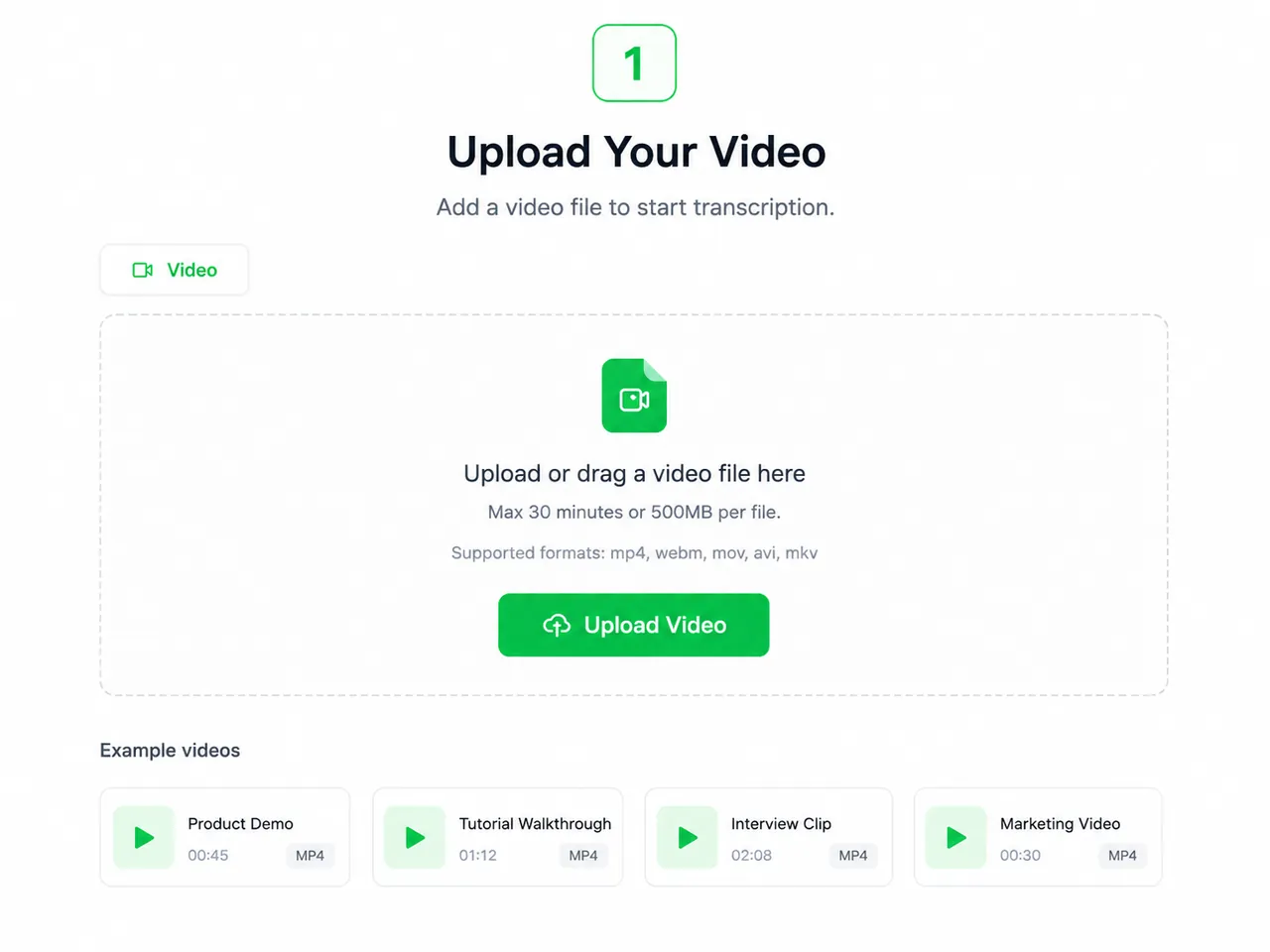
Step 1: Upload Your Video File
Choose a video from your device and upload it to the tool. You can use common formats like MP4, MOV, and AVI, with future support planned for files up to 5GB.
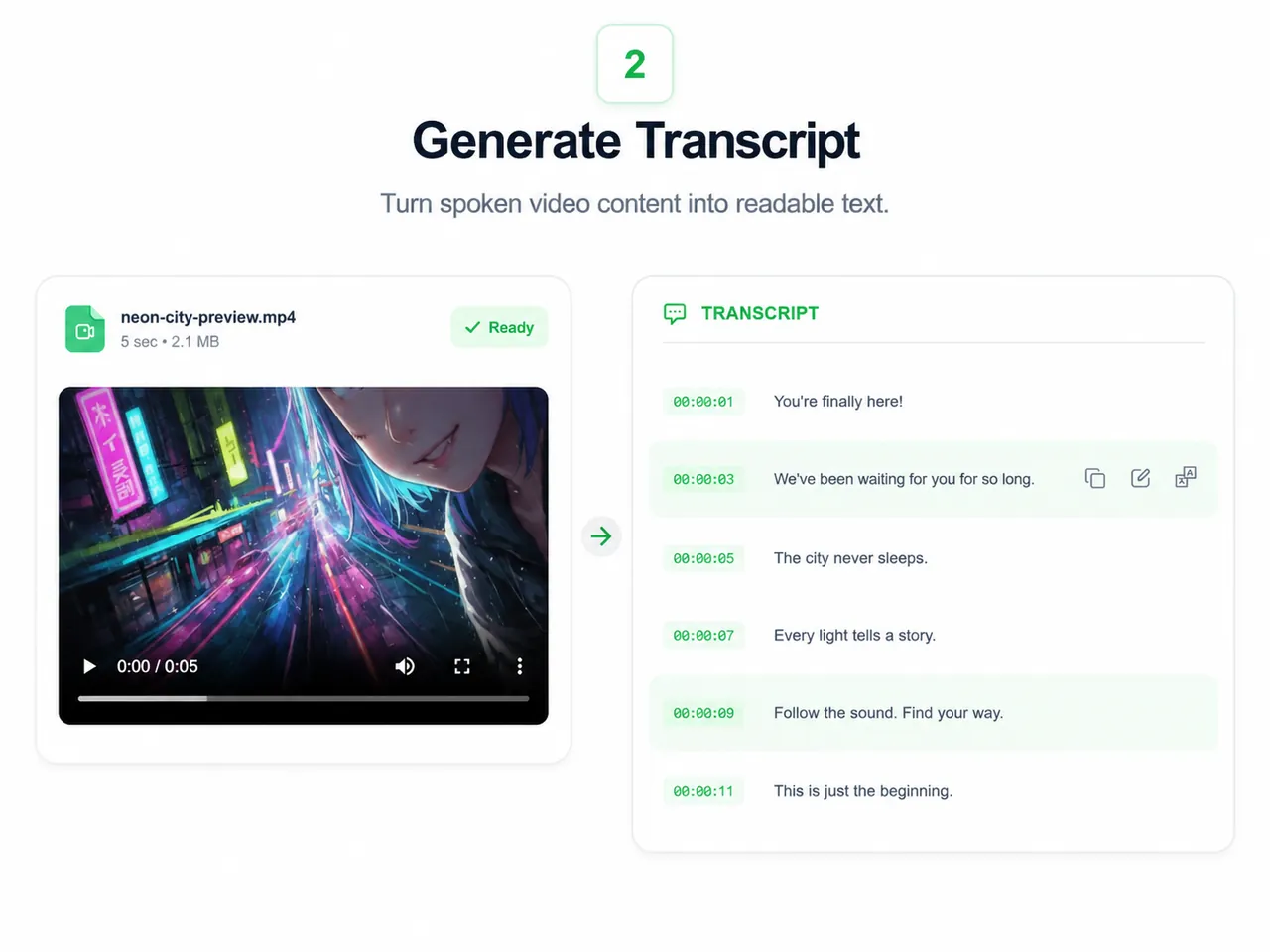
Step 2: AI Converts Video to Text
Once uploaded, AI will analyze the audio in your video and turn the spoken content into clear, readable text automatically. No manual typing or repeated playback needed.
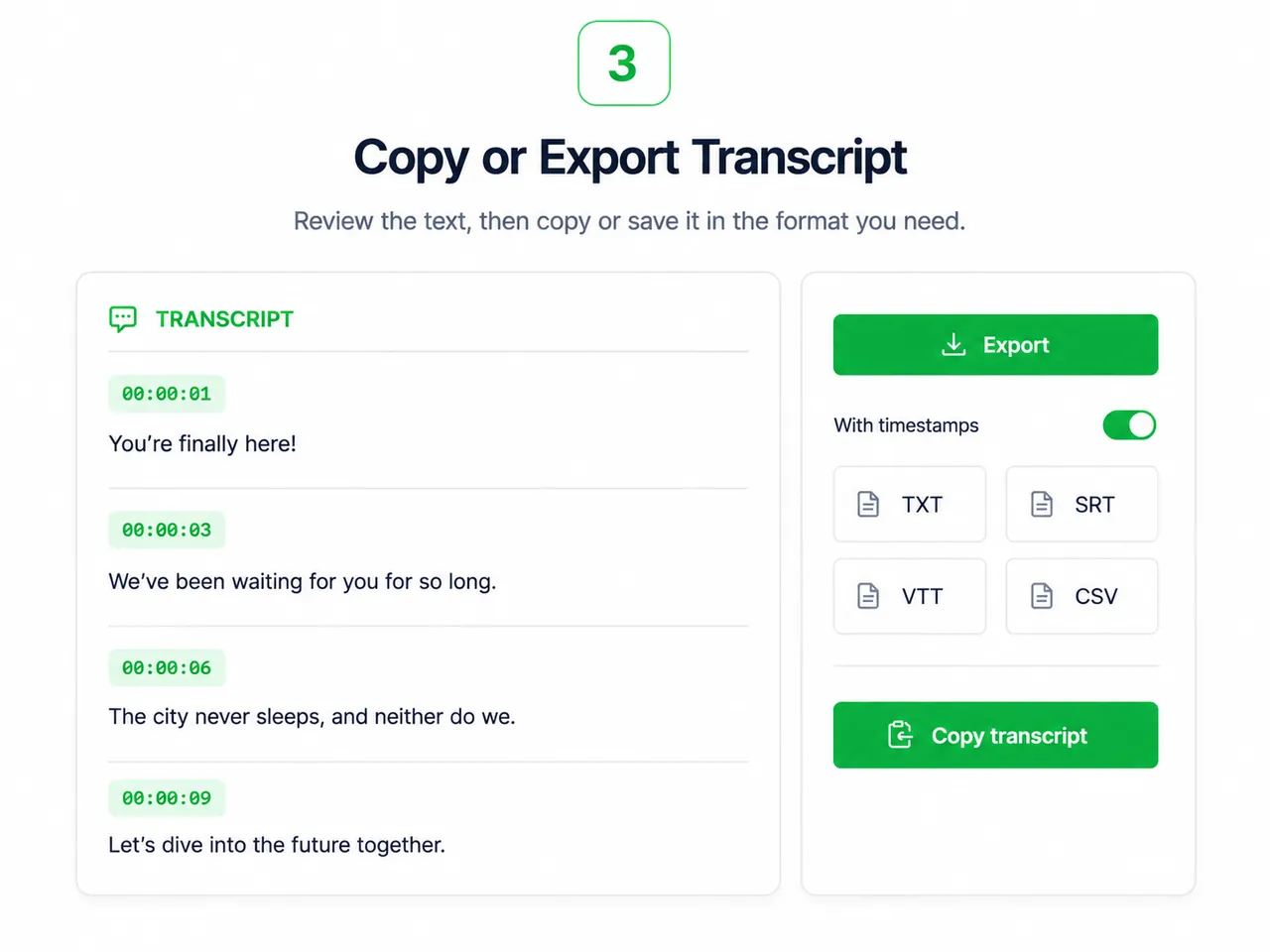
Step 3: View, Copy, or Download the Text
Once it is done, you can view the full text, copy the content, or download it for later use. The whole process is simple and convenient.
Key Features of Our Video to Text Tool
Upload Large Videos
Handle longer recordings without splitting them into smaller clips first. Future support for video uploads up to 5GB will make it suitable for full meetings, classes, interviews, and webinars.
Convert MP4, MOV, AVI, and More to Text
Upload common video formats such as MP4, MOV, AVI, and more. Whether you need mp4 to text conversion or want to convert video to text from another file type, the process stays simple.
Transcribe Video to Text in a Few Steps
Upload your file, let the system read the audio, and get a text transcript without complex setup. It gives users a faster way to transcribe video to text without manual typing.
Check the Transcript Before Saving It
After video to text transcription, you can view the full text and make sure the result is ready to use. Then copy the content or download the transcript for your next task.
Who Is This Video to Text Converter For?
Teams
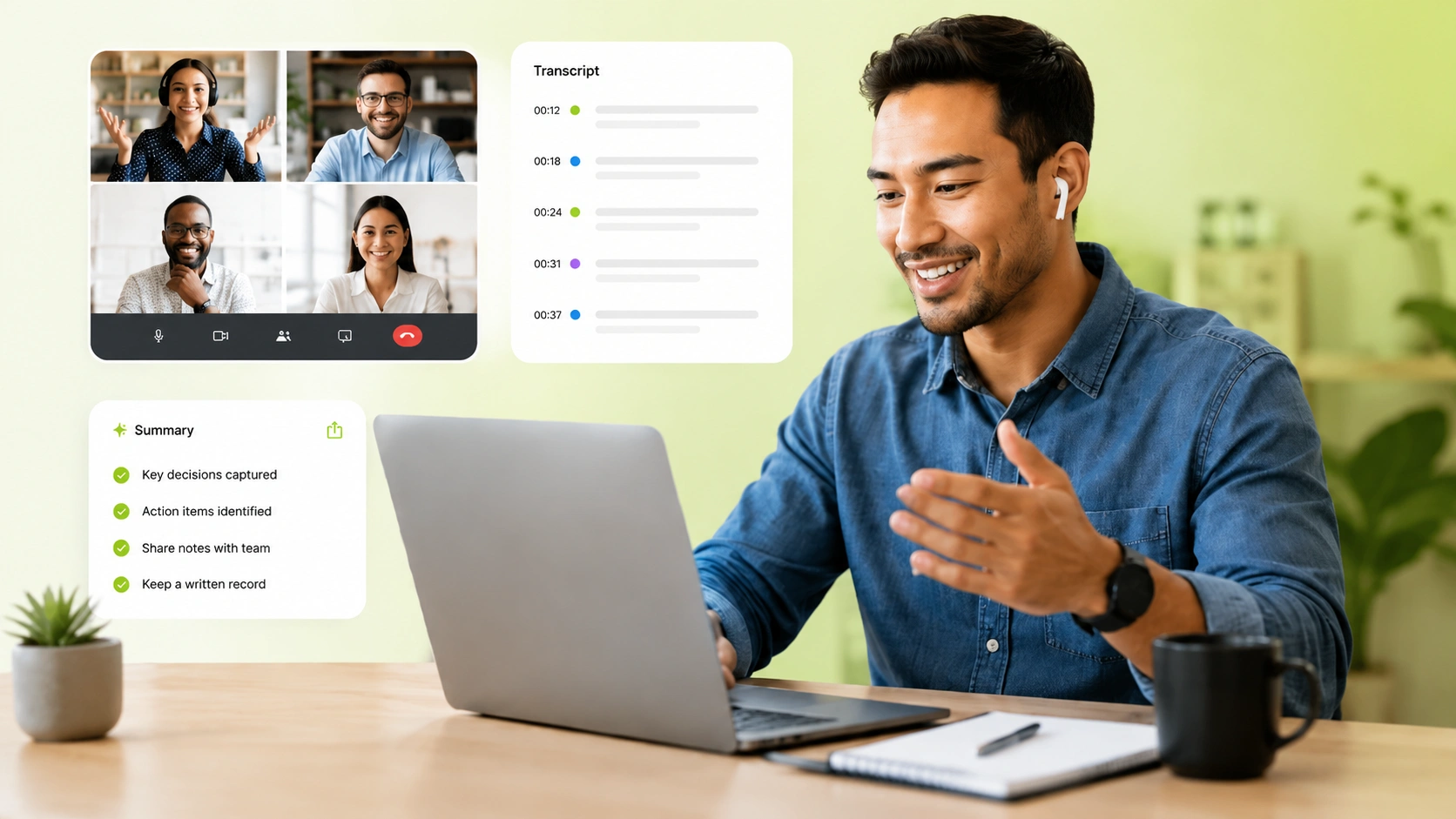
For teams that record meetings, webinars, or internal training sessions, a video to text converter helps turn spoken discussions into readable text. It makes follow-up easier when users need to review decisions, turn meeting recordings into notes, or keep a written record.
What Users Say About Video to Text Transcription Free
" I use this video to text converter to turn webinar recordings into written notes for our team. It saves a lot of time after each session, and the transcript gives us a much better starting point for summaries and follow-up content. "

Emily Carter
Content Marketing Manager
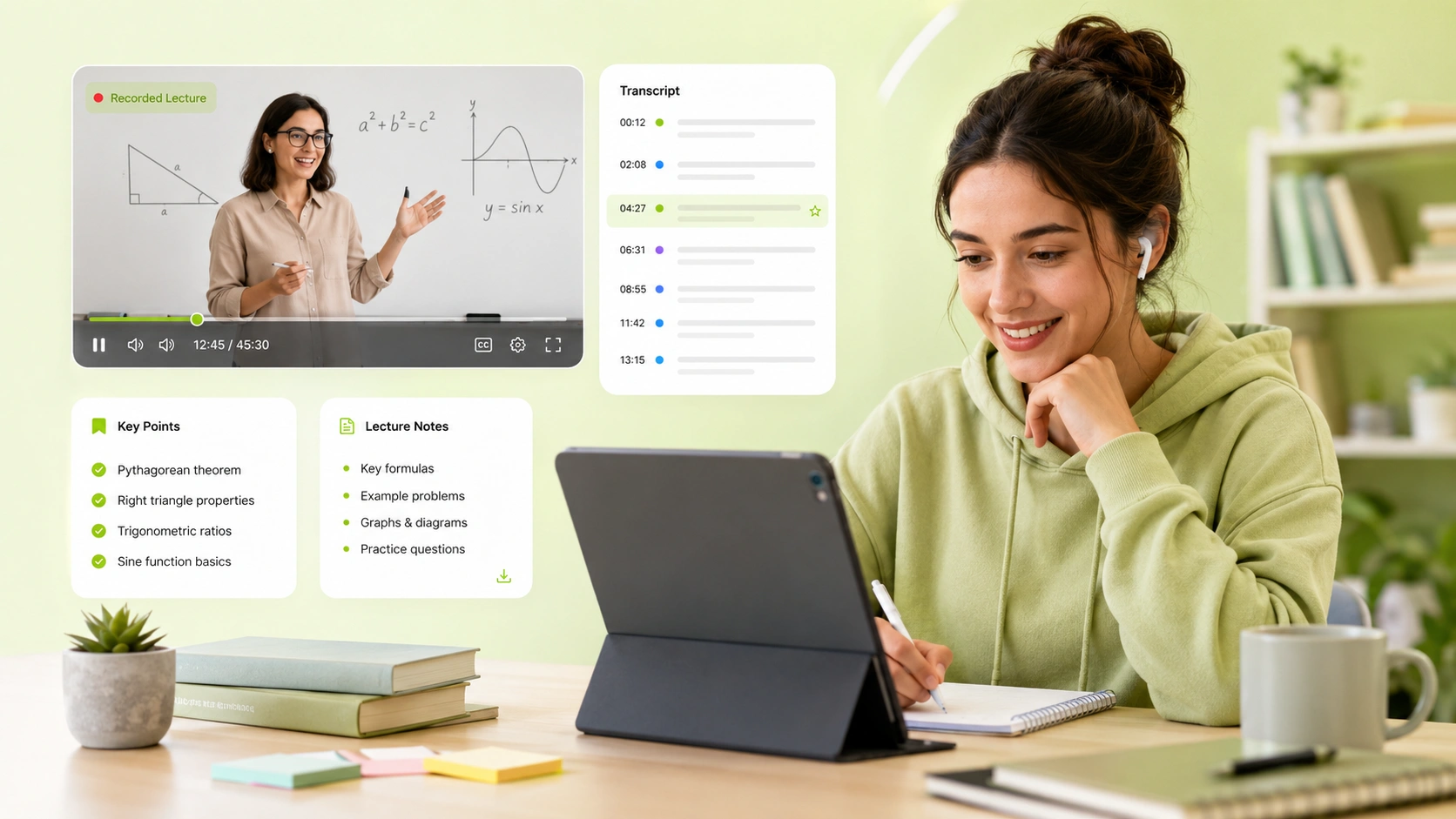
" Most of my lessons are recorded on video, but reviewing everything by watching again is too slow. Being able to transcribe video to text helps me check explanations faster and turn lesson content into study materials. "

Daniel Brooks
Online Course Creator
" I often work with interview recordings, and video text transcription makes the review process much easier. Instead of jumping through the video timeline, I can read the full text, copy key quotes, and keep a clearer record. "

Sophia Miller
Research Assistant