
Podcast Transcript Generator for Fast Podcast Transcription
Upload a podcast episode and turn it into a clear transcript you can read, edit, download, or summarize. Convert podcast conversations into reusable text.


Upload or drag a video or audio here.
Max 30 minutes or 500MB per file.
Supported file formats: mp3, mp4, mpeg, mpga, m4a, wav, webm, mov
Learn Case Interviews In Under 30 minutes
In History Class Demo
Youtuber video generated by lip syncing
Anime generated by lip syncing
Trusted by Millions of Creators & Brands
Podcast Transcript Generator for Searchable Audio Content
A podcast episode often contains valuable conversations, opinions, stories, and expert insights, but audio is not easy to search or review after listening. The podcast transcript generator helps turn podcast content into searchable text, so users can quickly find key moments, check exact wording, and keep important ideas in a format that is easier to revisit. For interviews and video podcasts, a transcript makes spoken content more practical for long-term use.
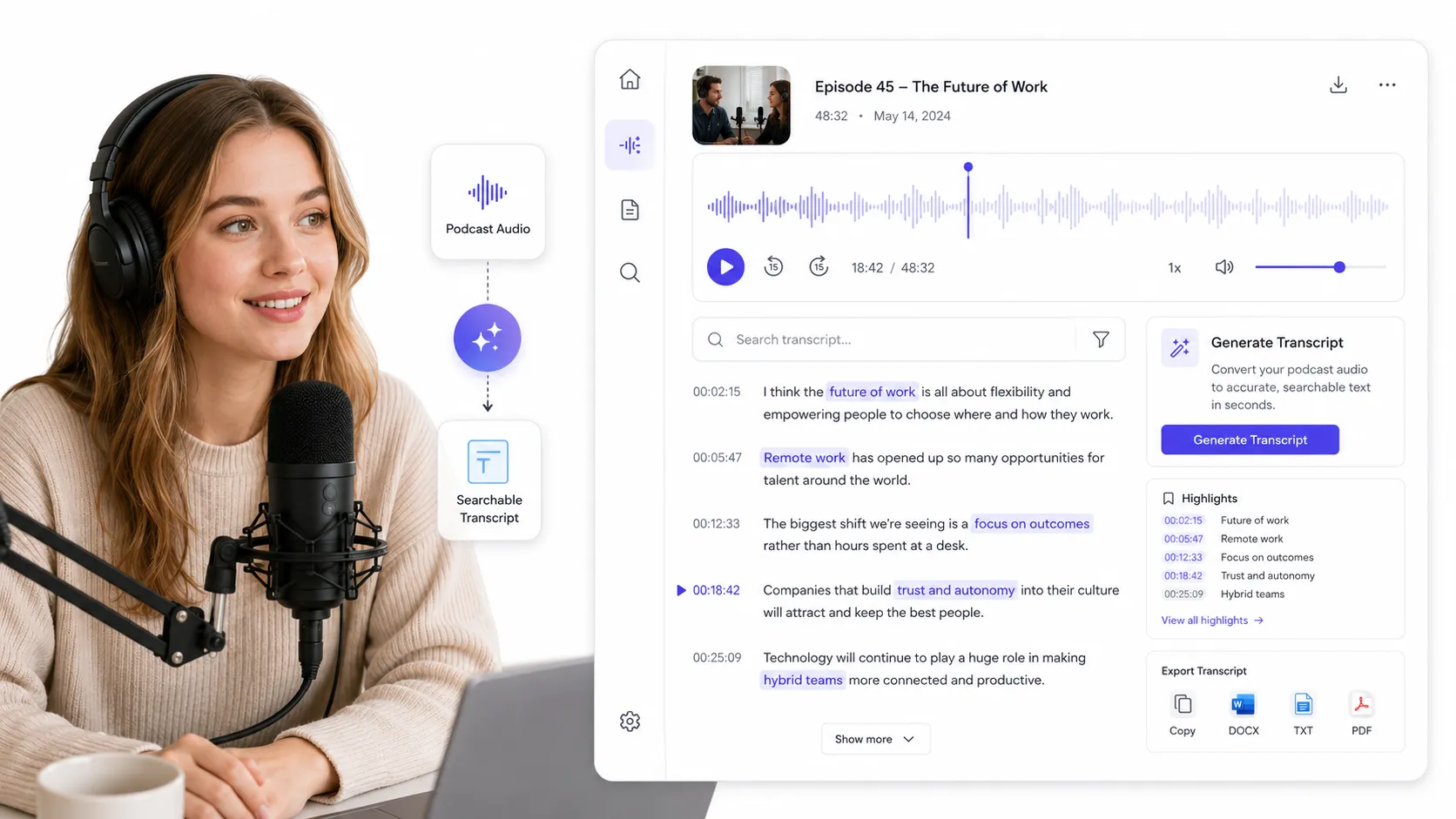
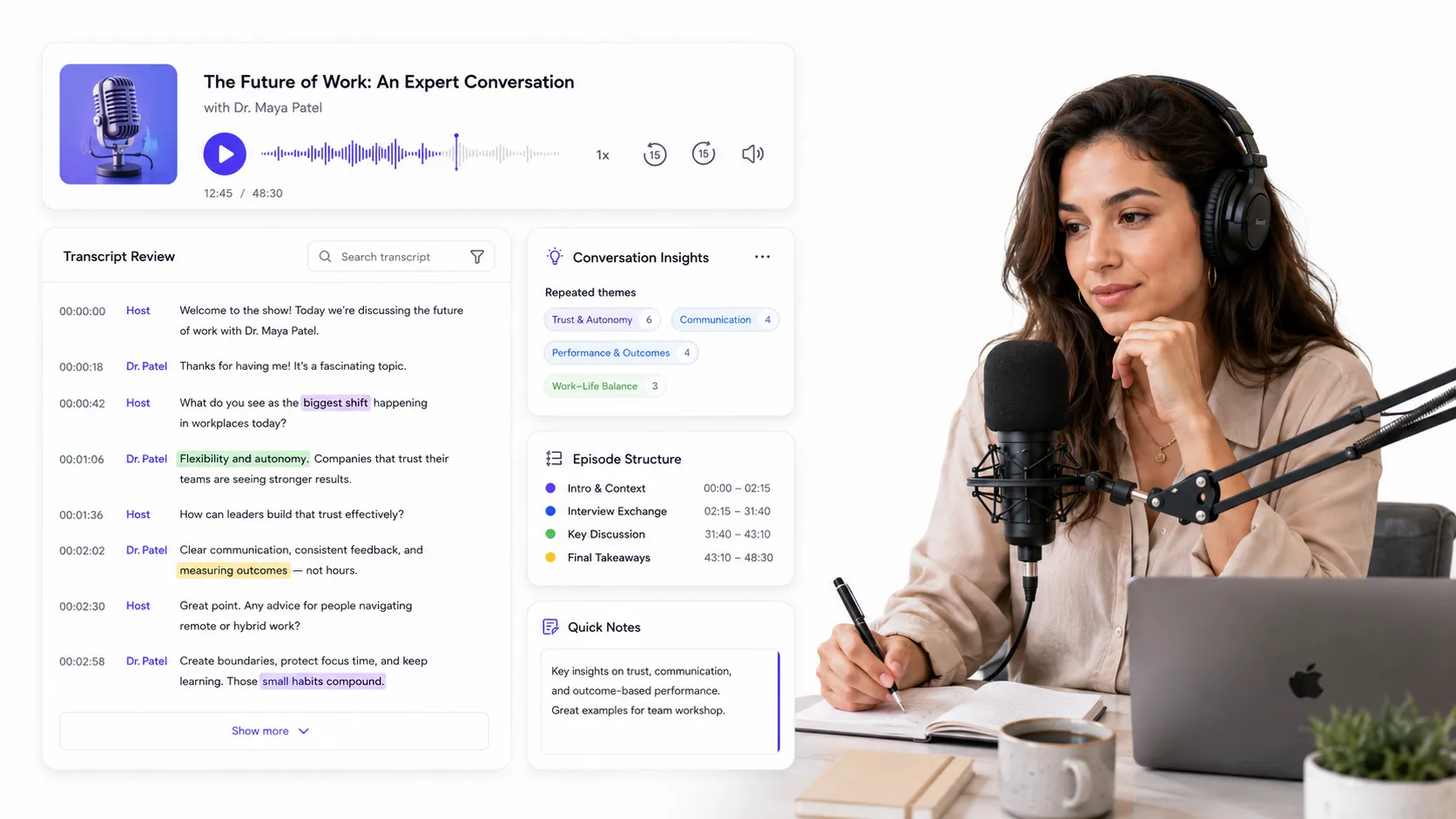
Podcast Transcription for Clearer Conversation Review
Listening is useful for understanding tone and flow, but a transcript makes the conversation easier to analyze. With podcast transcription, users can review speaker points, compare different answers, identify repeated themes, and understand the structure of an episode more clearly. This is especially useful for long interviews, educational podcasts, business conversations, and expert discussions where details may be missed during normal listening.
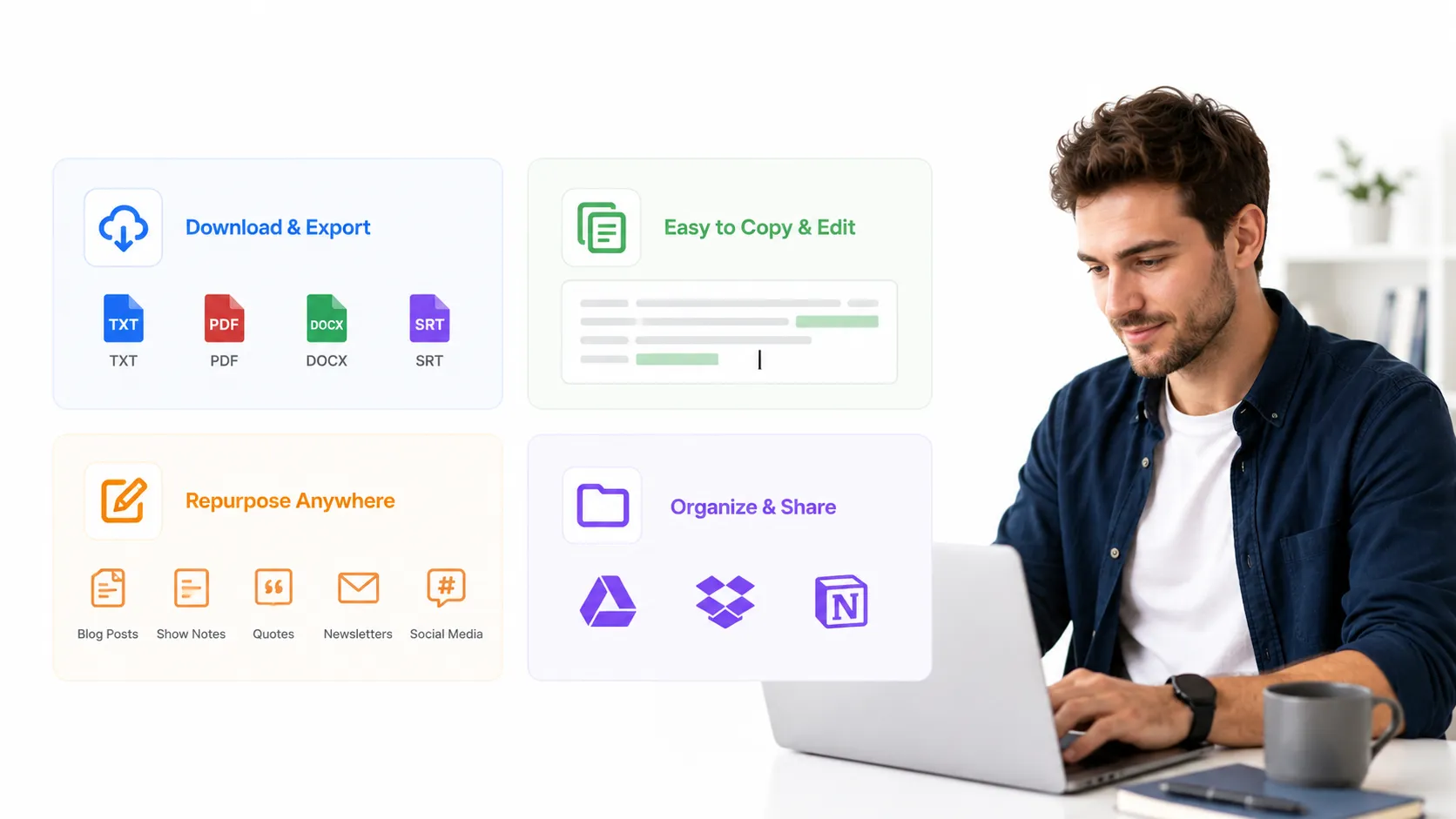
Podcast Transcript Download for Content Reuse
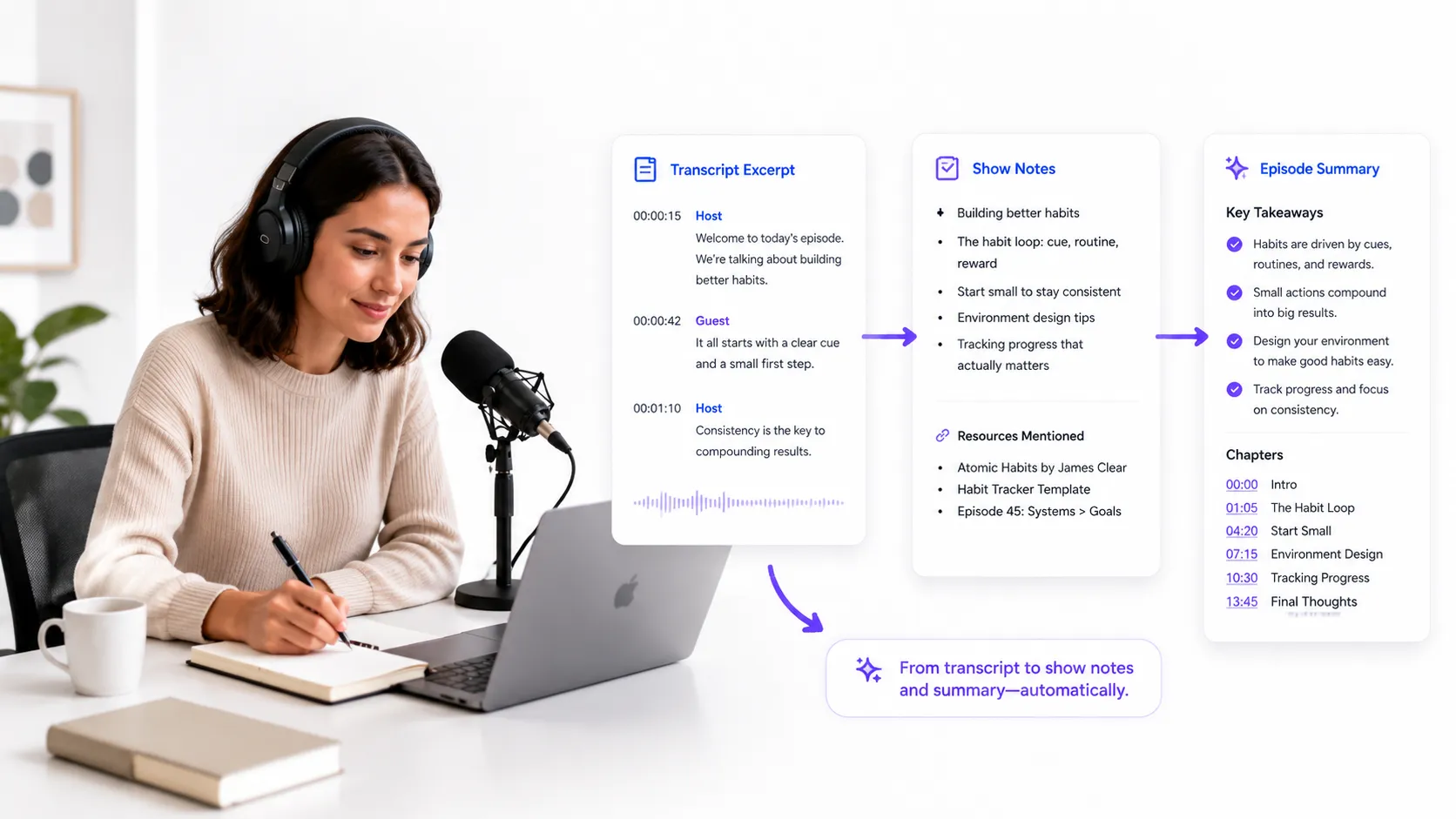
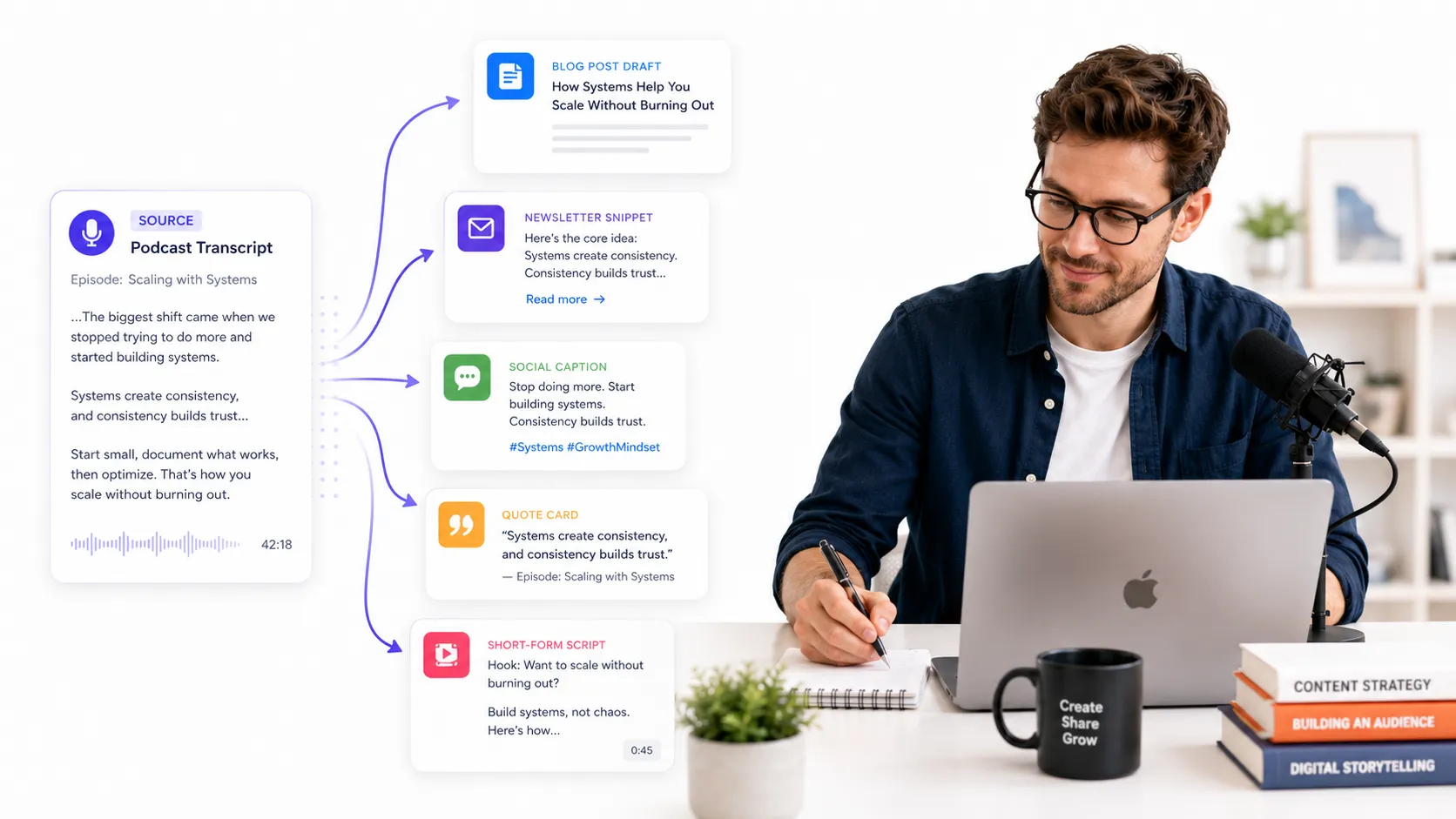
A generated podcast transcript is more than a written version of an episode. It becomes a reusable content asset that can support show notes, blog drafts, summaries, and social media posts. Users can copy or download the transcript, or use a YouTube to text converterfor YouTube podcast episodes, then continue working with the content in a format that is easier to edit, organize, share, and store.
Key Features of Our Podcast Transcript Generator
Podcast Audio Transcription
Upload a podcast audio or video file and turn the conversation into clear, readable text. For video episodes, you can also use the video to text converterto transcribe spoken content from recorded interviews or video podcasts.
Speaker-Based Podcast Transcripts
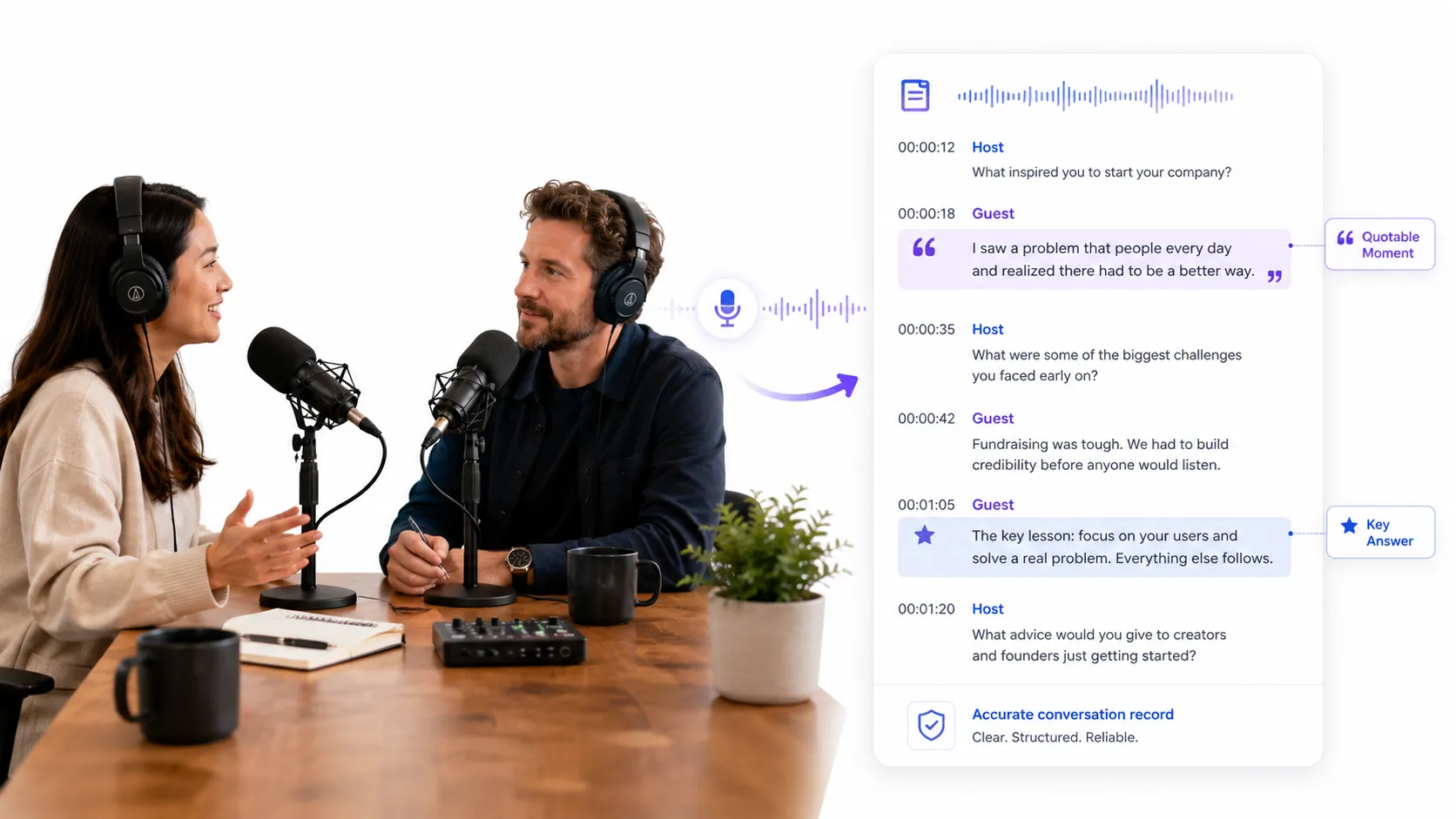
Podcast episodes often include hosts, guests, and multiple speakers. A speaker-based transcript makes the conversation easier to follow and helps users understand who said what during interviews or panel discussions.
AI Summary from Podcast Transcript
After generating the full podcast transcript, users can create a summary to capture the main ideas of the episode. This is useful for show notes, quick reviews, episode previews, and content planning.
Copy and Download Podcast Transcript
Users can copy the podcast transcript for immediate editing or download it for later use. This makes it easier to turn podcast content into documents, articles, captions, newsletters, or internal materials.
How to Generate a Podcast Transcript in 3 Steps
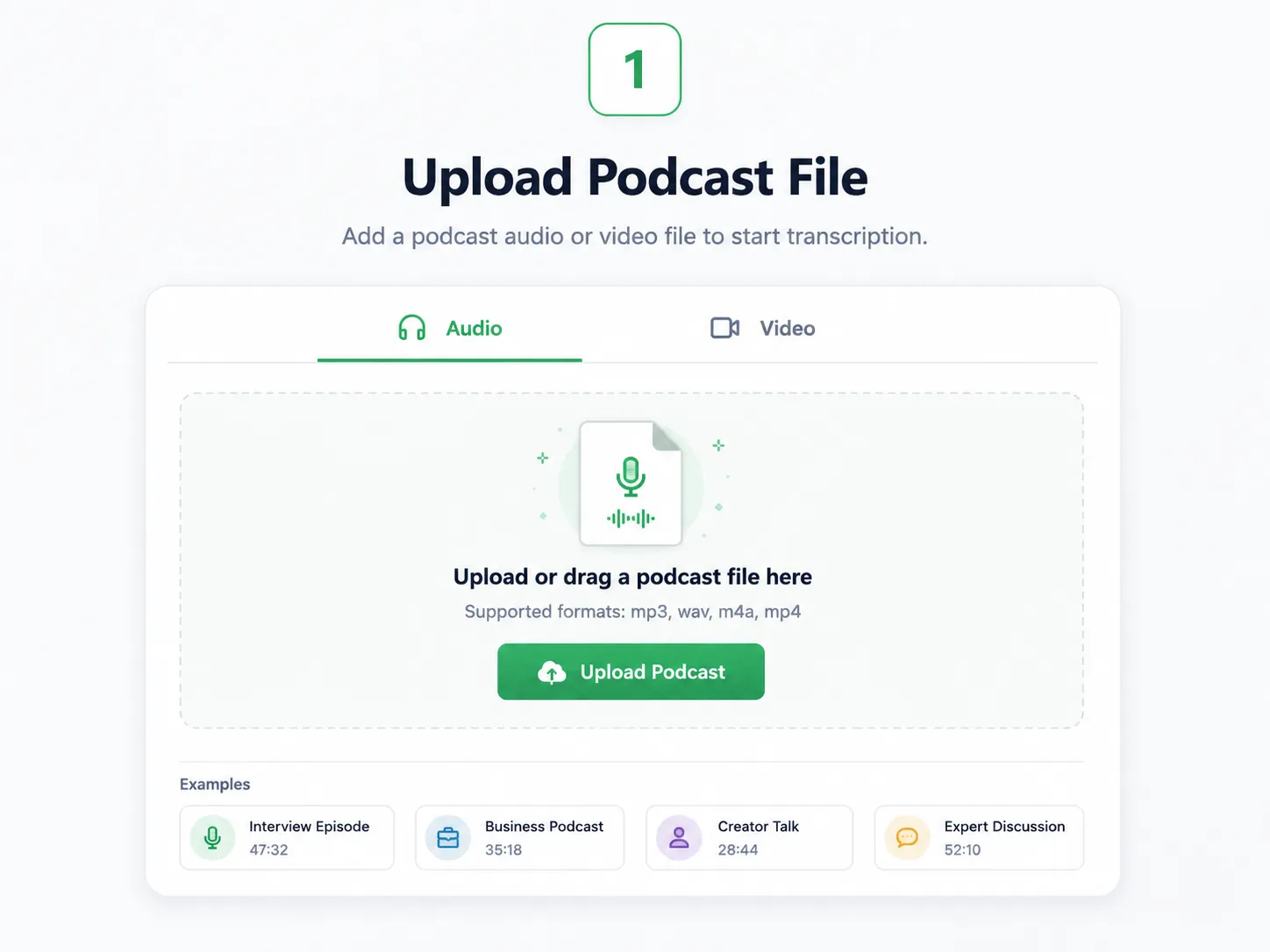
Step 1: Upload Podcast File
Upload your podcast audio or video file to the podcast transcript generator.
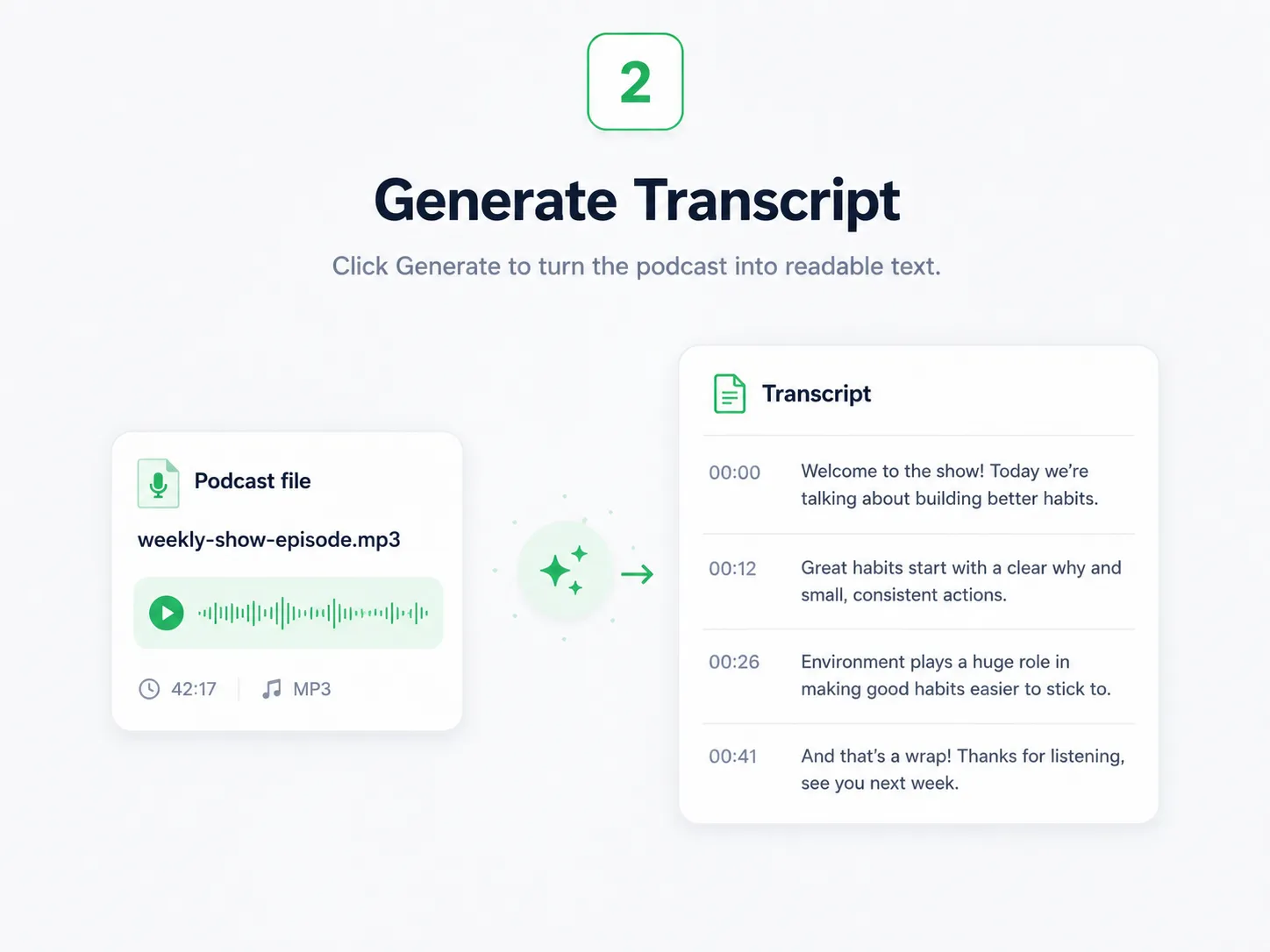
Step 2: Generate Transcript
Click Generate to transcribe the podcast into readable text.
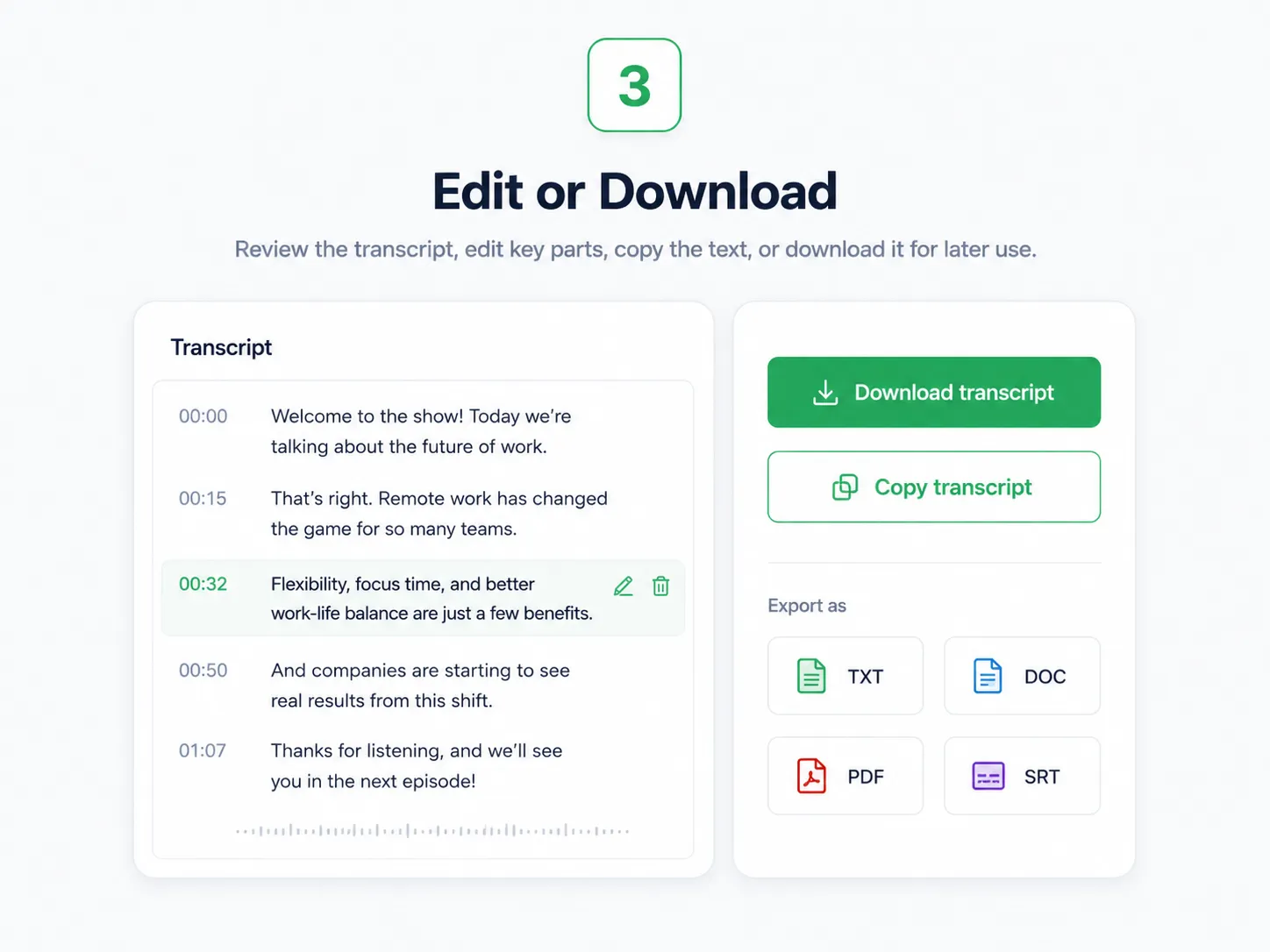
Step 3: Edit or Download
Review the podcast transcript, edit key parts, copy the text, or download it for later use.
Podcast Transcript Use Cases
What Users Say About Our Podcast Transcript Generator
" I used to spend hours turning interview episodes into show notes. Now I generate the podcast transcript first, highlight the strongest parts, and build the episode summary much faster. "

Sophia Bennett
Podcast Producer
" The transcript gives me a clean base for turning podcast conversations into blog drafts and social posts. It helps me keep the original meaning while moving the content into different formats. "

Marcus Reed
Content Marketer
" For expert podcasts, I need more than a general summary. A full transcript helps me check exact wording, compare speaker opinions, and save useful references for later work. "

Elena Brooks
Research Assistant