
Transform Your Speech into Text with Unmatched Speed
Our AI speech to text engine converts hours of recordings into flawless transcripts in a heartbeat.


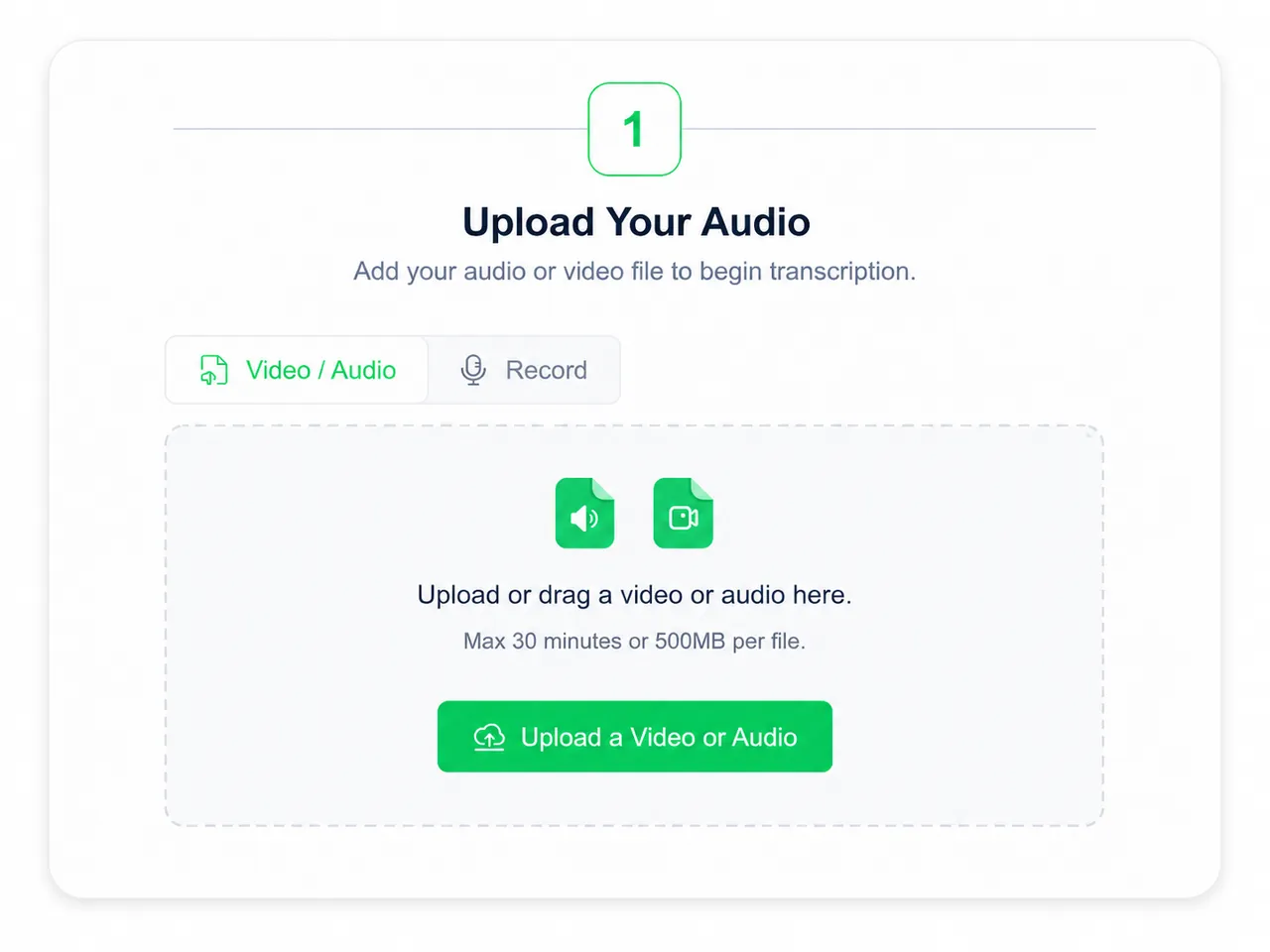
Upload or drag a video or audio here.
Max 30 minutes or 500MB per file.
Supported file formats: mp3, mp4, mpeg, mpga, m4a, wav, webm, mov
Learn Case Interviews In Under 30 minutes
In History Class Demo
Youtuber video generated by lip syncing
Anime generated by lip syncing
Trusted by Millions of Creators & Brands
Speech to Text for Global Communication
Working with multilingual audio can slow everything down. A single meeting may include different accents, mixed languages, and fast switching between topics. Our speech to text tool is designed to make that process easier by recognizing multiple languages and turning spoken content into text you can review, edit, and share more efficiently. Whether you are handling interviews, remote meetings, or international content, it helps you understand more and miss less.
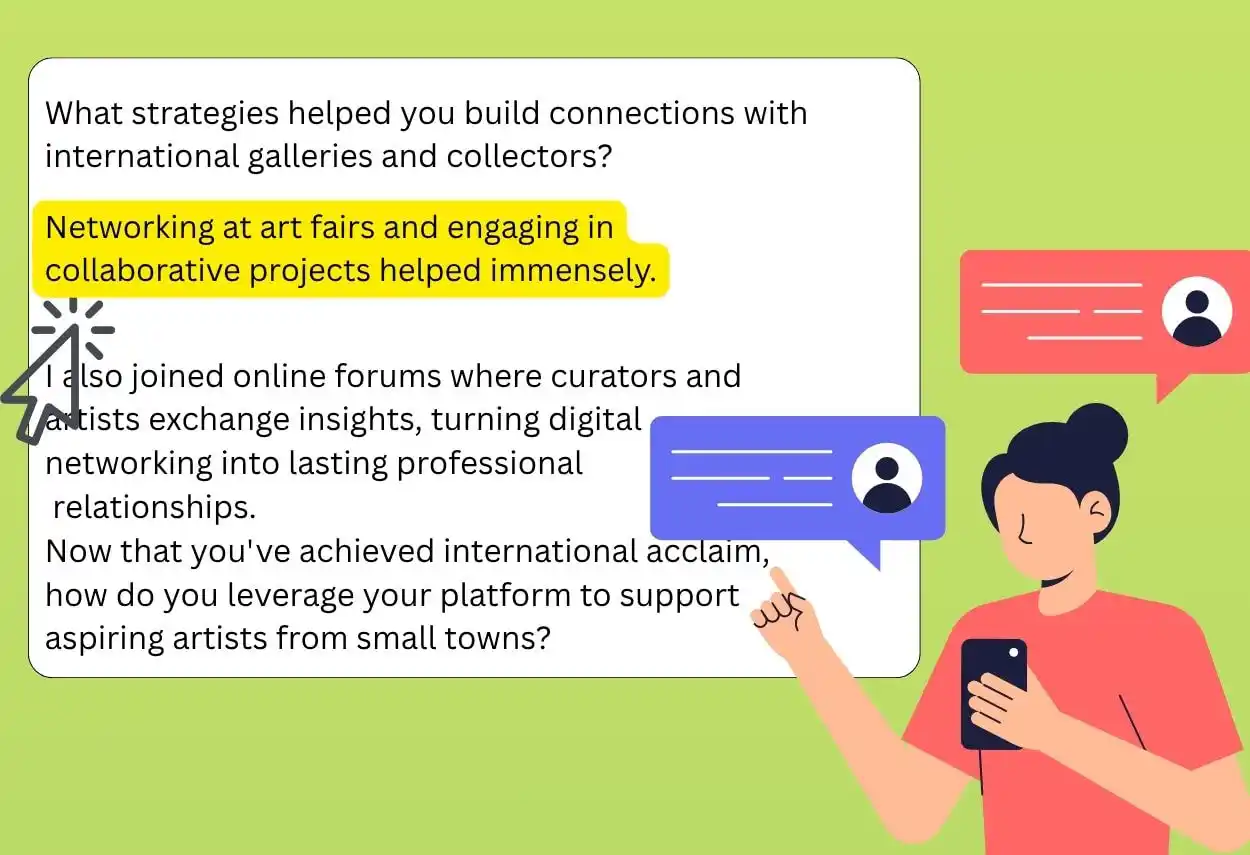
Frustrated by Speech to Text Errors?
Bad transcripts create extra work. Instead of saving time, they force you to correct names, punctuation, and entire sentences by hand. Our speech to text engine is built to handle real-world recordings more effectively, including strong accents, casual speech, less-than-perfect audio, and videos you need to transcribe into text. Upload your file, let the system process it, and come back to a transcript that is much easier to use from the start. You also get smart outputs like summaries and structured content support to help you move faster.
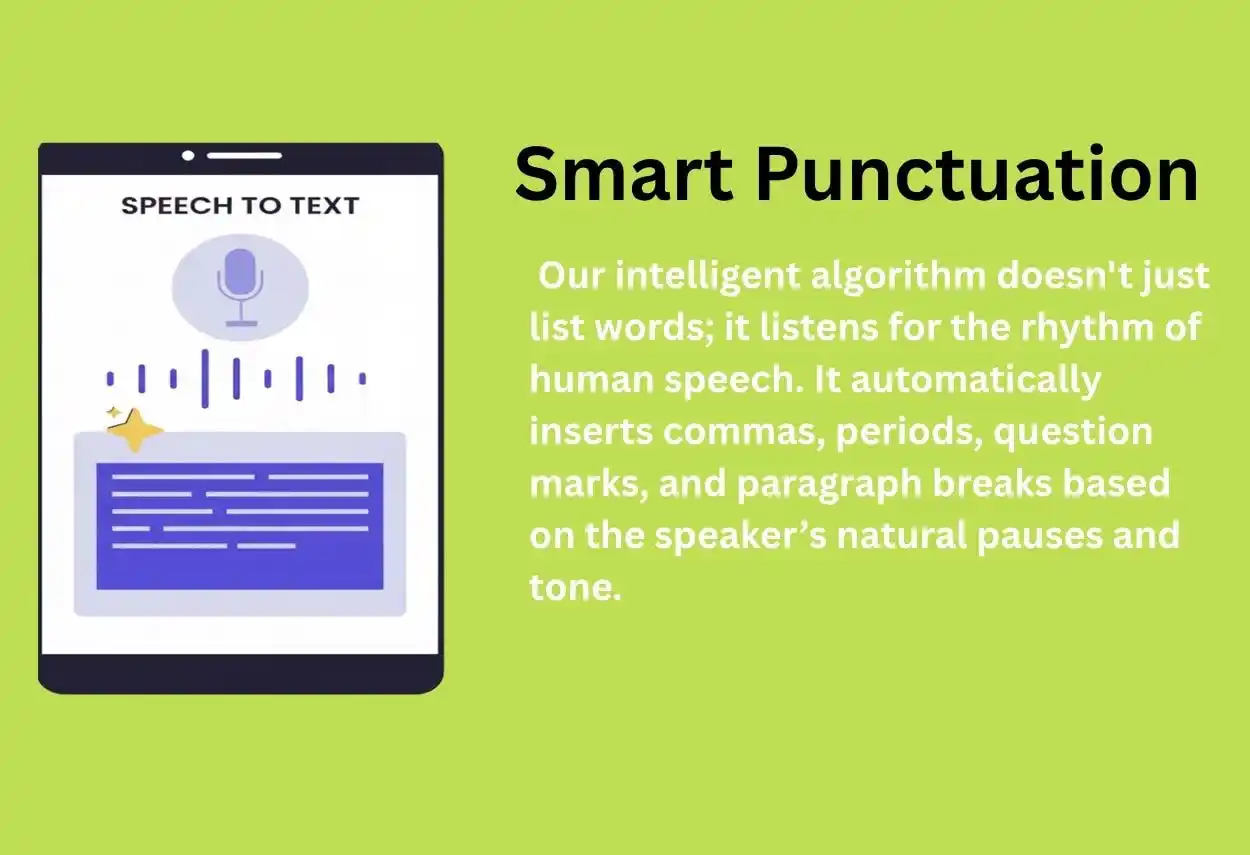
Smart Punctuation: No More "Walls of Words"
Raw transcription often looks like one giant, suffocating paragraph. Reading it is a chore. Our intelligent algorithm doesn't just list words; it listens for the rhythm of human speech. It automatically inserts commas, periods, question marks, and paragraph breaks based on the speaker’s natural pauses and tone. The result? A polished document that reads like it was written by a professional stenographer, ready for immediate sharing or publishing.
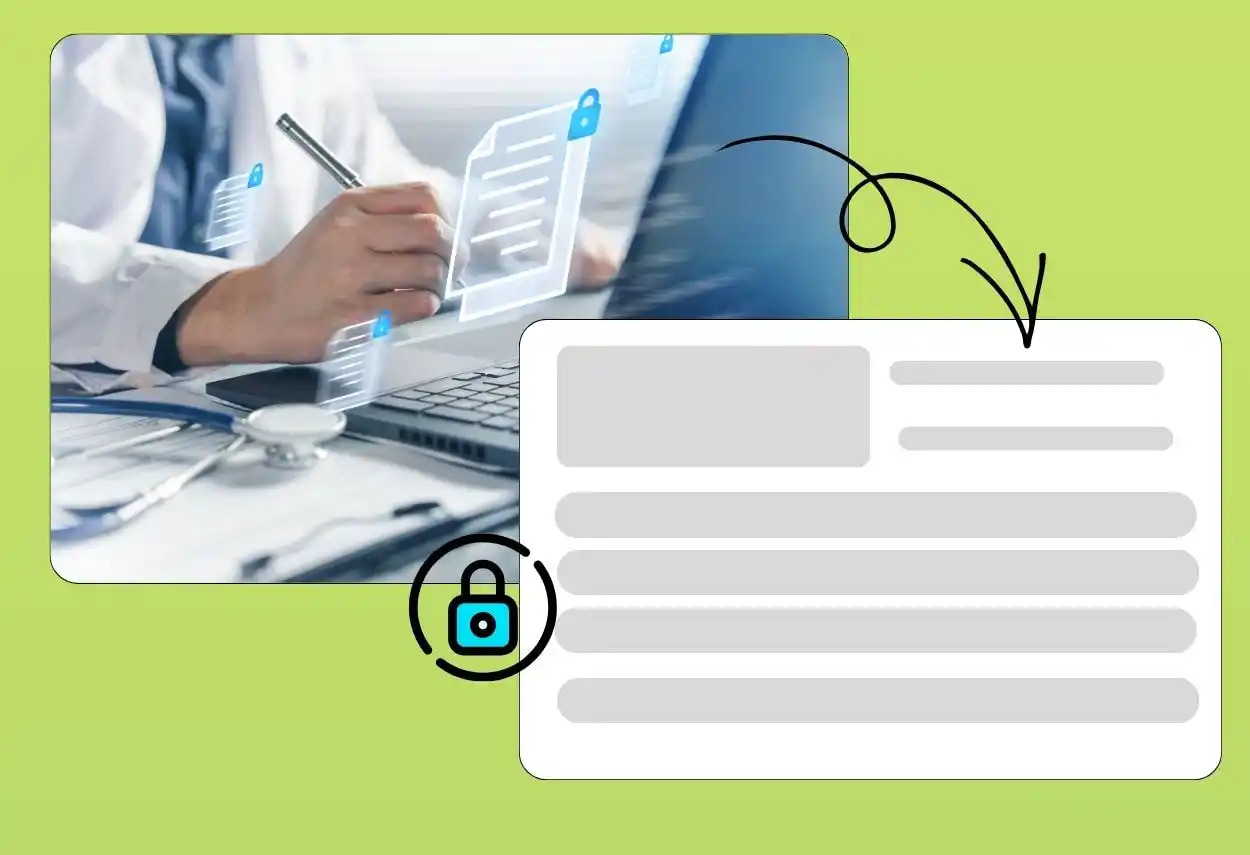
Secure Speech to Text for Private Audio
When your audio includes business discussions, internal meetings, research calls, or personal recordings, privacy matters. Our speech to text service is designed with security in mind throughout the upload, processing, and download experience. Once your transcript is completed, the original audio is removed from the server. Your files stay protected so you can work with more confidence when handling sensitive content.
Lightning-Fast Processing for Busy Schedules
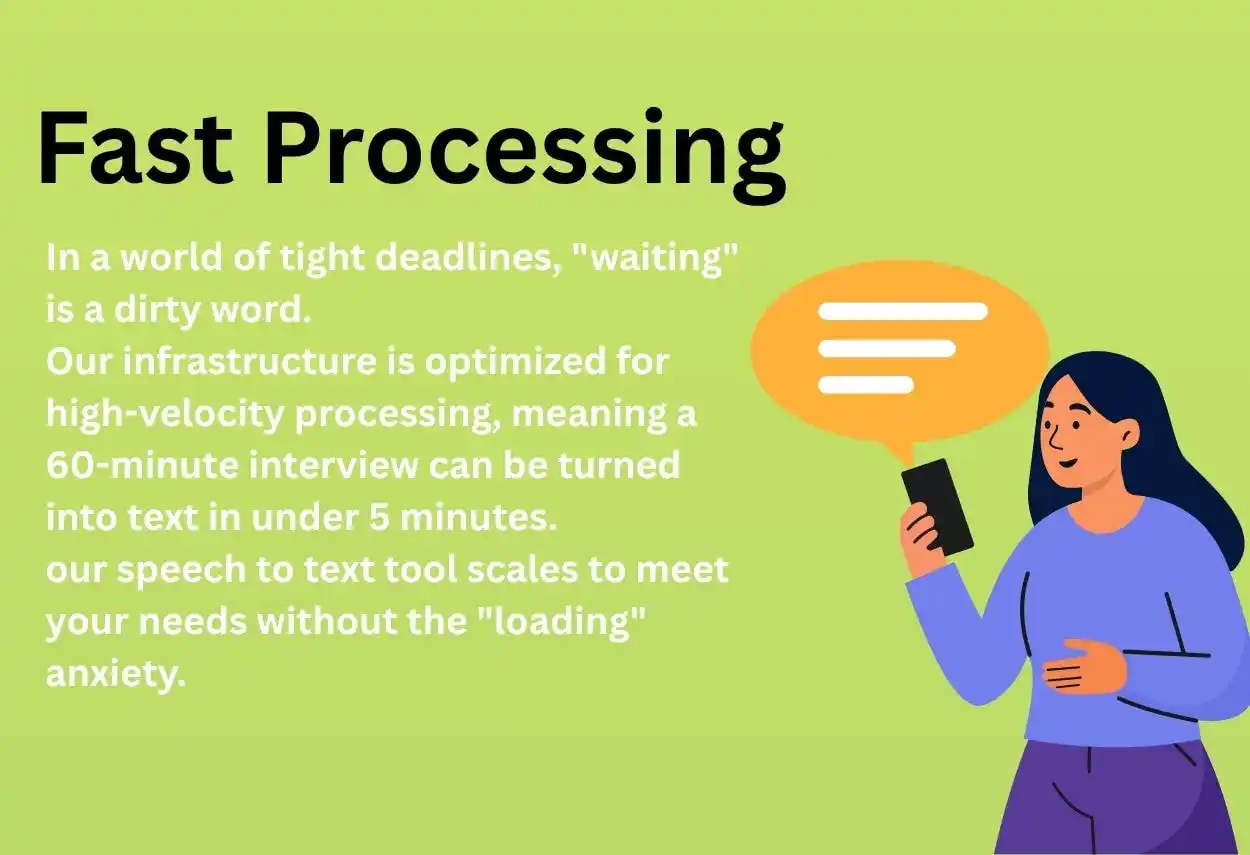
In a world of tight deadlines, "waiting" is a dirty word. Our infrastructure is optimized for high-velocity processing, meaning a 60-minute interview can be turned into text in under 5 minutes. Whether you have a 10-second voice memo or a 4-hour seminar, our speech to text tool scales to meet your needs without the "loading" anxiety.
Why Our Speech to Text Stands Out
No Installation Needed
You can use our speech to text tool directly in your browser without installing bulky software or dealing with constant updates. Just open the page, upload your audio, and start transcribing. It is simple, flexible, and easy to access whether you are at work, at home, or on the go.
Easy on Your Budget
Professional transcription should not feel expensive or difficult to access. Our speech to text tool gives users a practical way to convert audio into text without high upfront costs. You can save time on manual typing while still getting clean, editable output for everyday tasks like notes, interviews, and lectures.
Smarter with Every Update
Technology changes quickly, and our speech to text engine continues to improve over time. With ongoing model updates, users can benefit from better recognition quality, stronger performance, and a more reliable transcription experience. Instead of using software that stays the same year after year, you get a tool that keeps getting better.
How to Convert Audio to Text in 3 Steps
Upload Your Audio
Start by uploading your audio or video file directly in your browser. You can use recordings such as meetings, lectures, interviews, podcasts, or voice notes. The process is simple, so you can begin in just a few clicks.
AI Magic
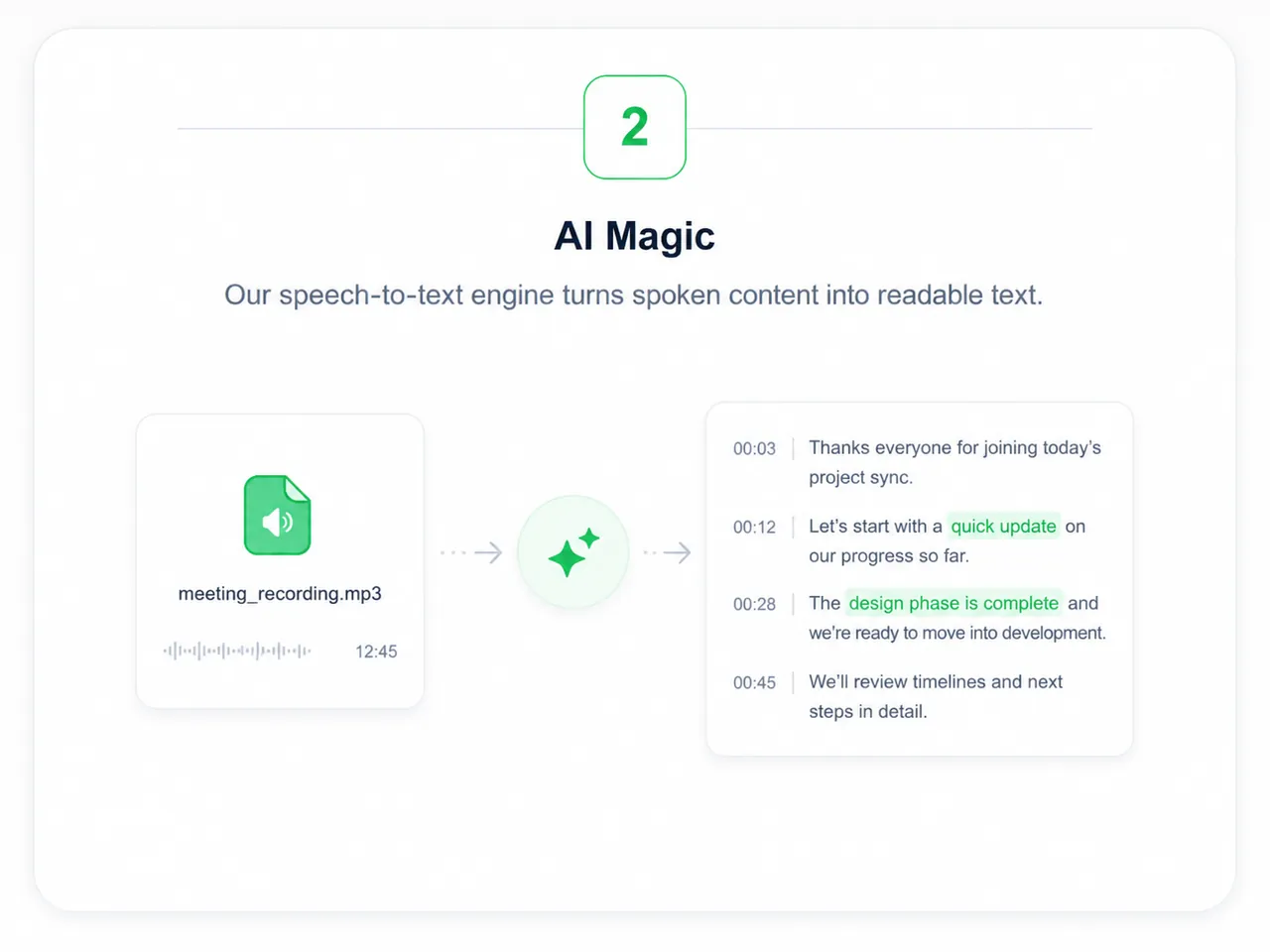
Once the file is uploaded, our speech to text engine begins analyzing the audio automatically. It detects spoken words, processes sentence flow, and turns speech into readable text in the background, helping you save time without extra manual effort.
Export Your Transcript
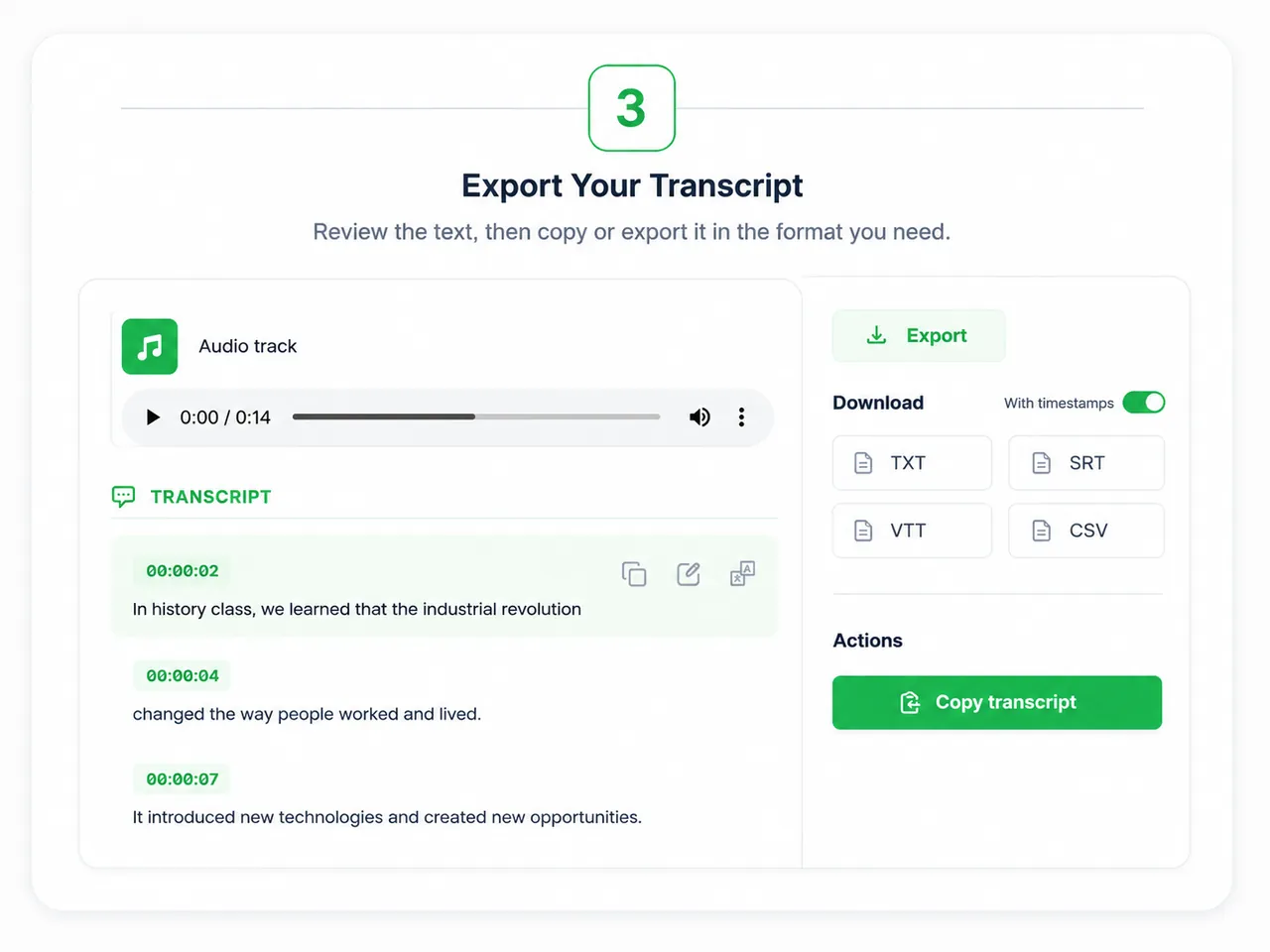
Use our intuitive editor to make quick tweaks, then export your transcript in formats like TXT, or SRT for subtitles.
Get More Value from Speech to Text
Save Hours of Manual Work
Typing audio by hand takes time and drains focus. 2speech‘s voice tool helps you convert spoken content into text much faster, so you can spend more time reviewing ideas and less time replaying the same recording again and again.
Understand Long Content Faster
Long transcripts can be difficult to work with if they are unstructured. By turning audio into organized text and supporting quick review, speech to text makes it easier to identify main ideas, important details, and useful next steps from longer recordings.
Make Content Easier to Access
Text makes audio easier to use across more situations. You can create subtitles, captions, and readable transcripts that improve accessibility and help your content reach more people across different platforms.
Fit into Your Existing Workflow
A good speech to text tool should work with the way you already create, study, or collaborate. Whether you are handling business documentation, classroom material, interviews, or media content, speech to text makes it easier to turn spoken information into something practical and reusable.
Speech to Text for Every Type of User
For Professionals
Meetings move fast, and important points are easy to miss. With speech to text, you can turn calls, interviews, and discussions into searchable written records, or turn meeting recordings into notes for clearer decisions, follow-ups, and action items.



What Users Are Say About Our Speech to text?
" I used to spend my entire Sunday transcribing my podcast. Now, I upload the file, grab a sandwich, and it's done before I finish eating. The accuracy on technical terms is mind-blowing. "

Sarah
Digital Marketer
" As a law student, this is a lifesaver. I record my lectures and have a full set of organized notes by the time I get home. It’s the ultimate study hack. "

David
Student
" I use this speech to text tool for interviews, video ideas, and quick voice notes. It saves me a huge amount of time because I no longer have to replay audio again and again just to catch one sentence. The transcript is much easier to read and edit than what I used to get from other tools. "

Ava M.
Content Strategist