
YouTube Transcript Generator for Fast Video Transcripts
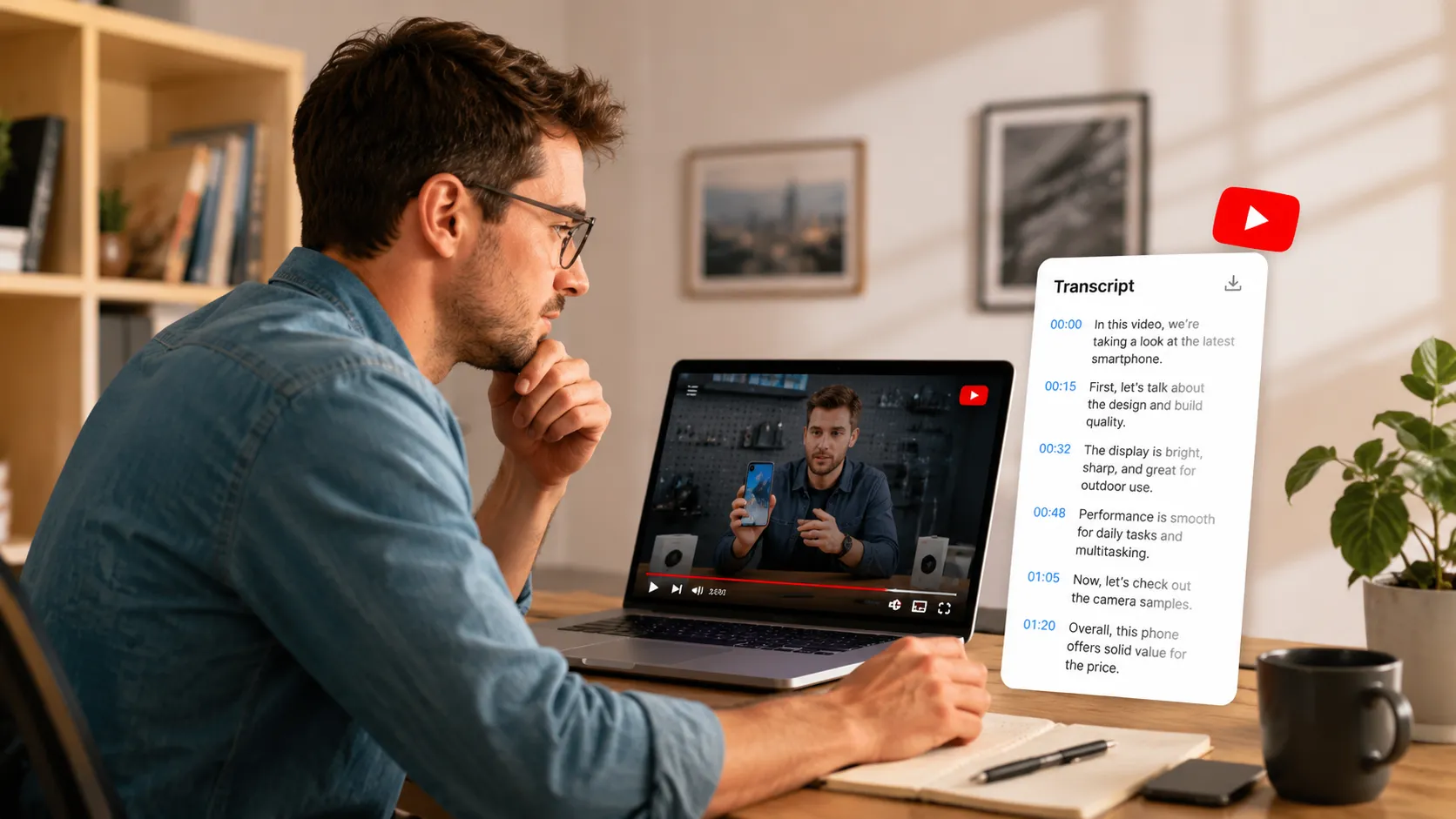
Paste a YouTube video link and turn it into a clear transcript you can read, copy, download, or summarize, and use YouTube videos as reusable text for research and content work.

Supported: YouTube MP3/MP4 links. The link must be publicly accessible.

Learn Case Interviews In Under 30 minutes
In History Class Demo

Youtuber video generated by lip syncing
Anime generated by lip syncing
Trusted by Millions of Creators & Brands
YouTube Transcript Generator for Searchable Video Content
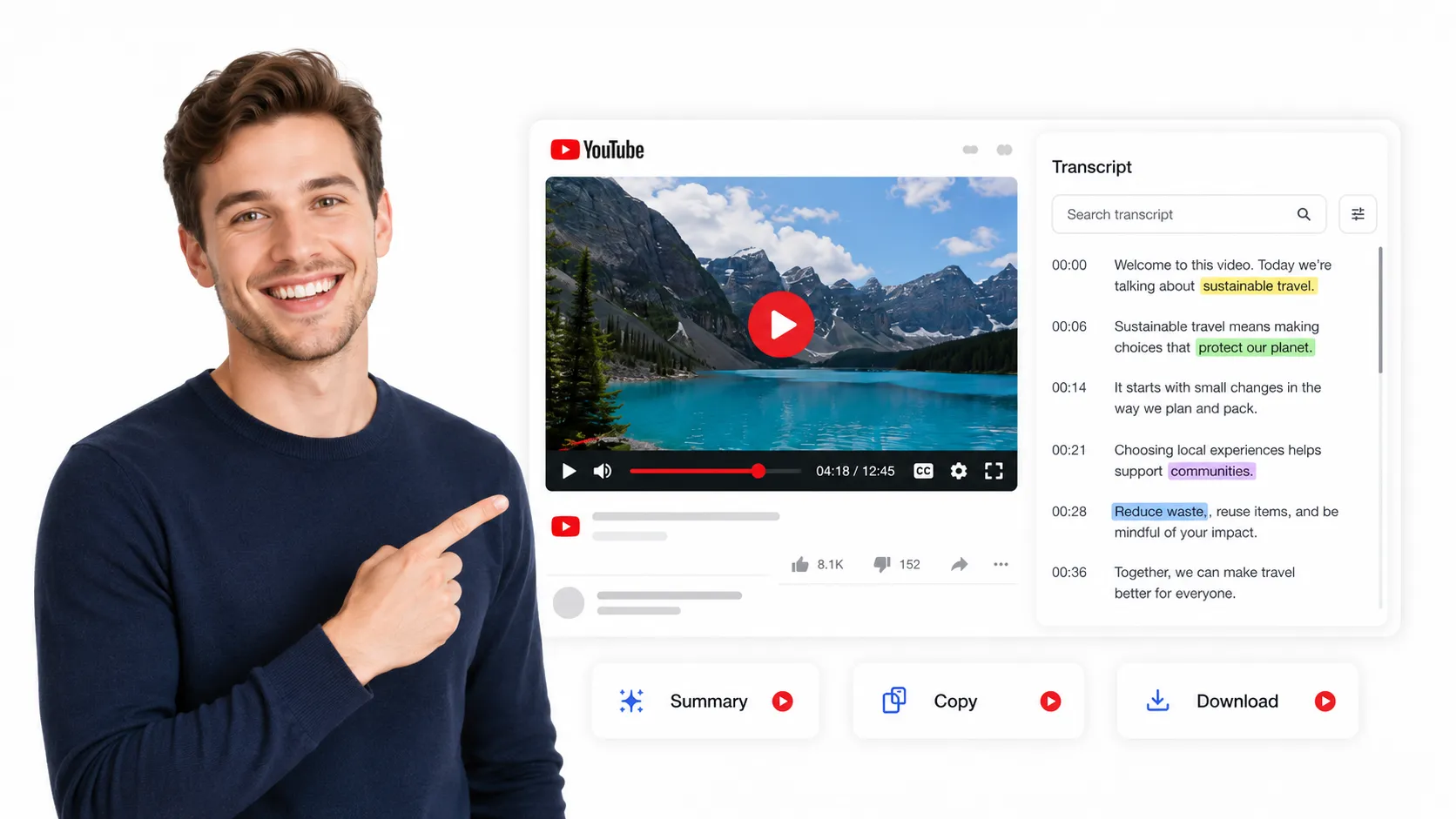
A YouTube video often contains valuable ideas, examples, explanations, and spoken details, but the information is locked inside the playback experience. This YouTube transcript generator helps turn YouTube content into searchable text, so users can quickly find the parts they need without watching the full video again. For long tutorials, interviews, product reviews, or uploaded videos, users can transcribe an uploaded video and use the text as a reliable reference.
YouTube Transcript Extractor for Deeper Content Review
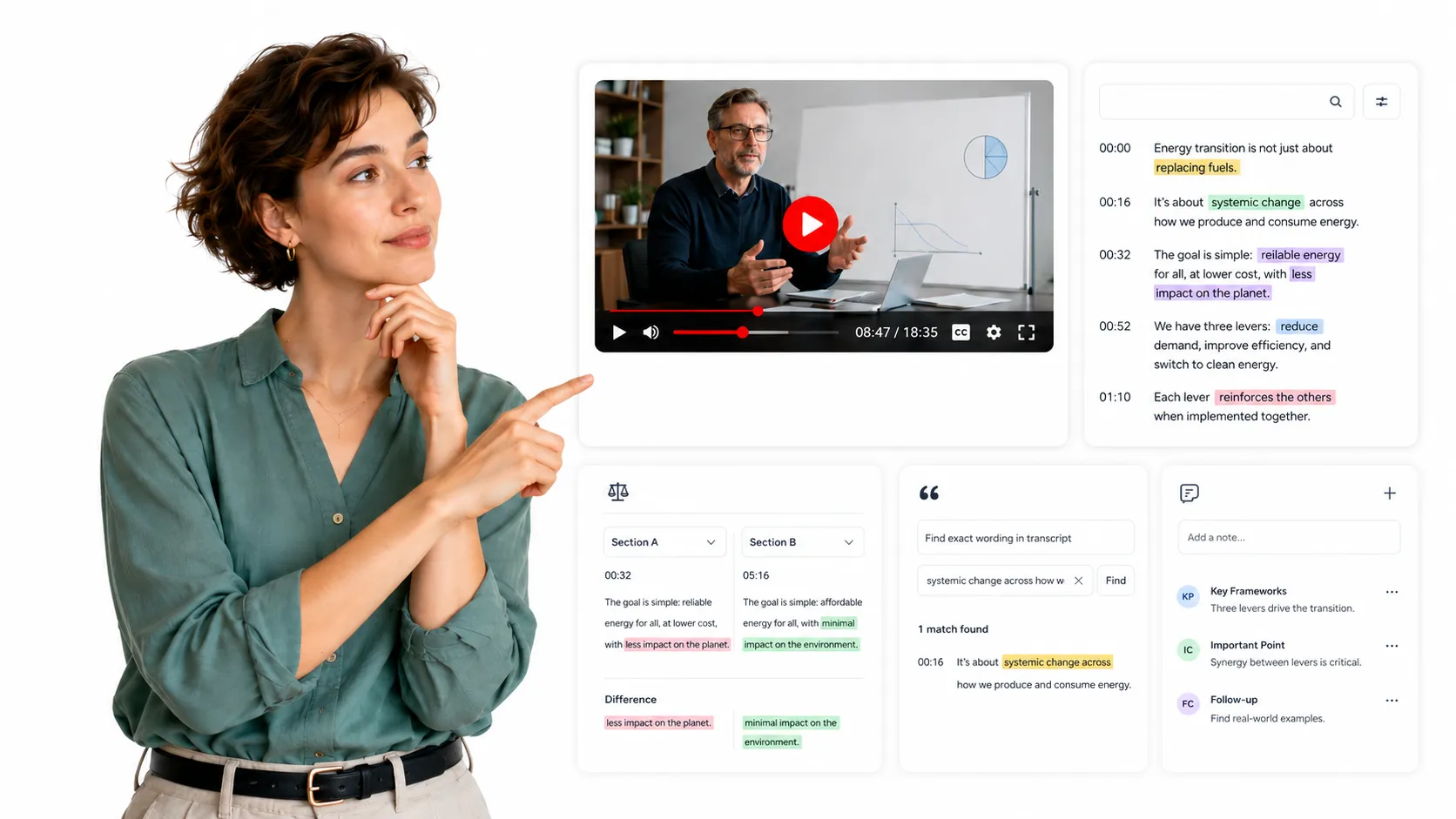
Watching a YouTube video is useful for first impressions, but text is better for deeper review. With a YouTube transcript extractor, users can slow down the information, compare sections, check exact wording, and understand the full context behind a topic. This is especially helpful when the video includes detailed teaching, step-by-step explanations, or research-related discussions that are easy to miss during normal playback.
YouTube Transcript Download for Notes and Content Reuse
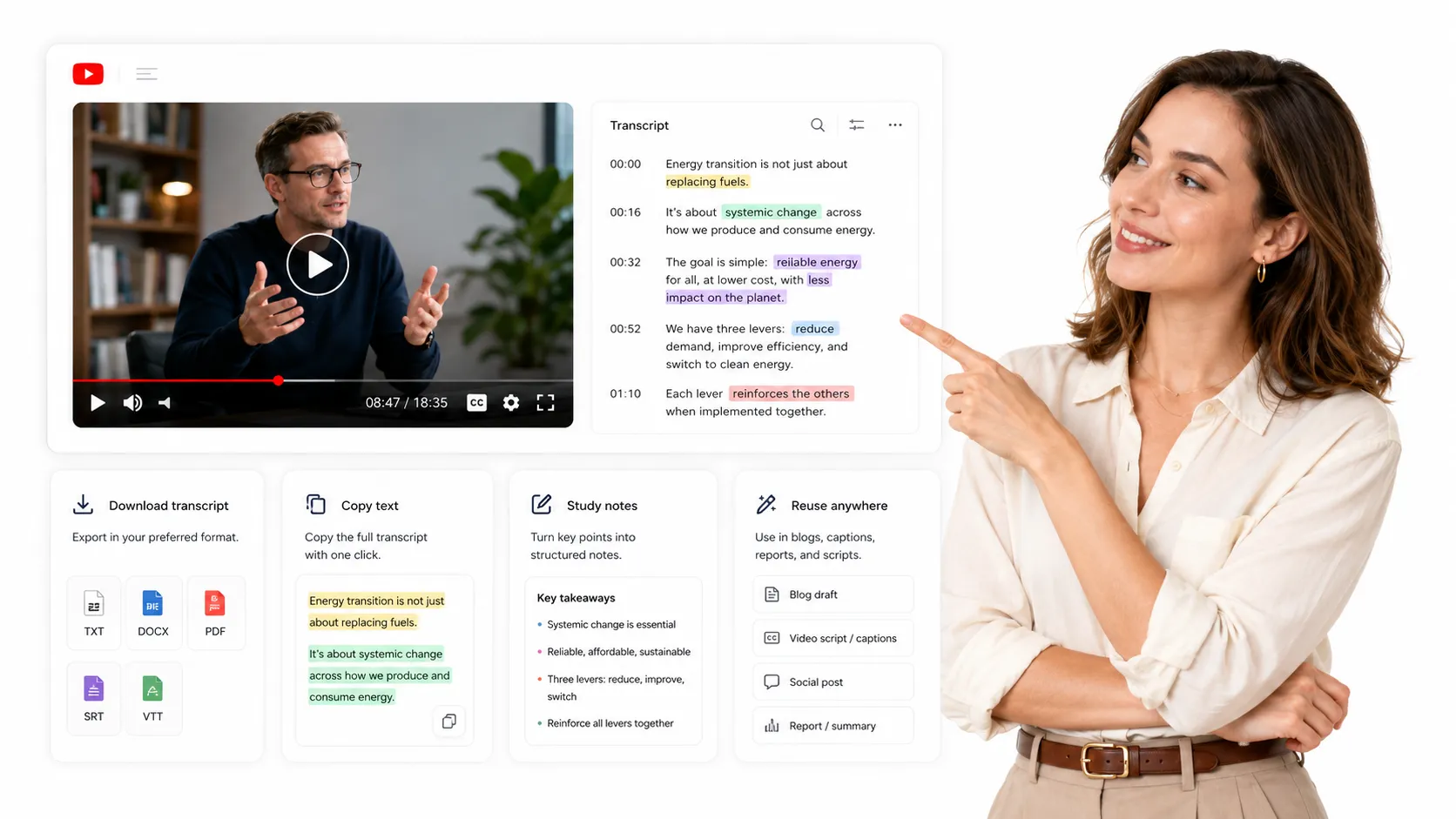
A generated YouTube transcript is not just a record of what the video says. It becomes a reusable text asset that can support study notes, research summaries, blog drafts, captions, scripts, meeting references, and content planning. Users can download or copy the transcript and continue working with the YouTube content in a format that is easier to edit, organize, share, and store for future use.
Key Features of Our YouTube Transcript Generator
YouTube Link Transcript Extraction
Paste a YouTube URL and generate a transcript directly from the video page, without preparing a separate file. This keeps the workflow focused on YouTube users who already have a video link and want the spoken content in text form.
Transcript Segmentation for Easier Reading
Long YouTube videos can be hard to read when all text is displayed as one block. The transcript is organized into clearer sections, so users can follow the video content more comfortably and locate specific parts with less effort.
AI Summary from YouTube Transcript
After the full transcript is generated, users can create an AI summary based on the original YouTube content. This is useful when they want a quick overview first, while still keeping the complete transcript available for checking details.
Copy and Download YouTube Transcript
Users can copy the transcript for immediate use or download it as a saved text resource. This makes it easier to move YouTube content into notes, documents, captions, outlines, or other writing workflows.
How to Generate a YouTube Transcript in 3 Steps
Step 1: Paste YouTube Link
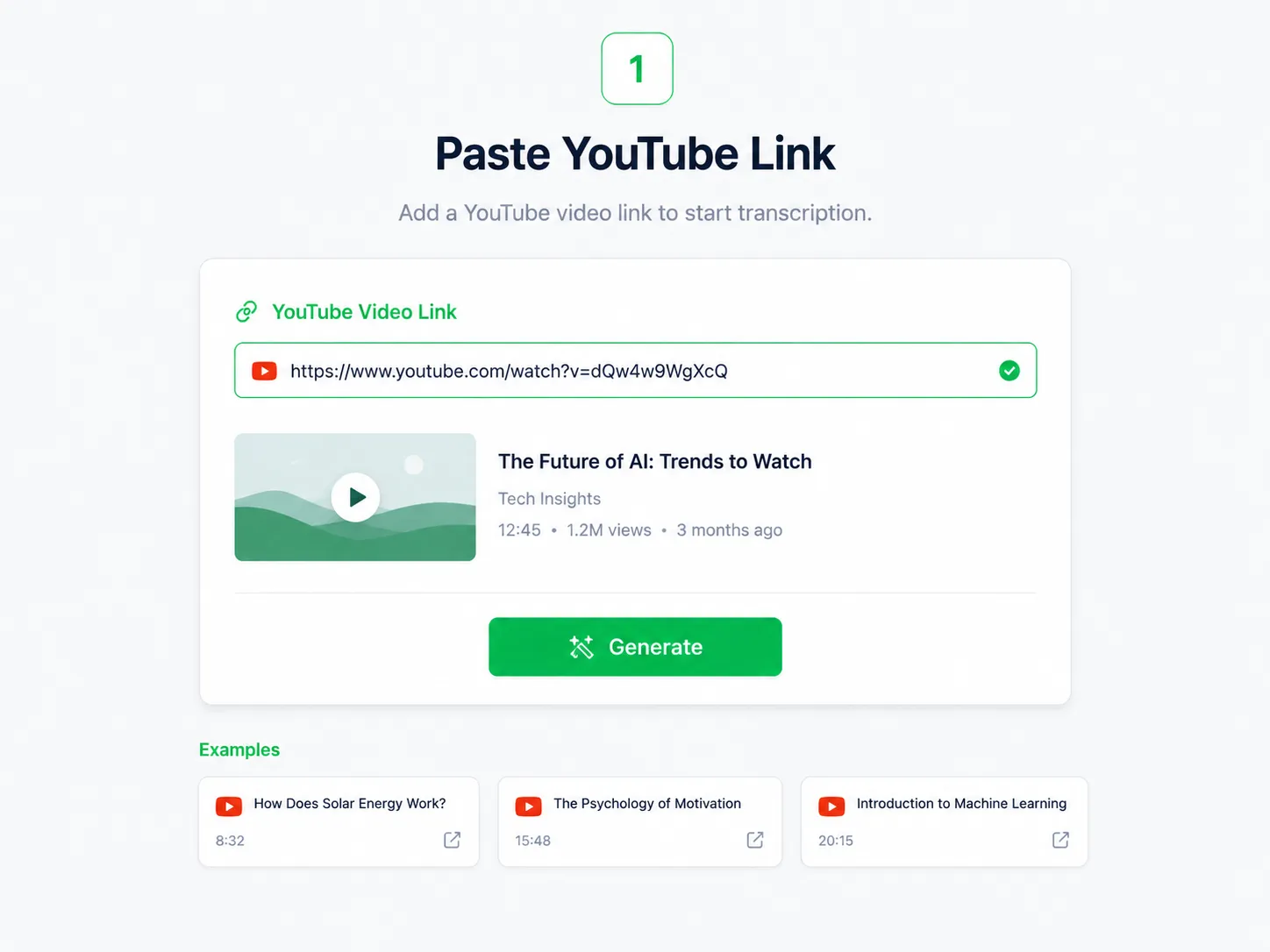
Paste the YouTube video link into the input box.
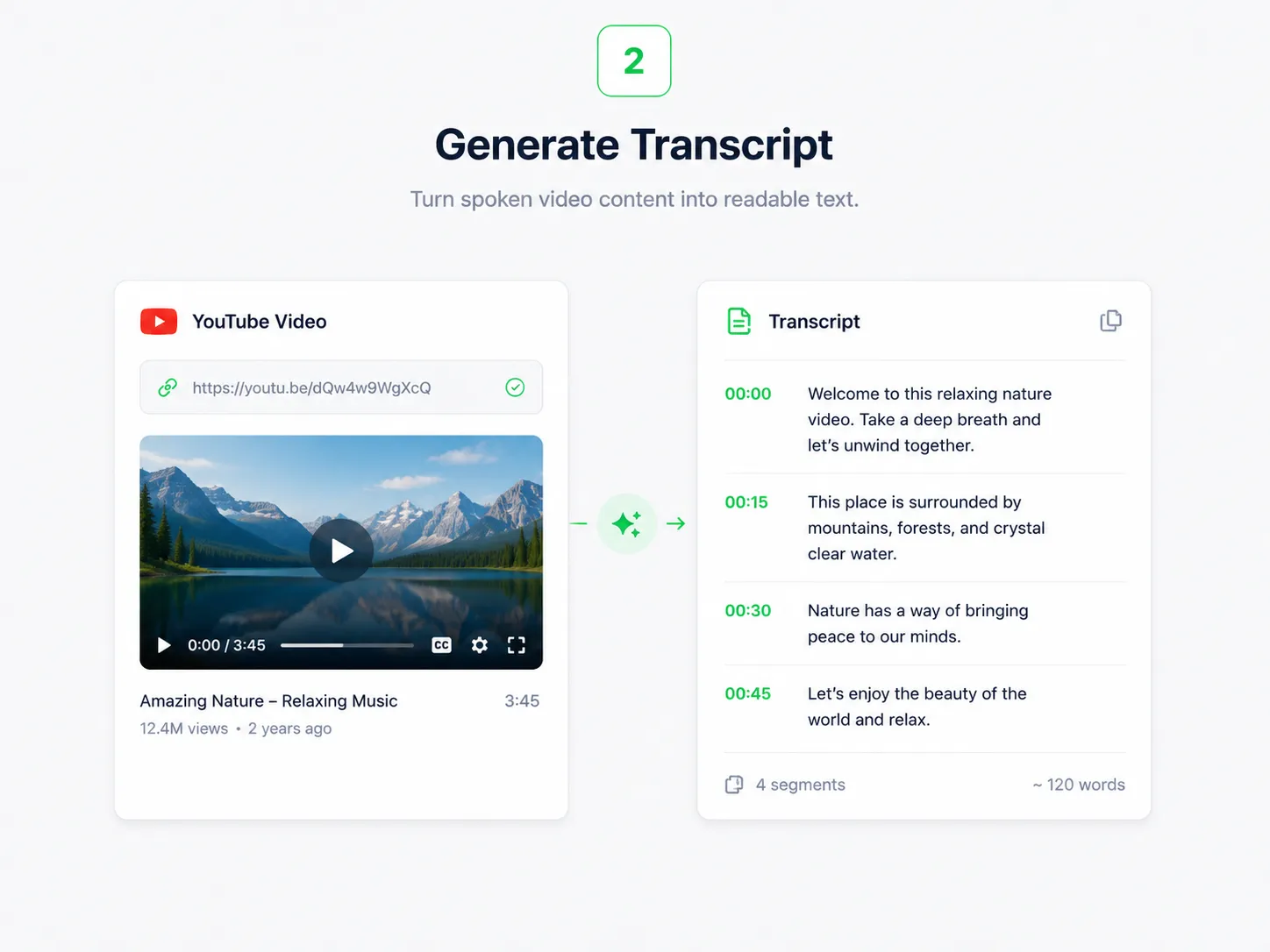
Step 2: Generate Transcript
Click Generate to turn the YouTube video into a transcript.
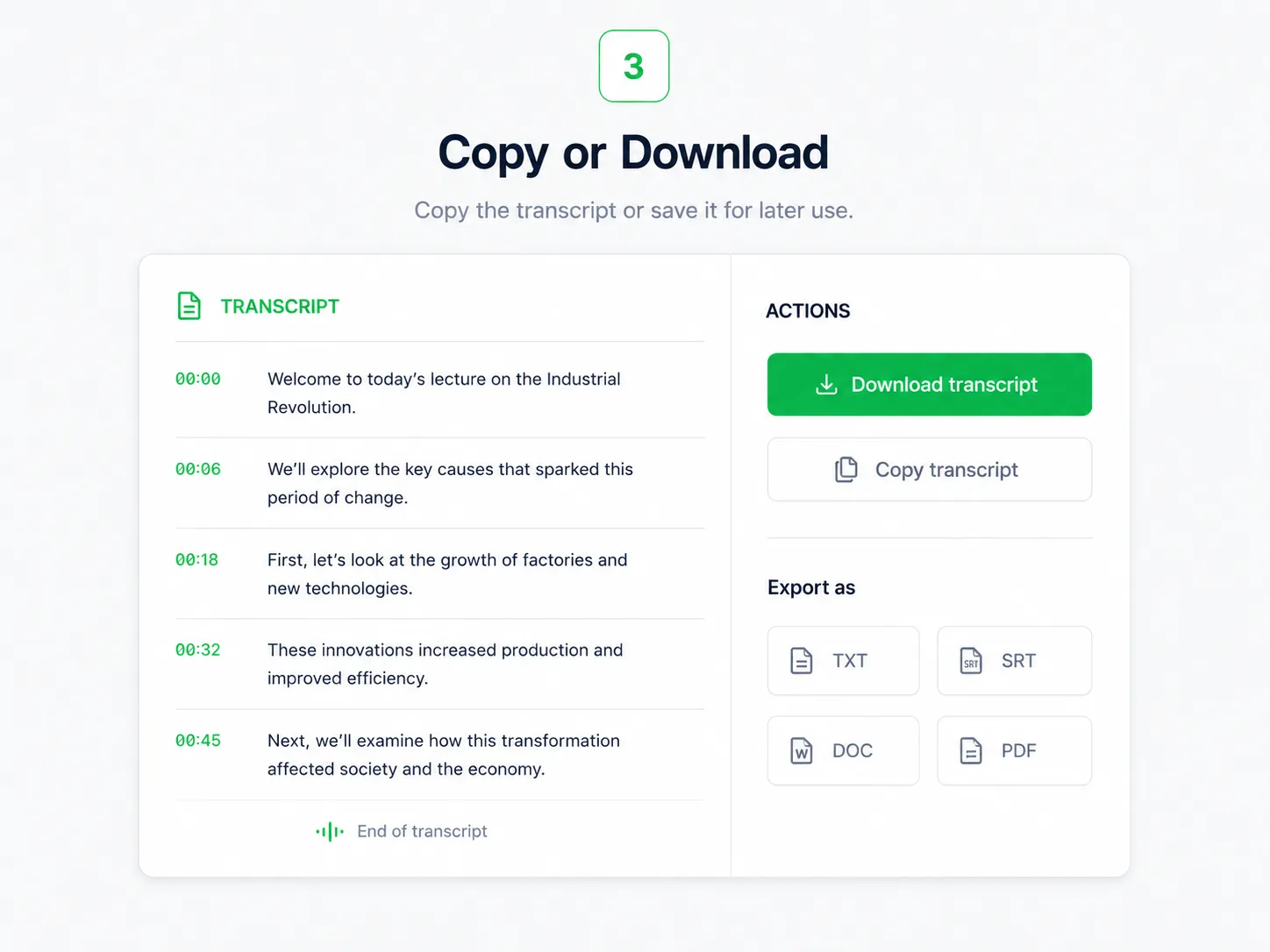
Step 3: Copy or Download
Copy the YouTube transcript or download it for later use.
YouTube Transcript Use Cases
YouTube Tutorial Transcripts
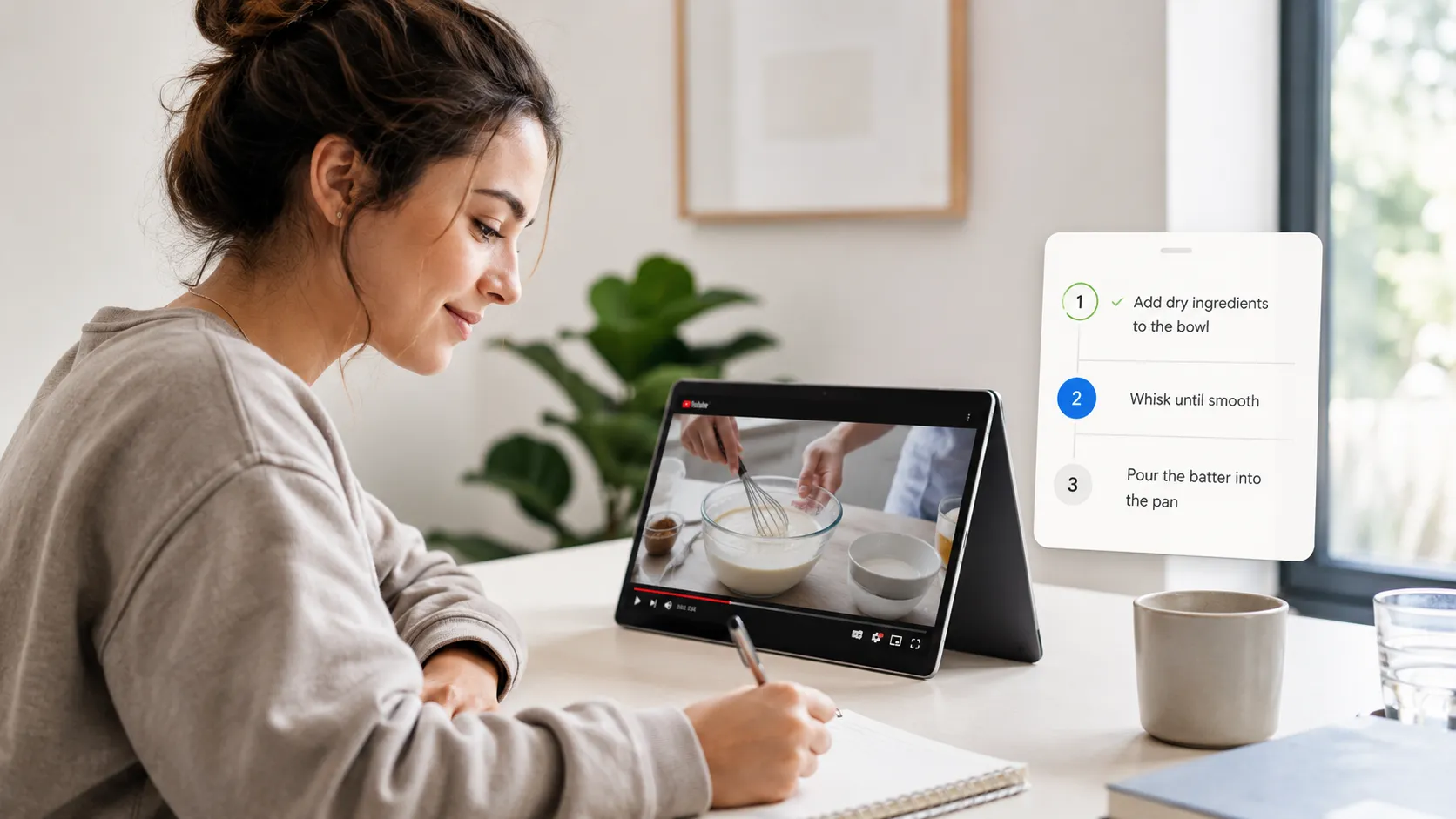
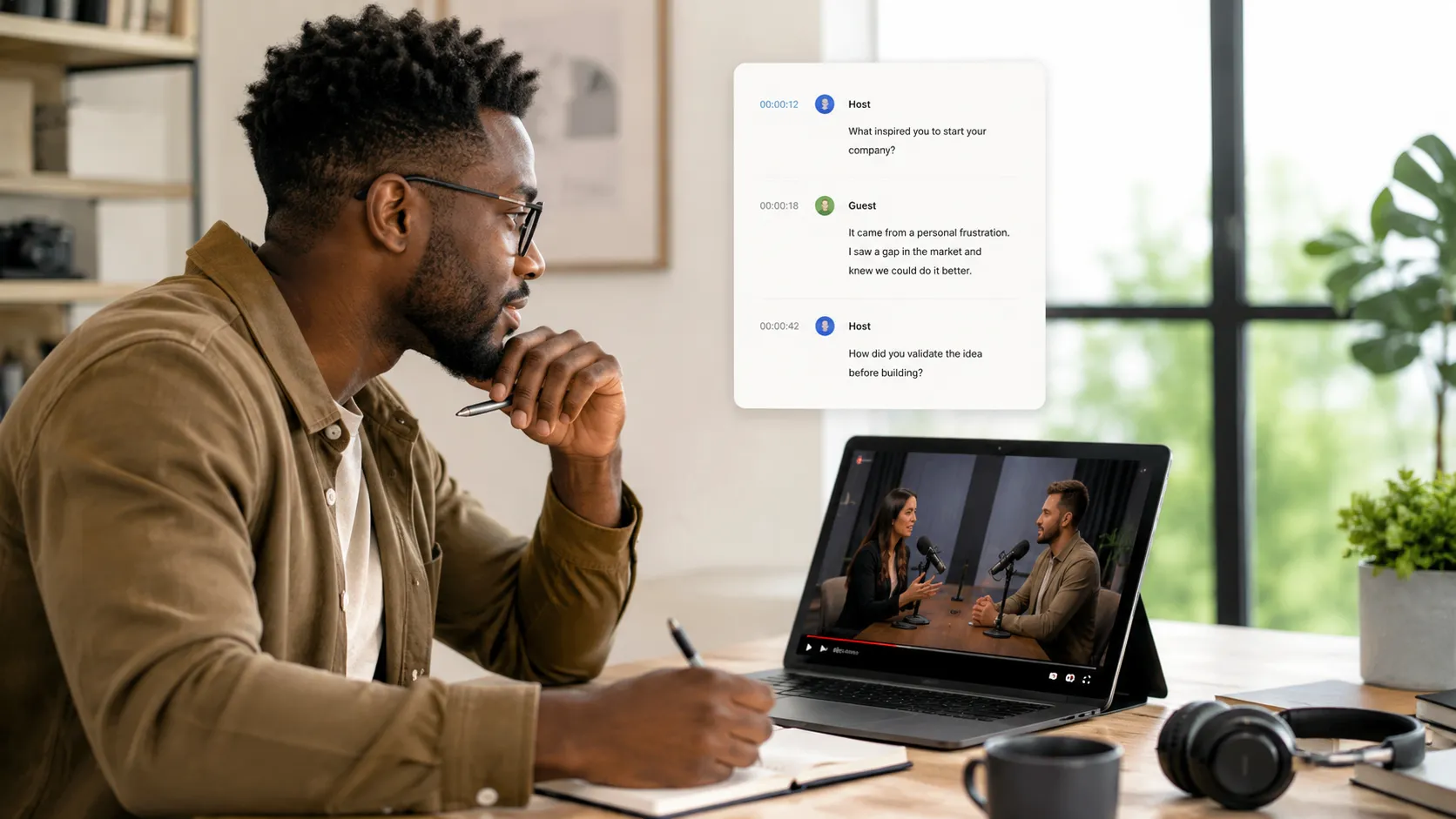
Turn YouTube tutorials into step-by-step written guidance that is easier to follow while practicing, or turn lectures into textfor easier review after watching, and avoid switching back and forth through the video.
What Users Say About Our YouTube Transcript Generator
" I often watch tutorials for content research, but going back to find one detail used to take too much time. Now I generate the YouTube transcript first, search the text, and turn useful parts into outlines much faster. "

Emily Carter
Content Creator
" Some YouTube lectures move too quickly, especially when the topic is technical. The transcript helps me slow the content down, check important explanations, and build cleaner study notes without replaying the whole video. "

Daniel Kim
University Student
" For interviews and expert talks, I need the original wording, not just a short summary. This YouTube transcript generator gives me a reliable base for checking quotes, comparing ideas, and drafting articles. "

Ava Mitchell
Research Writer