
Text to MP3 Generator
Free Text to MP3 Converter Online
Transform any text into crystal-clear, natural-sounding speech. Skip the complex audio sliders and mandatory registration—simply paste your script and download your MP3 instantly.
Workspace
Text to MP3 Studio
Audio Result
Waiting for Text
Your generated audio will appear here for preview and download.
History List
Recent MP3 Files
Up to 50 recent conversions are securely stored locally in this browser.No generated files yet.
Core Features Designed for Seamless Audio Generation
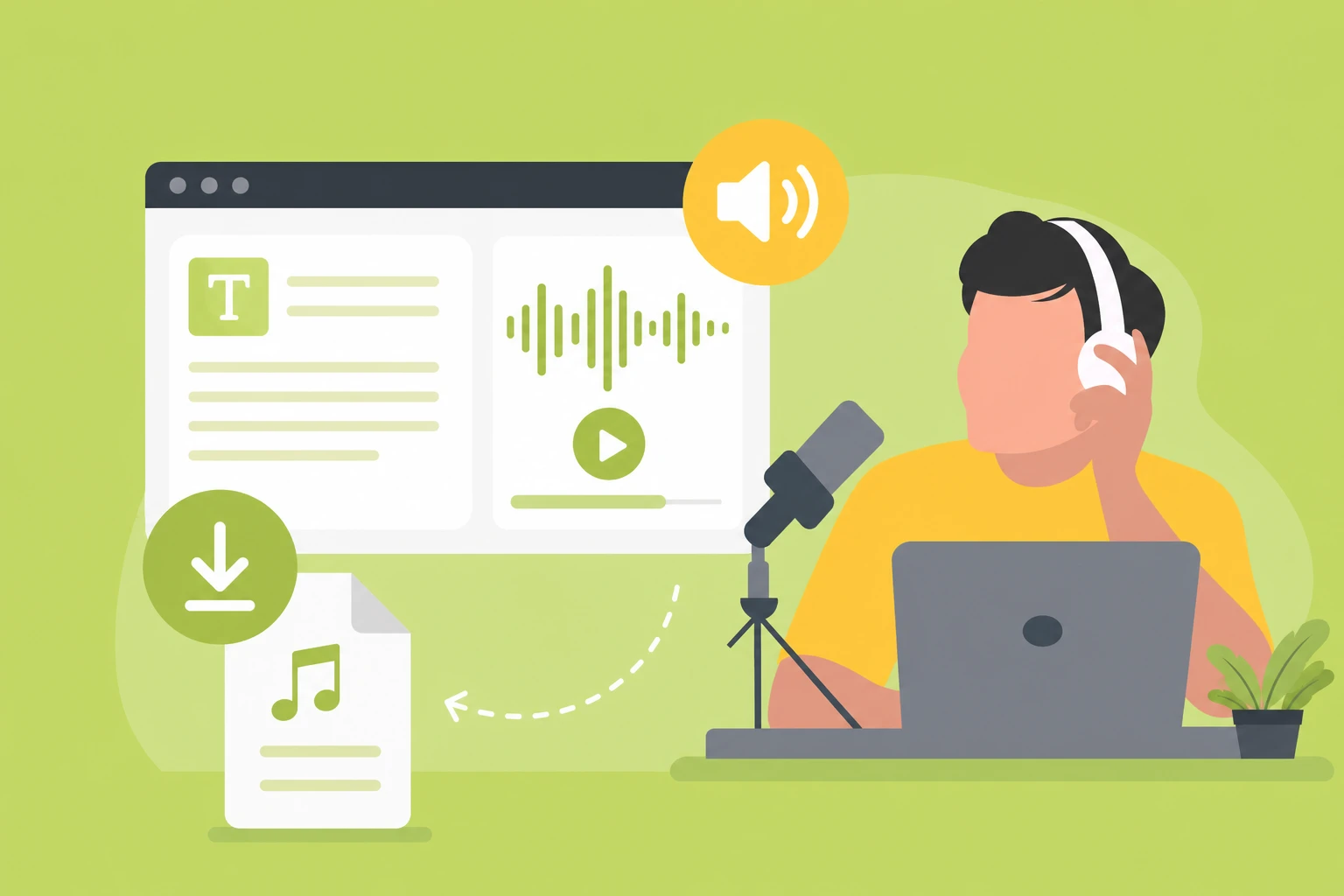
Text to Speech MP3 with Natural Voices
Eliminate mechanical, robotic speech synthesis. Our generation engine focuses on depth, realistic pacing, and genuine human intonation, helping users generate natural AI voicesfrom written scripts. By analyzing the contextual meaning of your sentences, the AI maps subtle pauses and emphasis for polished, professional-grade audio.
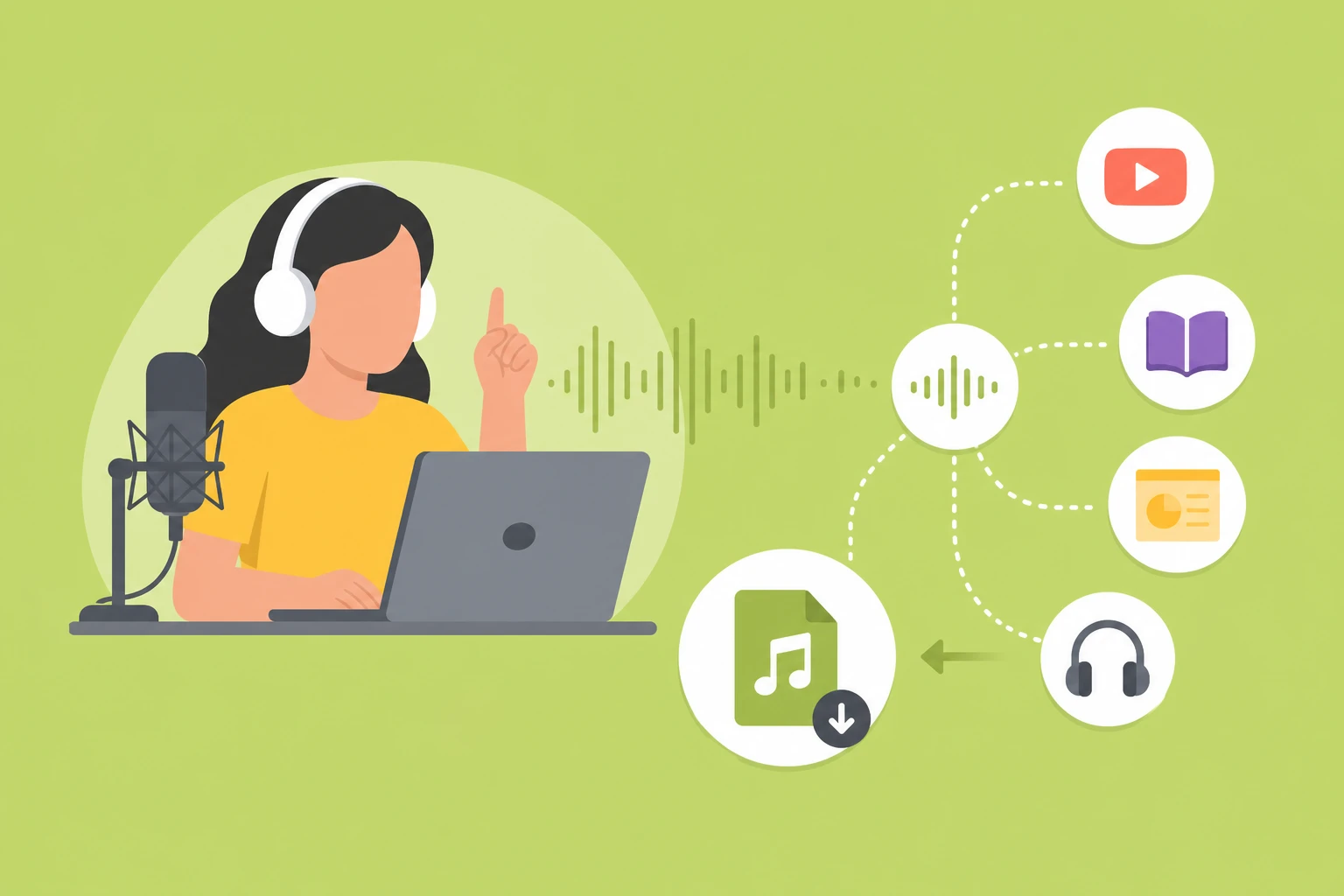
Text to Speech Online Free Unlimited MP3 Download
We believe in zero friction. Experience direct text-to-speech and MP3 download capabilities straight from your browser without forced registration, credit card requirements, or hidden walls. Evaluate the full output value and sound quality before making any commitments.
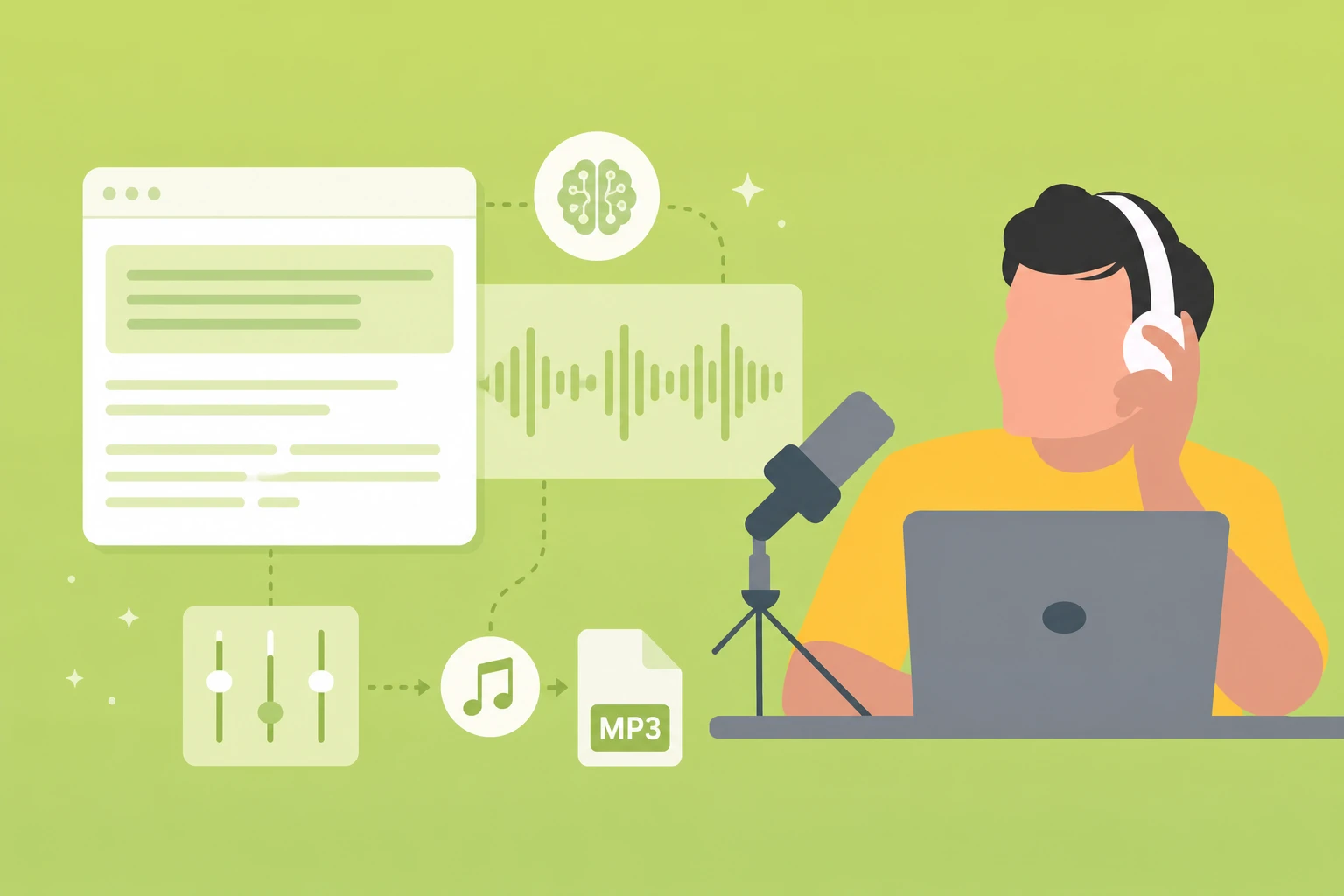
An Intelligent Text to Speech MP3 Generator
Achieve studio-grade narration without the audio engineering overhead. Our platform embraces a streamlined, prompt-driven workflow. There are no confusing knobs, messy decibel sliders, or hidden configuration tabs—the AI interprets your text layout to handle the acoustic heavy lifting automatically.
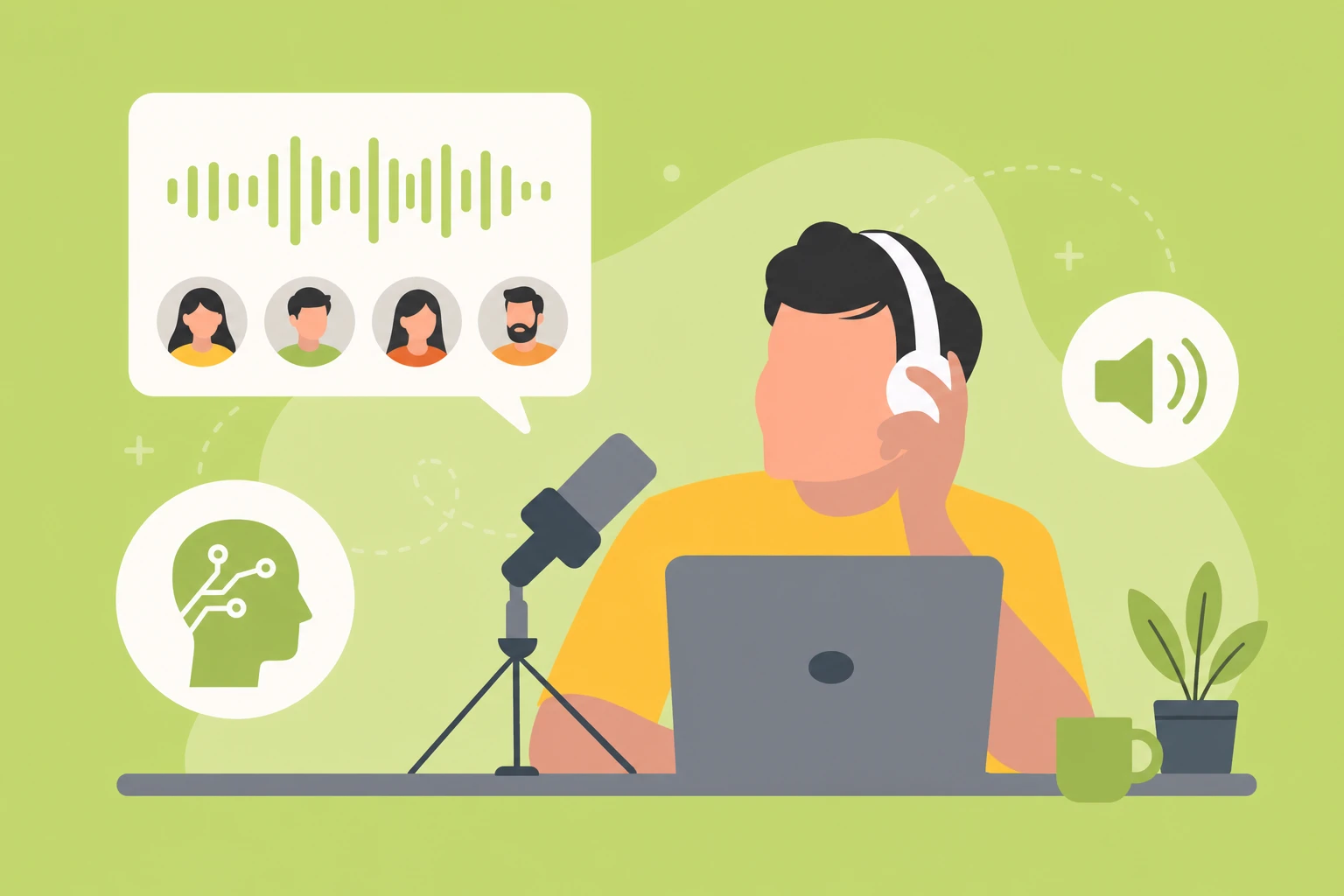
Instant Text to Audio Download for Creators
Every asset exports into a universally compatible, high-fidelity MP3 format. Whether you are creating voiceovers for YouTube narration, compiling immersive audiobooks, or structuring training presentations, our outputs integrate flawlessly into any modern timeline or video editor.
How to Convert Text to Speech and Save as MP3
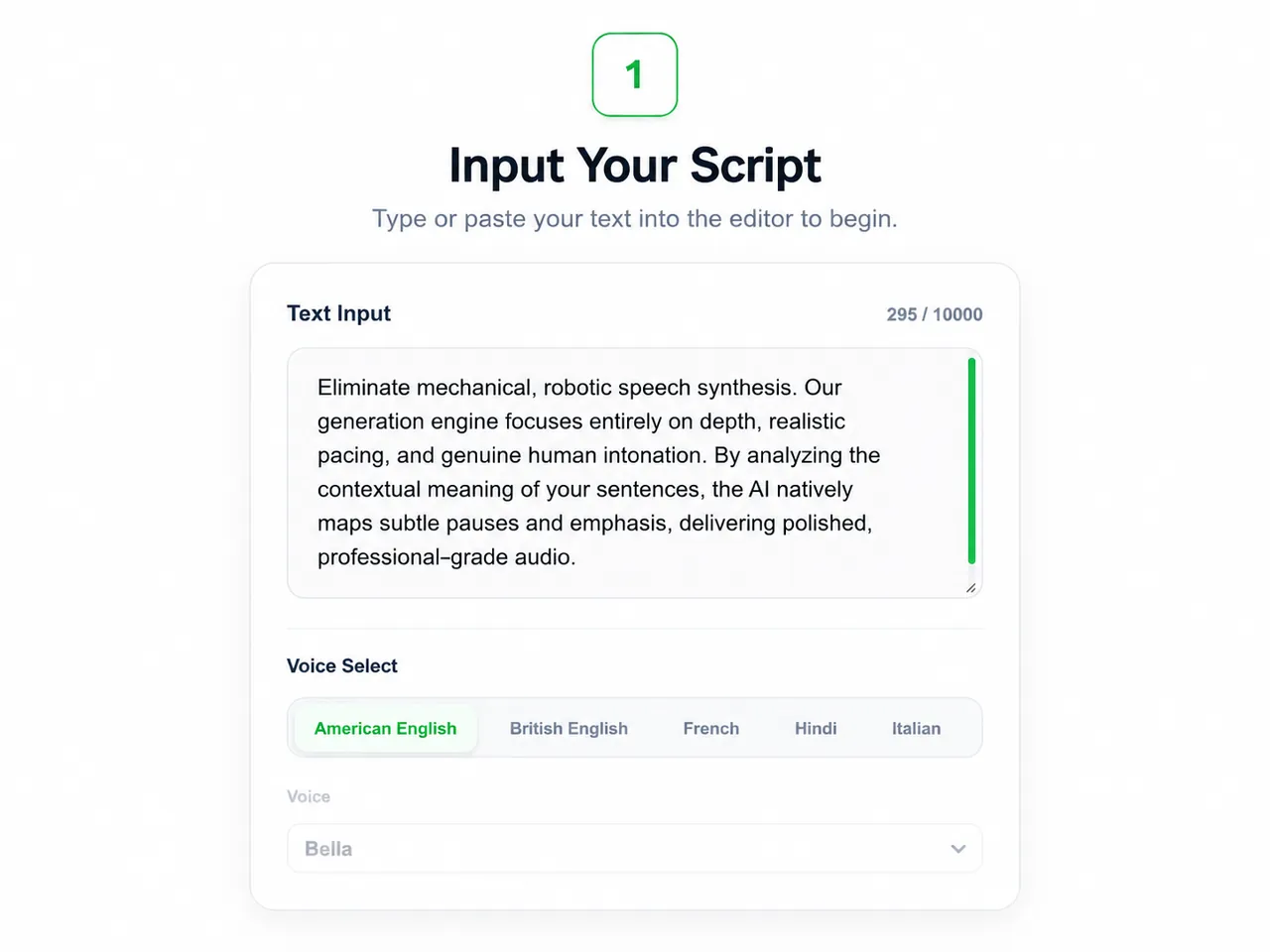
Step 1: Input Your Script
Enter or paste your text, script, or content prompt directly into our intuitive online workspace.
Step 2: Choose a Natural Profile
Select a refined voice profile optimized for your specific target language, gender preference, and context.
Step 3: Export Your MP3
Click the conversion button to render your audio, then download your high-quality MP3 file for immediate use.
Frequently Asked Questions
Is this text to speech tool with MP3 download completely free?
Do I need to create an account to use the text to MP3 converter?
Can I use the downloaded MP3 files for my commercial videos?
Need to Transcribe Audio?
If you already have an audio file, you can convert MP3 to text and keep the spoken content as a readable transcript.