
AI Meeting Note Taker Online
AI meeting note taker turns recordings and calls into clear meeting minutes, key decisions, and action items you can review without replaying audio.


Upload or drag a video or audio here.
Max 30 minutes or 500MB per file.
Supported file formats: mp3, mp4, mpeg, mpga, m4a, wav, webm, mov
Learn Case Interviews In Under 30 minutes
In History Class Demo
Youtuber video generated by lip syncing
Anime generated by lip syncing
Trusted by Millions of Creators & Brands
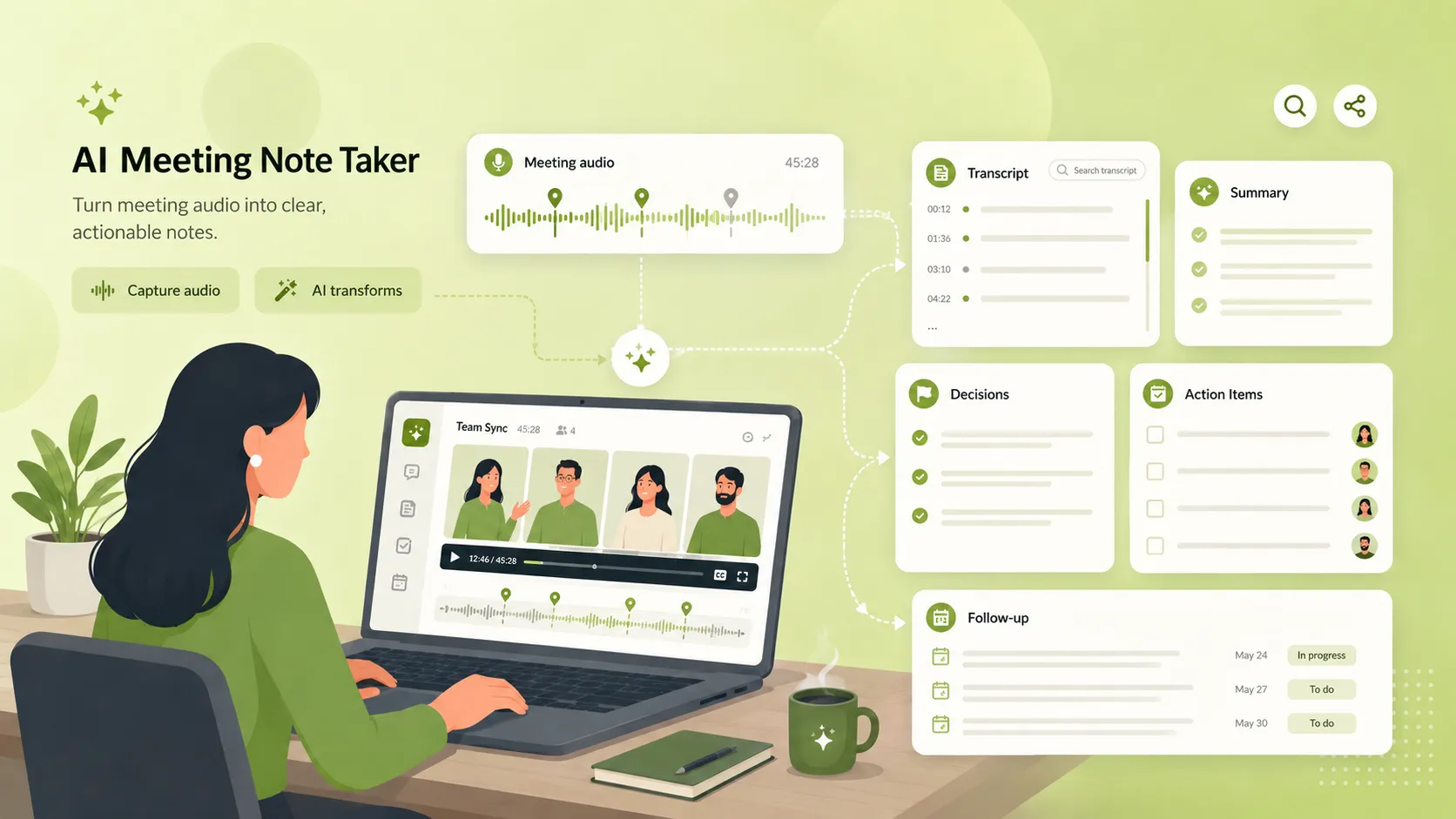
What Is an AI Meeting Note Taker?
An AI meeting note taker is a tool that turns meeting audio into written notes. It can transcribe the conversation, summarize the main points, and help separate decisions, action items, and follow-up tasks into clear sections. Instead of keeping only a raw recording, you get meeting notes that are easier to read, search, and share.
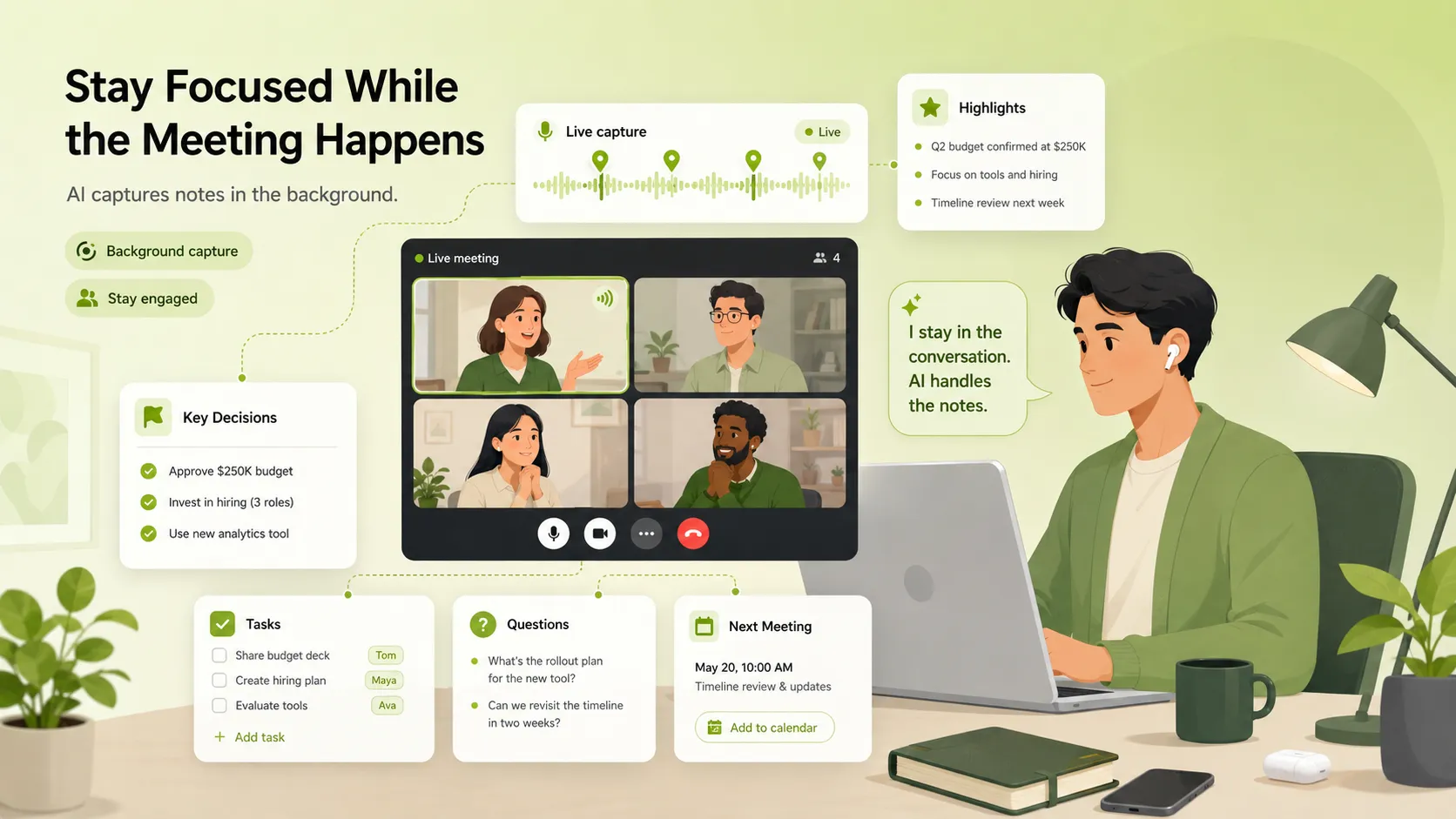
Stay Focused While the Meeting Happens
It is hard to listen, think, respond, and take notes at the same time. A meeting note taker AI helps capture the discussion in the background, so you can stay involved in the conversation instead of worrying about every sentence you need to write down.
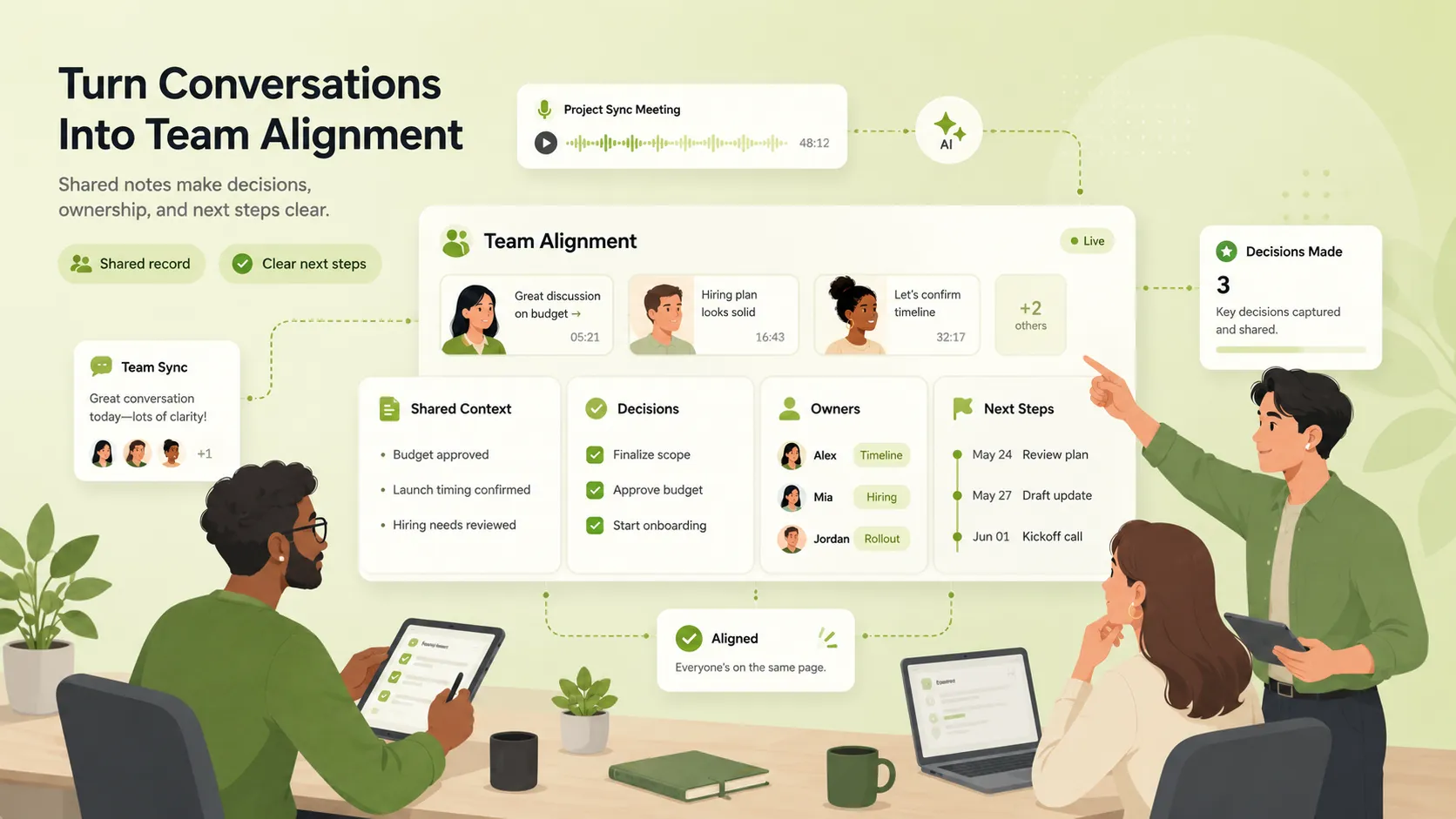
Turn Conversations Into Team Alignment
A meeting is only useful when people know what was decided and what needs to happen next. AI meeting notes help turn scattered discussions into a shared record, so teams can leave the meeting with clearer context, responsibilities, and next steps.
Key Features of Our AI Meeting Note Taker
Meeting Audio Transcription
Upload a meeting recording to convert speech to text. The transcript keeps the original discussion available for review, search, and verification after the meeting.
Smart Meeting Summary
Long meetings often include repeated points, side discussions, and scattered ideas. The AI meeting note taker condenses the conversation into a clear summary, helping you understand the main topics and outcomes without reading the full transcript.
Decision and Action Item Extraction
Important details are easy to miss in a long call. The tool helps identify key decisions, next steps, task owners, deadlines, and follow-up points, so the meeting does not end with unclear responsibilities.
Editable Notes and Easy Export
After the meeting notes are generated, you can review, edit, copy, or download them. Use the final notes for team updates, client summaries, project records, or internal documentation.
How to Use the AI Meeting Note Taker
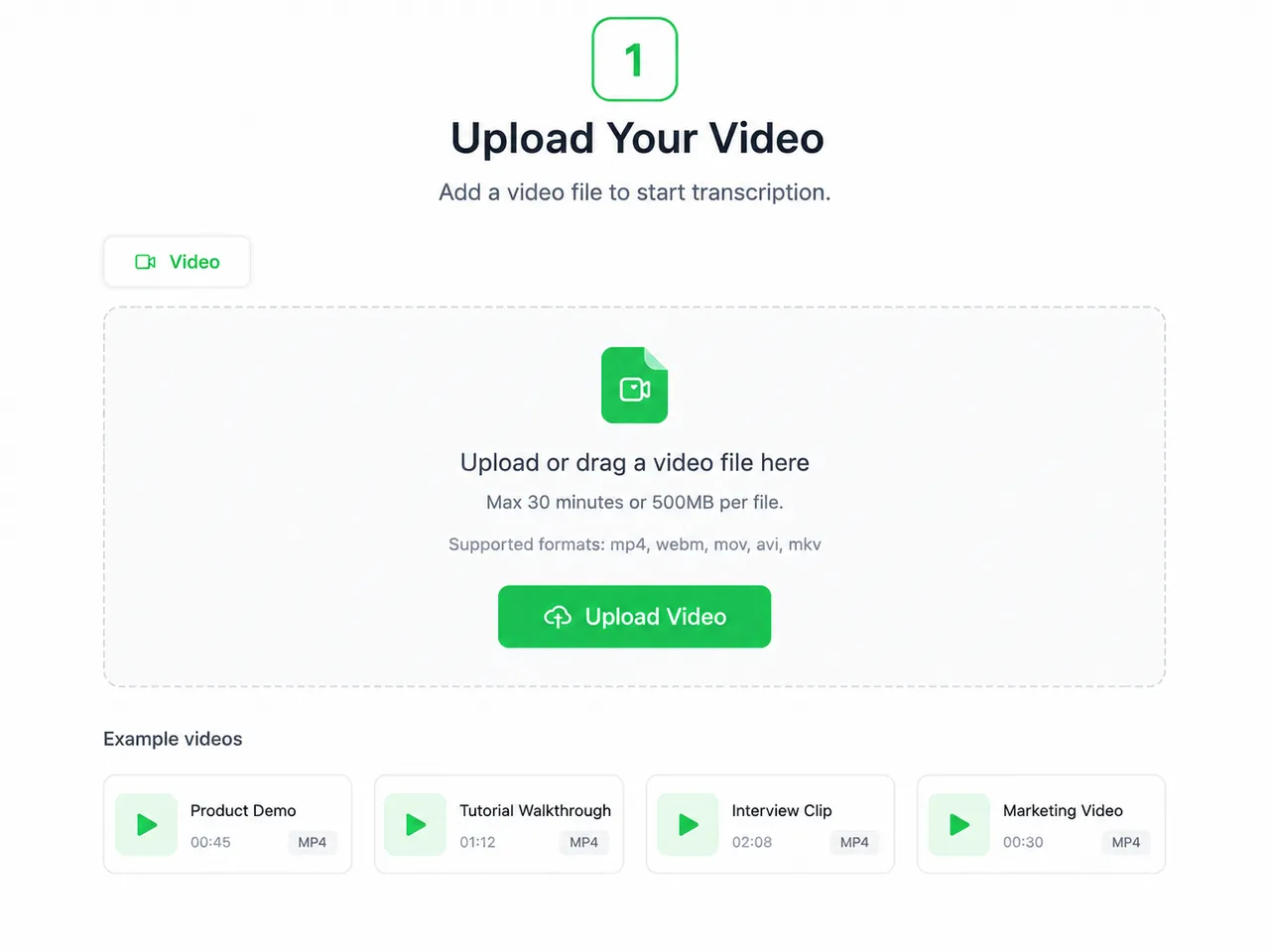
Upload Your Meeting Audio
Choose a meeting recording, call recording, or audio file from your device. The tool supports common audio formats such as MP3, WAV, M4A, AAC, and FLAC, so you can start without converting your file first.
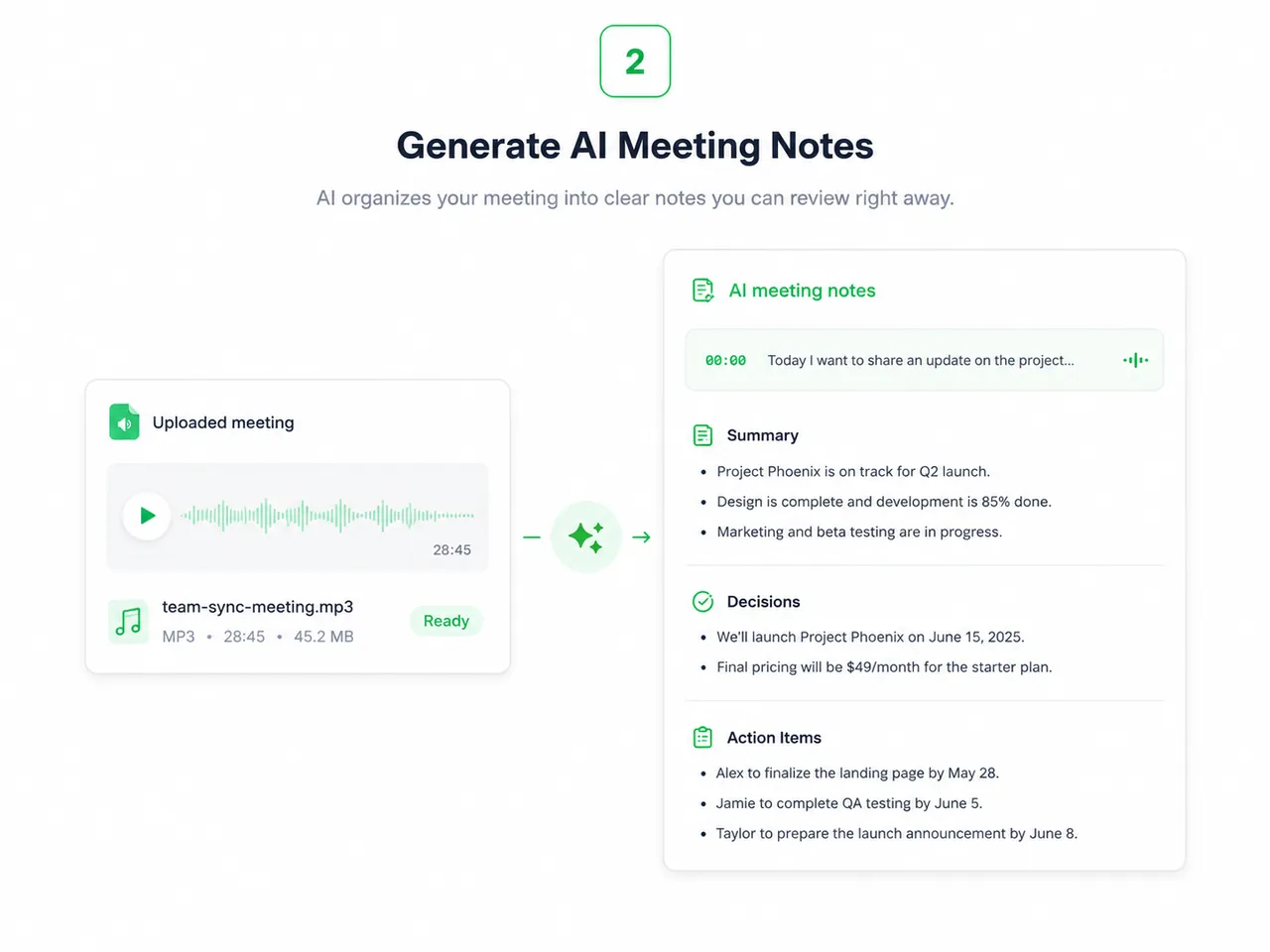
Generate AI Meeting Notes
AI transcribes the meeting and organizes the conversation into clearer sections. It can help separate the discussion into a summary, decisions, action items, and follow-up details.
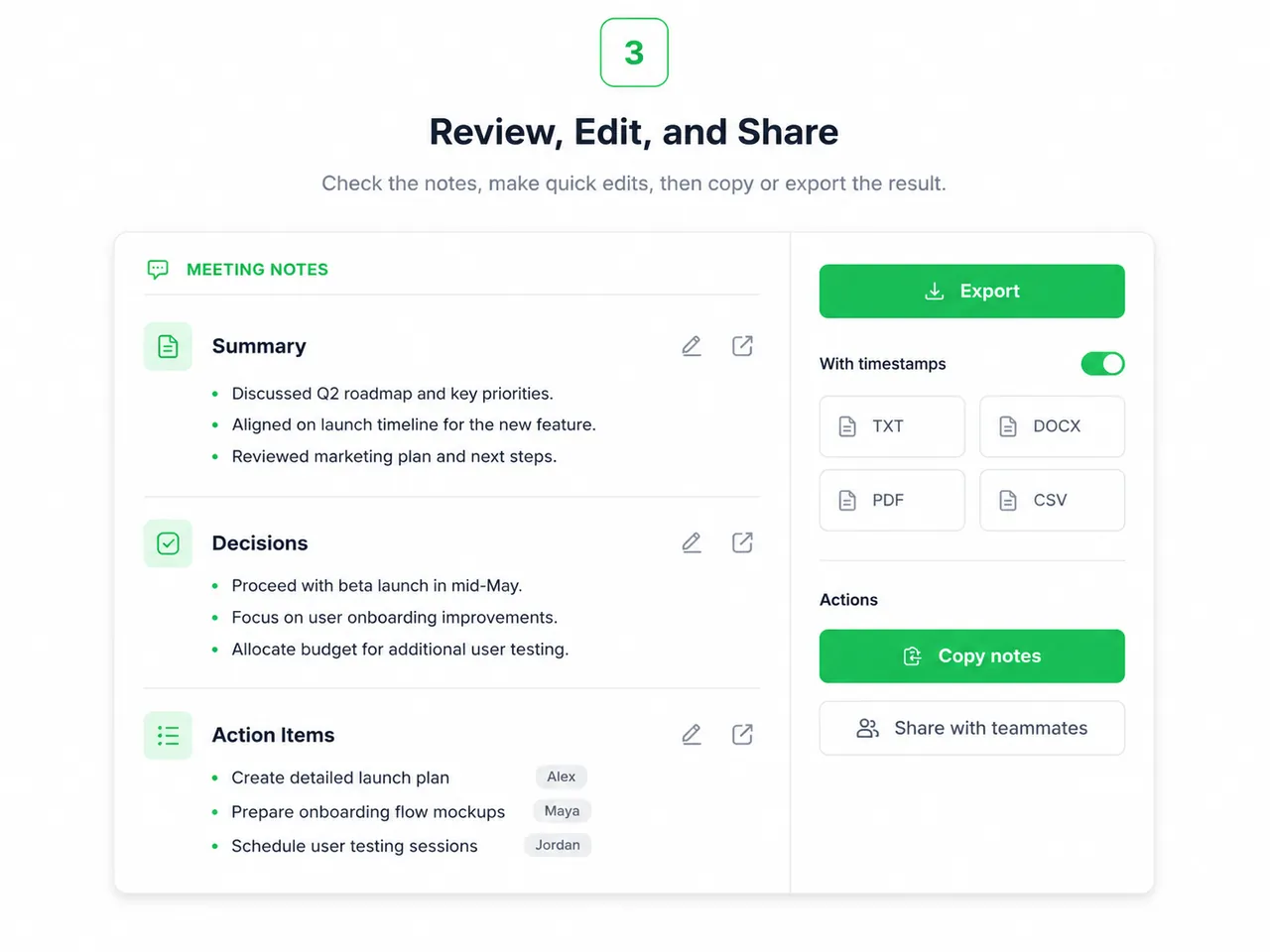
Review, Edit, and Share
Check the generated notes, make quick edits if needed, then copy or download the result. You can share the notes with teammates, or use them to plan next steps.
Why Teams Need AI Meeting Notes
Reduce Manual Note-Taking Pressure
When you are busy typing notes, it is hard to fully listen and contribute. AI meeting notes reduce the pressure of manual note-taking, so you can focus on the discussion while still keeping a reliable record.
Find Important Information Faster
Meeting recordings are hard to scan, but structured notes are easy to review. You can quickly find decisions, deadlines, responsibilities, questions, and follow-up points without searching through the full audio.
Keep Teams Aligned After Every Meeting
Clear notes help everyone understand what was discussed and what needs to happen next. This reduces misunderstandings, improves follow-through, and keeps project communication more consistent.
Popular Use Cases for AI Meeting Notes



What Users Say About Our AI Meeting Note Taker
" Our team meetings used to end with scattered notes in different places. Now we can quickly generate meeting summaries, decisions, and action items in one clear document. "

Sarah Mitchell
Project Manager
" I use it after client calls to make sure I do not miss requirements or follow-up tasks. It saves time and makes our communication much more reliable. "

Daniel Brooks
Account Manager
" As a student, I use AI meeting notes for seminars and group discussions. It helps me review important ideas and organize study materials faster. "

Emily Carter
Student