
2speech logo 2Speech AI

Free PDF to Audio Converter

Convert PDF to audio with AI voices. Listen to your documents online or download the audio for later.

PDF text
Your PDF text will appear here

Upload a PDF to get started. We extract the text first so you can review and edit it before generating audio.

Recent generations
No generated files yet.

How to Convert PDF to Audio Online

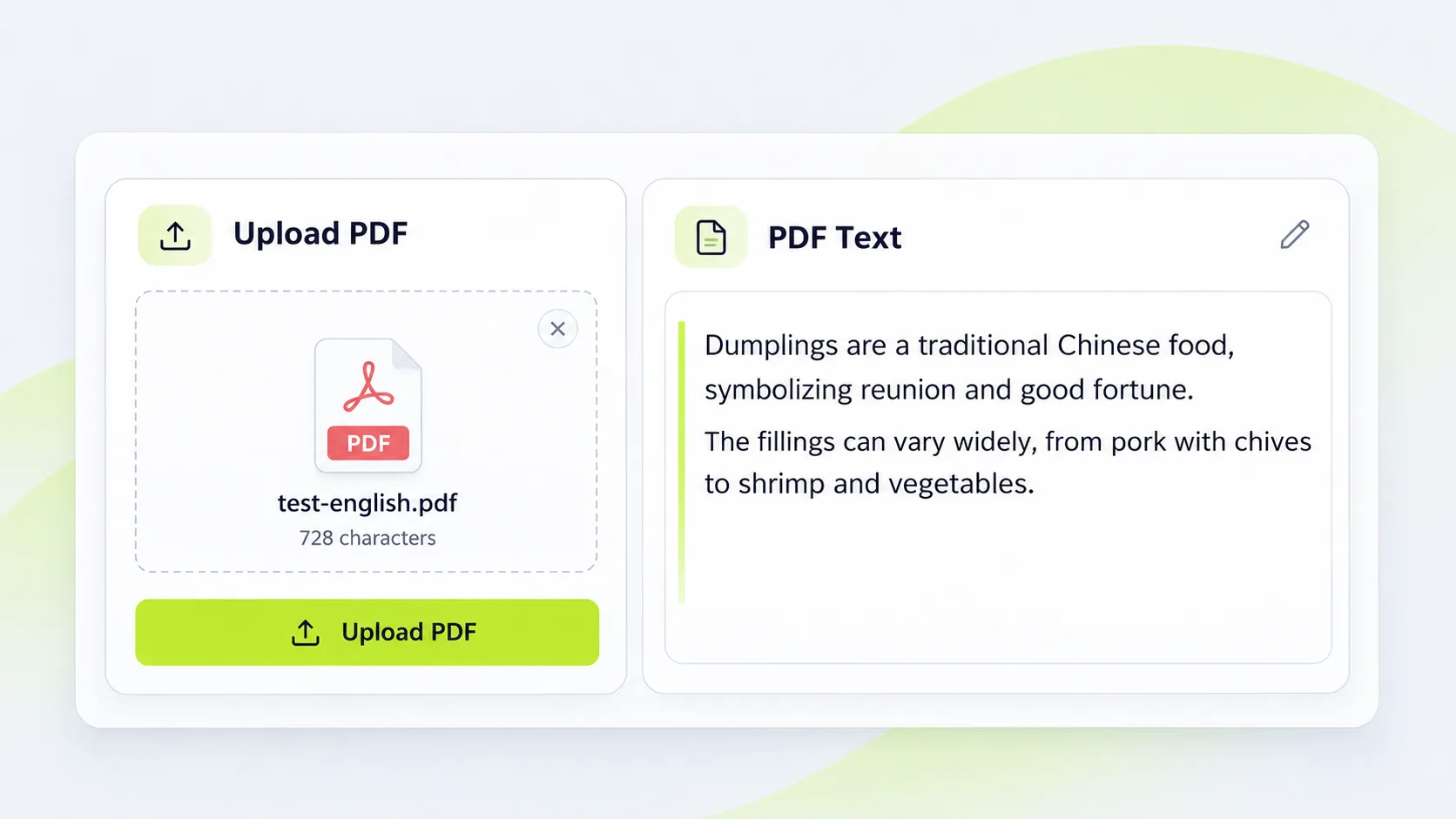
  1. Upload Your PDF

    Upload Your PDF

    Upload a PDF with a text layer to the PDF to audio converter. Once the text is extracted, review and edit it as needed.

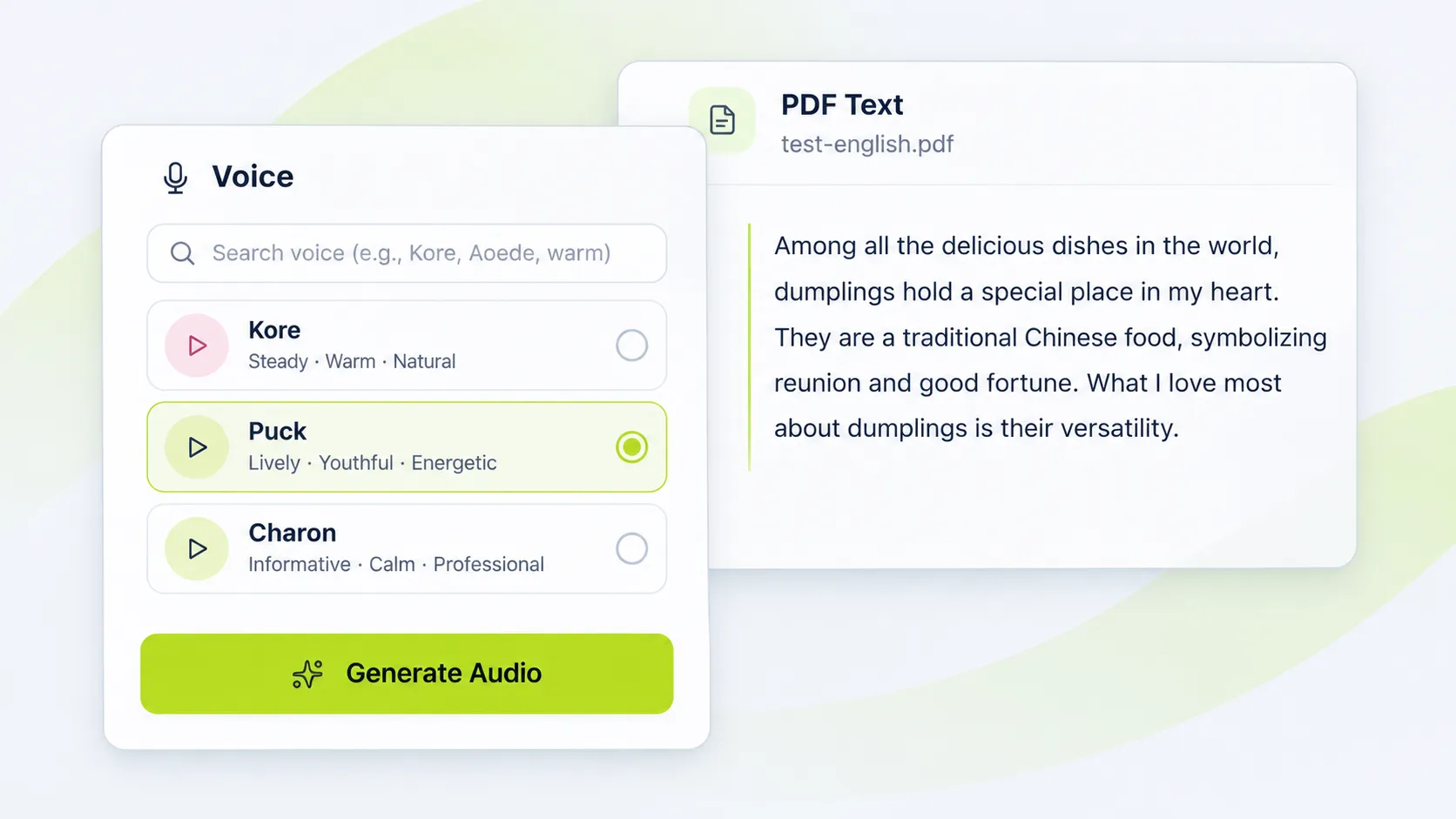
  2. Convert PDF Text to Speech

    Convert PDF Text to Speech

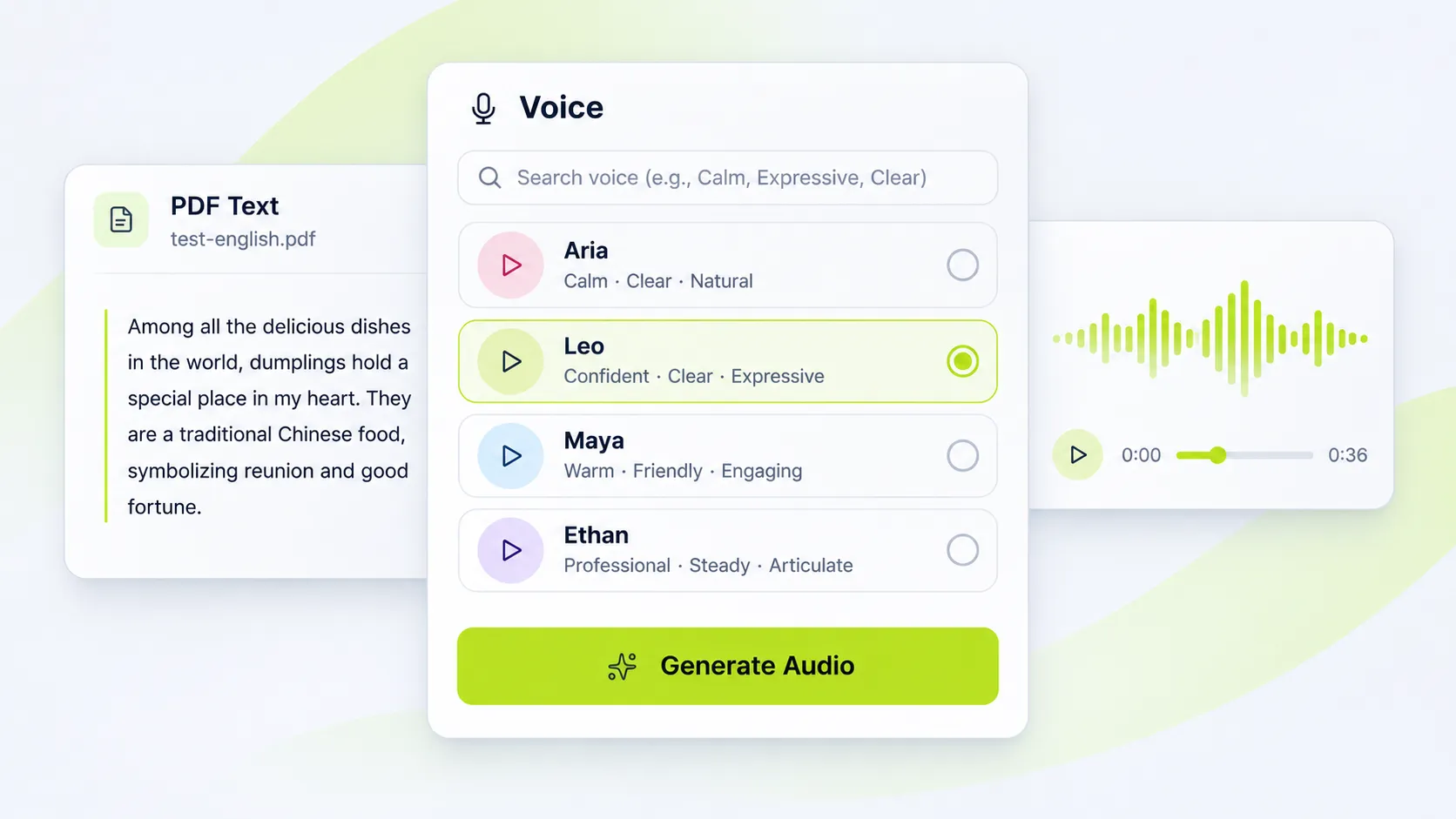
    Choose an AI voice and generate speech from the extracted PDF text.

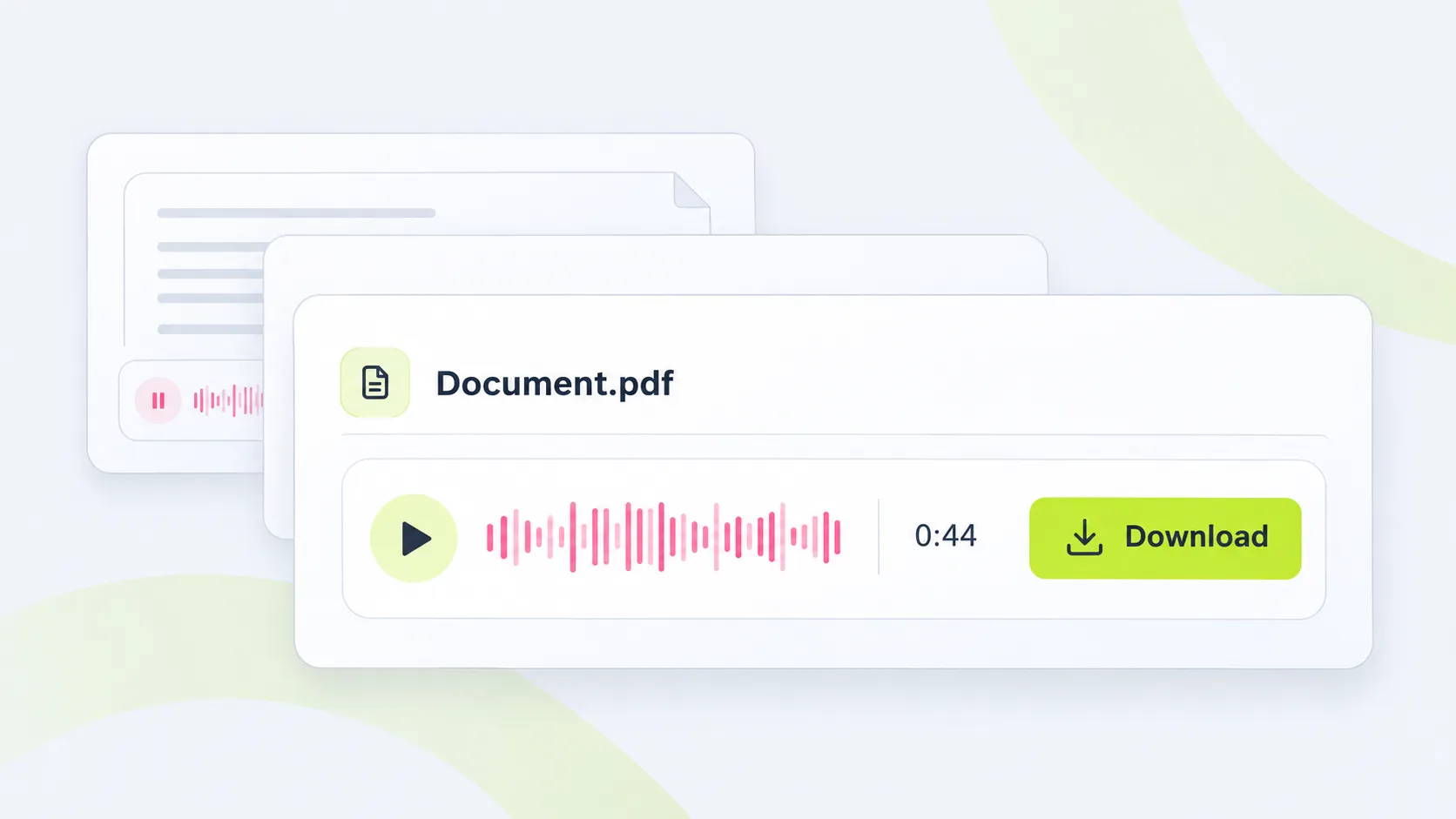
  3. Listen to Your PDF or Download the Audio

    Listen to Your PDF or Download the Audio

    Use the PDF audio reader to listen online, or download the generated audio file for later.

What Is PDF to Audio?

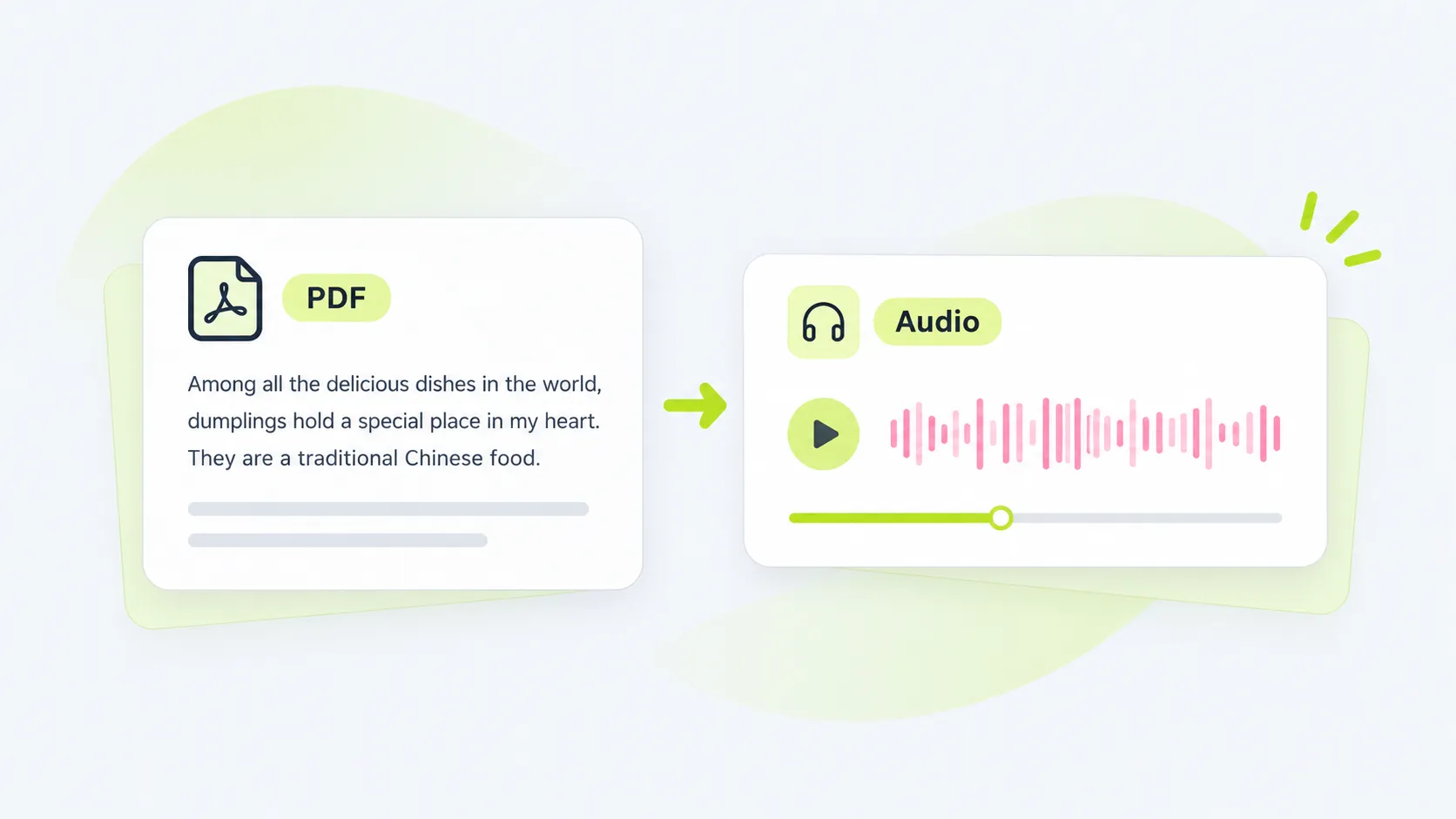
PDF to audio turns written content from a PDF into speech, so you can listen to documents as audio. It gives you another way to access study materials, reports, and other text-based files when reading is less convenient.

What Is PDF to Audio?

Find the Right Voice for Your PDF

A voice can influence how a document feels when read aloud. Choose from AI voices with different qualities to find one that fits your content and listening preference. Whether you prefer a calm voice for a report or a more expressive voice for a story, the PDF to speech tool lets you make the listening experience your own.

Find the Right Voice for Your PDF

Give Your Eyes a Break with a PDF Audio Reader

Reading long documents on a screen can be tiring, especially when you have several files to work through. A PDF audio reader lets you listen to the text instead, so you can continue with your materials when you need a break from the screen. Switch between reading and listening in a way that fits your routine.

Give Your Eyes a Break with a PDF Audio Reader

Keep PDF Audio for Later

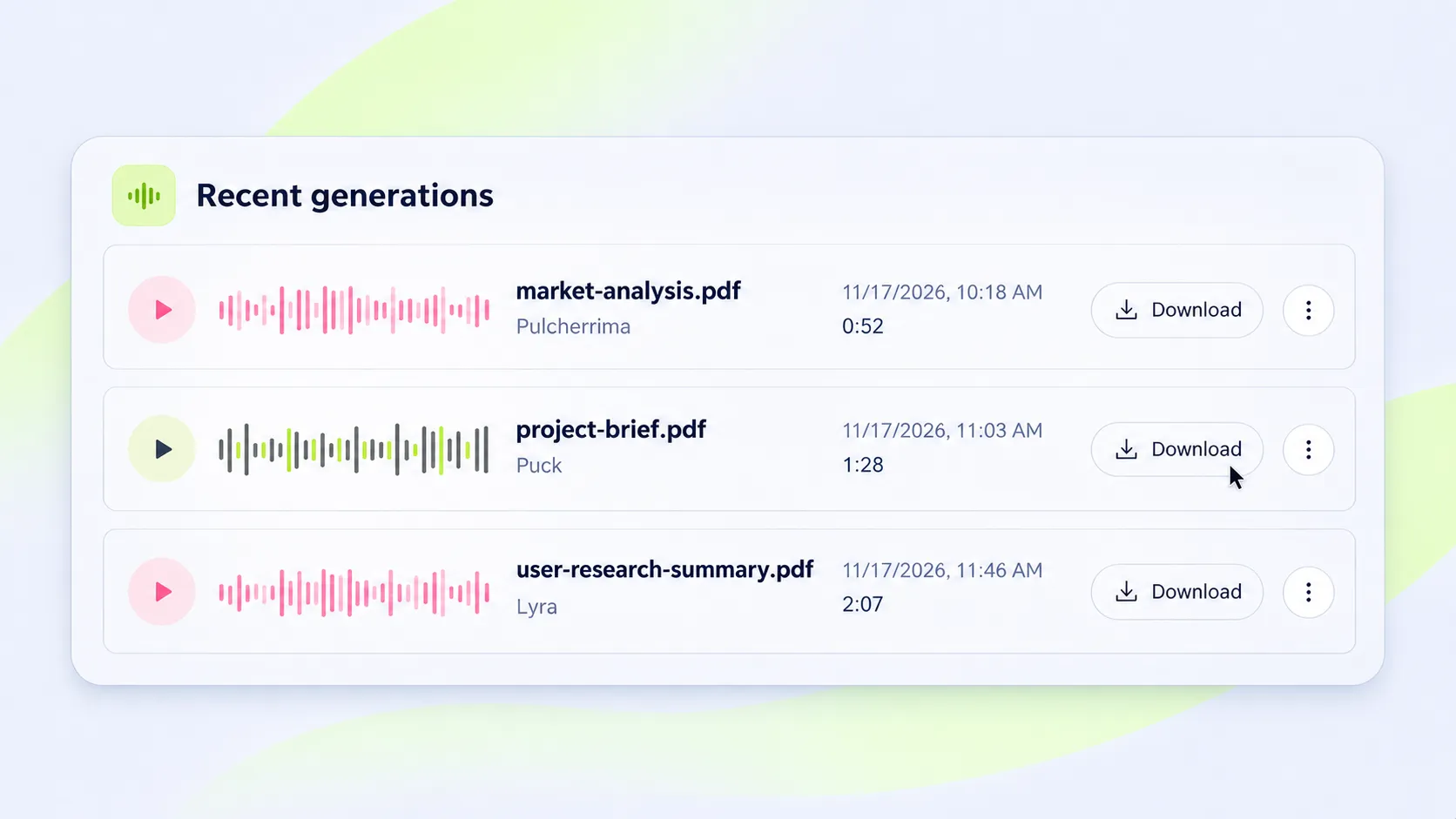
Once your document has been converted, you can download the audio and keep it for future use. Return to the recording whenever you need to revisit the content, without converting the PDF again.

Keep PDF Audio for Later

PDF to Audio for Different Needs

Prepare for Exams with Course Materials

Students can turn lecture handouts and study guides into audio to reinforce what they have learned. Listen to key concepts again before an exam, or use the recording alongside written notes to review difficult topics.

Prepare for Meetings with Work Documents

Professionals can convert a meeting agenda, proposal, or report into speech before a discussion. Listening to the document helps them become familiar with its contents and prepare questions or feedback in advance.

Revisit Research and Interview Documents

Researchers can turn interview transcripts or text-based papers into audio to revisit participants' responses and follow an author's argument. Keep the original document nearby when working with citations, tables, or other visual information.

Bring Stories and Scripts to Life

Writers and creators can use PDF to speech to hear a story or script read aloud. Listening can reveal awkward wording or pacing that is easy to miss on the page, helping them refine the text before sharing or recording it.

Make the Most of PDF to Audio

  • Check the extracted text for missing words or misplaced line breaks before generating audio.
  • Remove repeated headers and page numbers to keep the narration focused on the main content.
  • Spell out abbreviations when their spoken form may be unclear.
  • Preview different voices to find one that suits your document.

FAQs About PDF to Audio

Is the PDF to audio converter free to use?

Yes. You can use the PDF to audio converter for free to turn PDF text into speech and listen to your documents in audio form.

How can I listen to a PDF online?

Upload a PDF containing text and choose an AI voice. Once the audio is generated, you can use the PDF audio reader to listen online.

What size PDF can I upload?

You can upload a PDF file up to 50 MB. For text extraction, use a PDF that contains selectable text.

Will the PDF to speech tool let me choose a voice?

Yes. You can choose from different AI voices before converting your PDF text to speech. Select a voice that suits your document and listening preference.

Can I download the audio from a PDF?

Yes. Once your PDF has been converted to audio, you can download the generated file and listen to it later.

Why is some text missing from my PDF audio?

The audio is generated from the text extracted from your PDF. Text stored as an image or content in a complex layout may not be extracted as expected. Review the extracted text and make any necessary edits before generating audio.

Which documents work with the PDF audio reader?

You can use it with text-based PDF documents such as reports, course materials, articles, and scripts. Convert them into audio when you want to listen rather than read.

Turn Your PDF into Audio

Convert PDF text to speech with AI voices and listen to your documents wherever you are.

Convert PDF to Audio