
2speech logo 2Speech AI

Free Speech to Speech

Speech to speech reads text in a reference voice. Generate, play, and download audio online for free.

Text
0 / 500
Recent generations
No generated files yet.

How to Use Speech to Speech Online

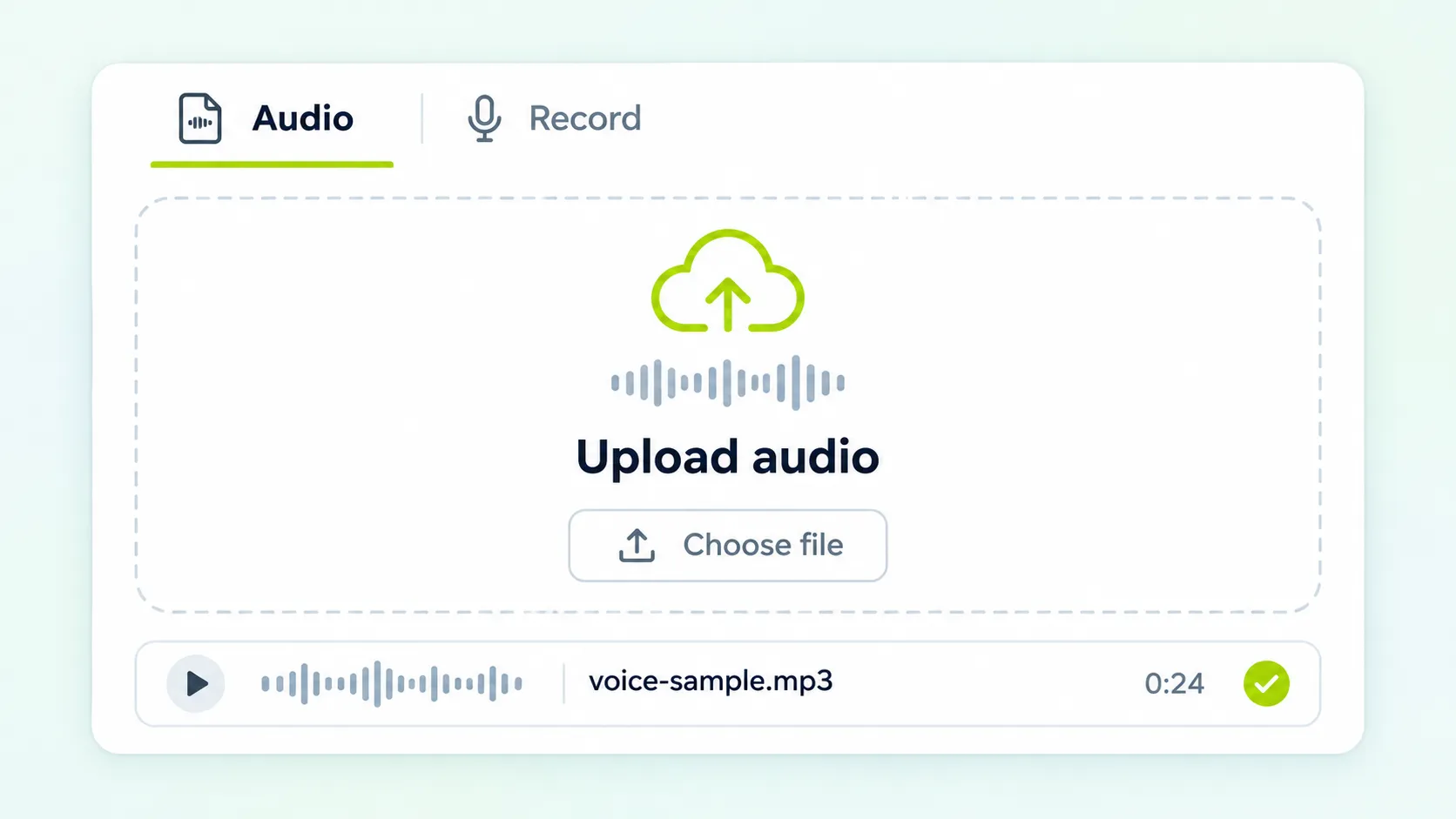
  1. Upload or Record Audio

    Upload or Record Audio

    Upload an audio clip or record a voice directly on the page. Use a clear sample with a single speaker.

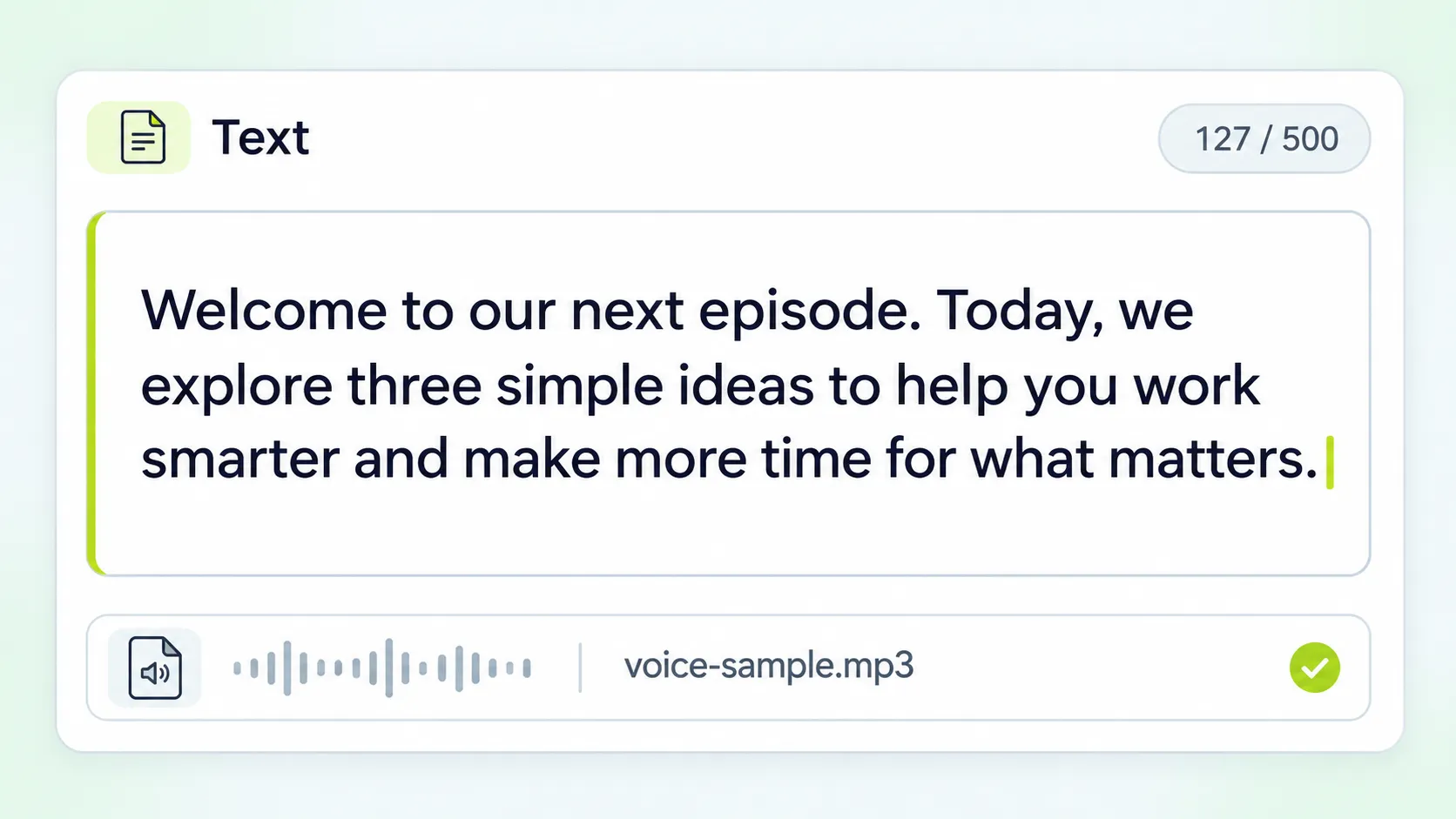
  2. Enter Your Text

    Enter Your Text

    Type or paste the text you want spoken in the reference voice. You can enter up to 500 characters per generation.

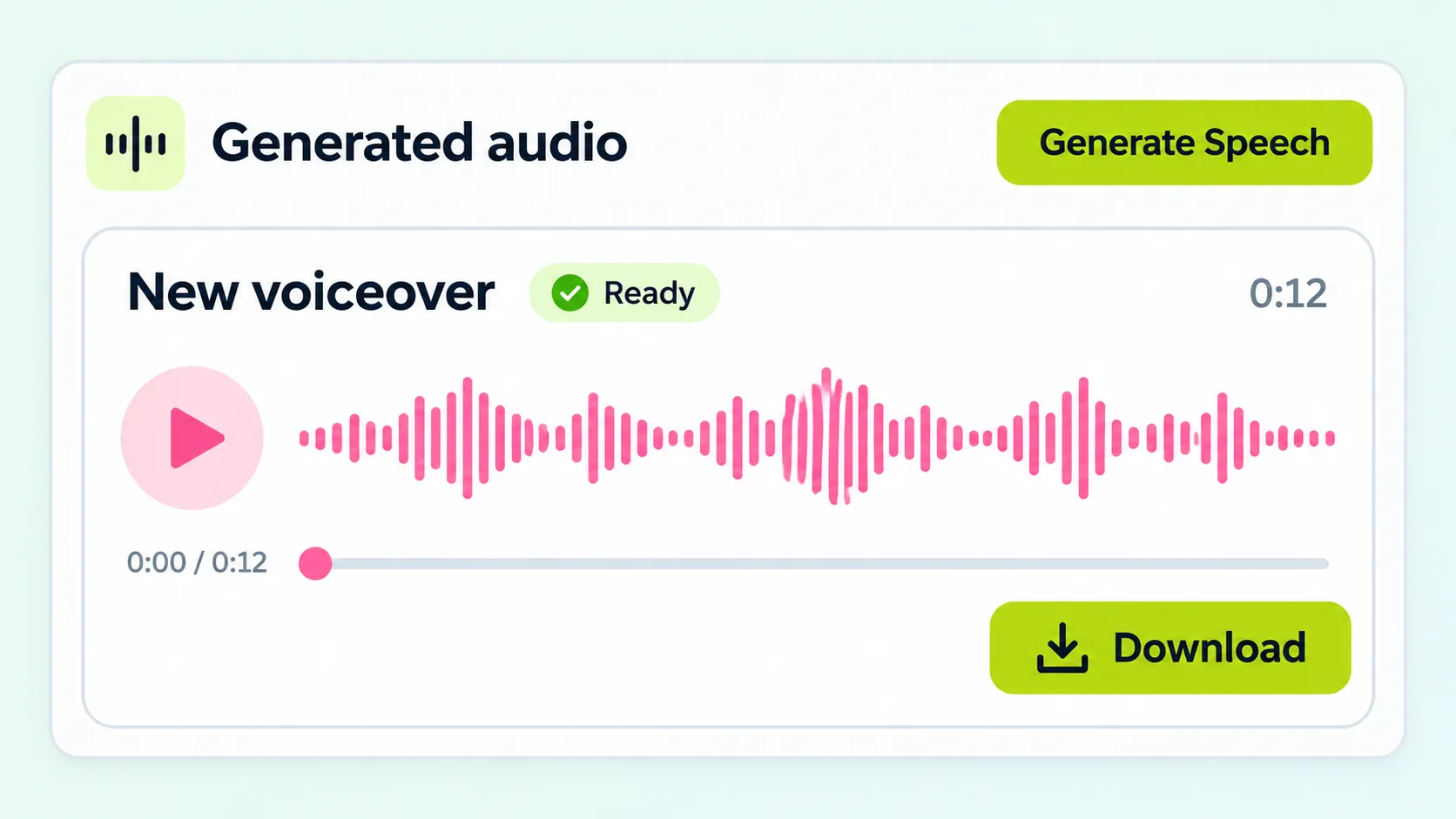
  3. Generate and Download

    Generate and Download

    Generate the audio and listen to the result. Download the file to use in your video, podcast, or other project.

Speech to Speech from Existing Audio

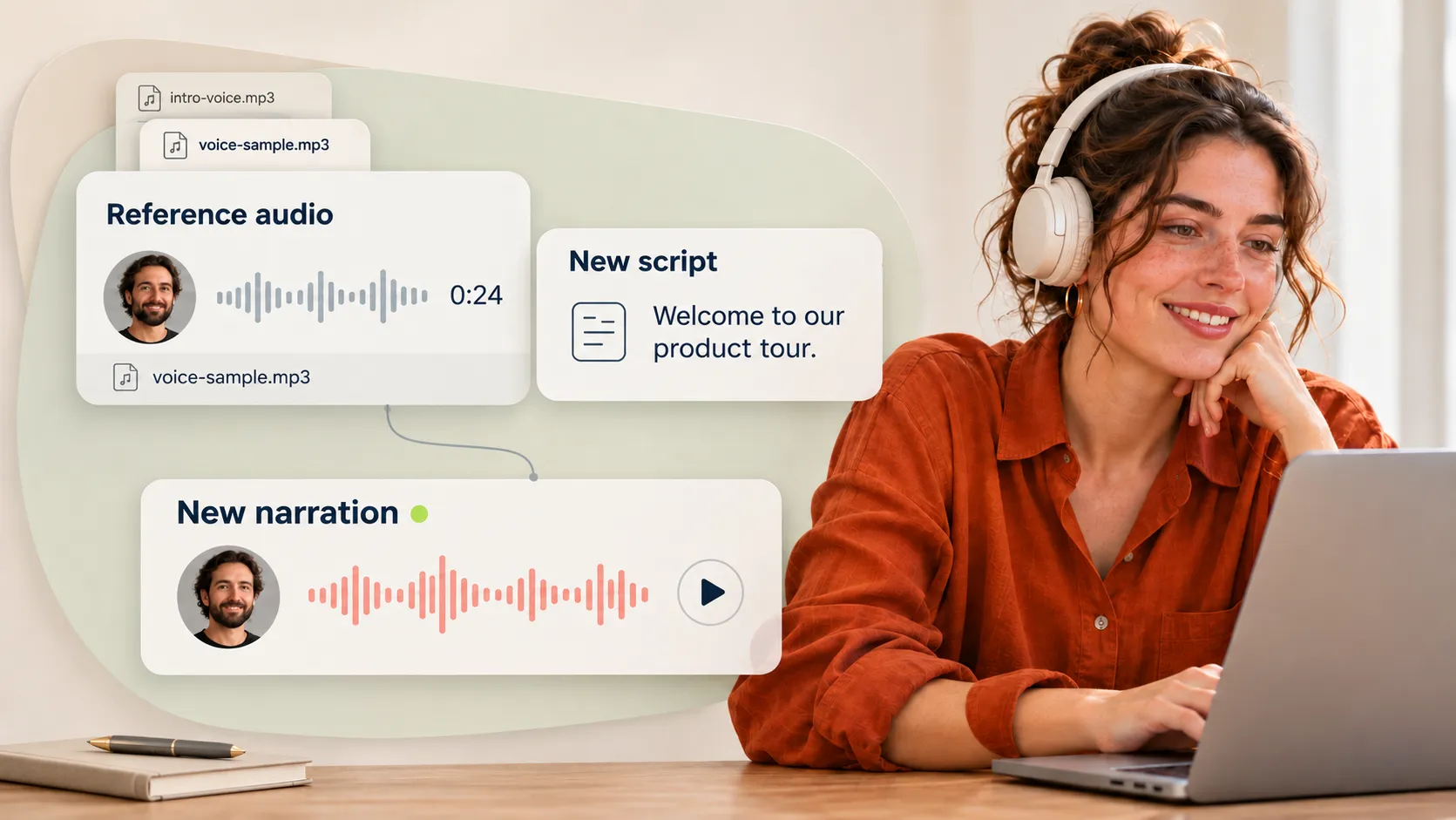
Coordinating a new recording can delay voiceover delivery. Speech to speech online uses an existing audio clip as the voice reference for a new script, reducing the need to schedule another session. Browser recording also lets you capture a short sample directly on the page. This supports new narration when the speaker can provide a sample but cannot record the full passage.

Speech to Speech from Existing Audio

AI Speech Generator with a Reference Voice

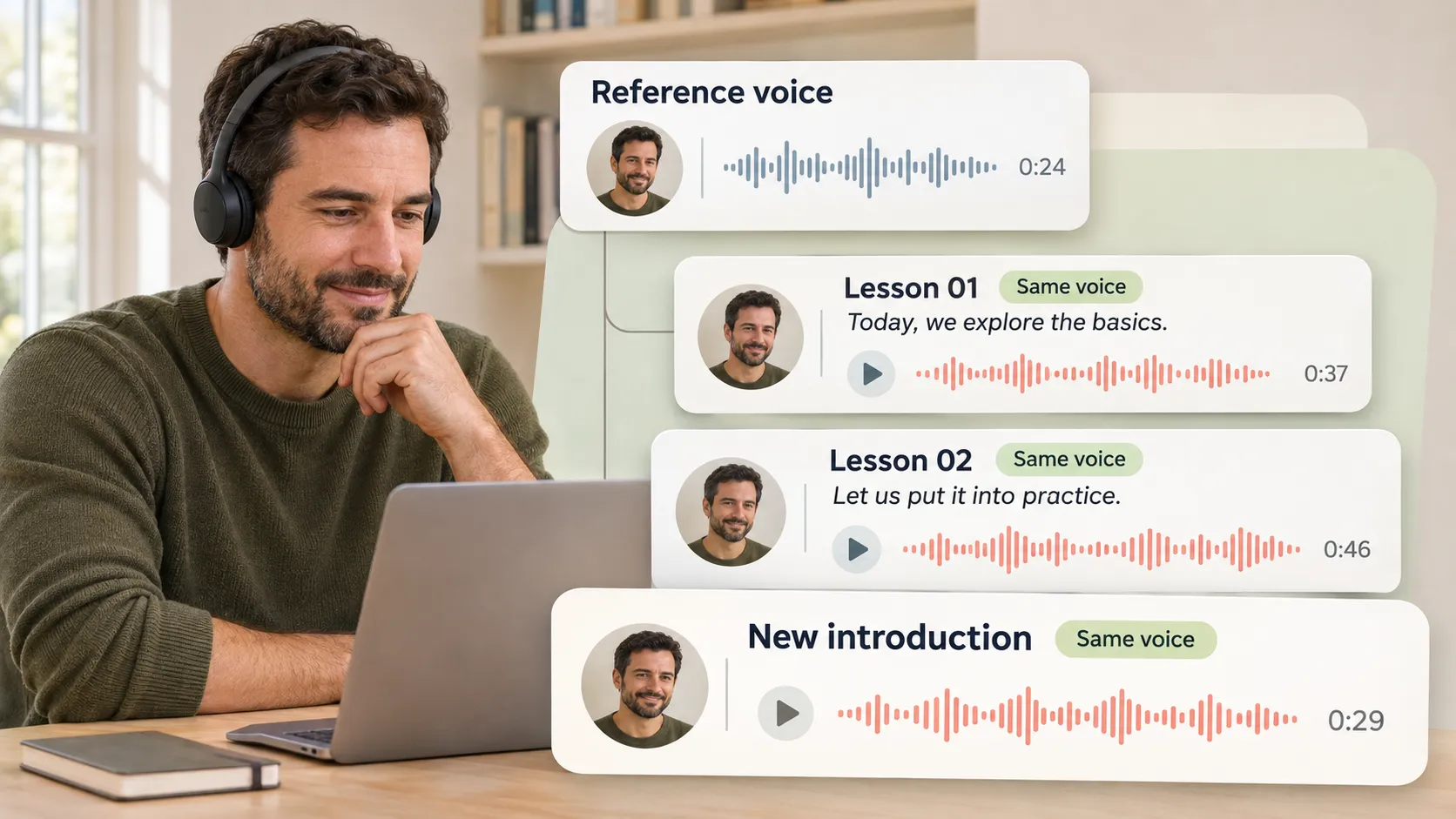
Changing narrators can disrupt continuity across a course or video series. Speech to speech AI uses a speaker's audio sample as the reference for new narration. The text to speech script determines the spoken content, independently of the words in the recording. New introductions and explanations can follow the existing voice reference without requiring the speaker to record each passage.

AI Speech Generator with a Reference Voice

Voiceover Script Revisions

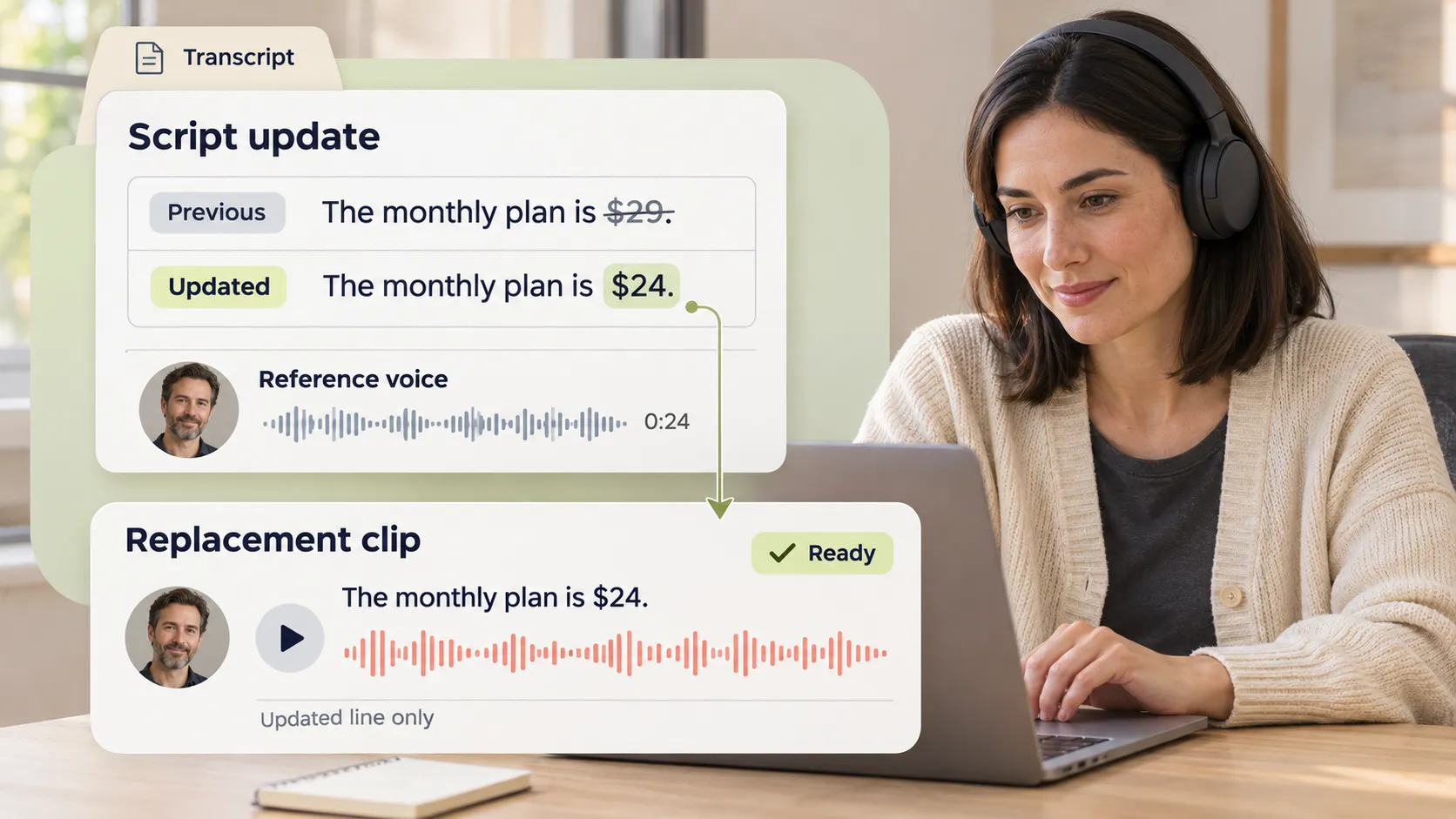
Changes to prices, names, or product details can make a finished voiceover outdated. A speech-to-speech generator creates revised clips from updated text and your reference audio, keeping revisions focused on the affected lines. An editable transcript from speech to text provides the original wording for review, reducing manual transcription and the need to record the full passage again.

Voiceover Script Revisions

Speech to Speech Preview and Download

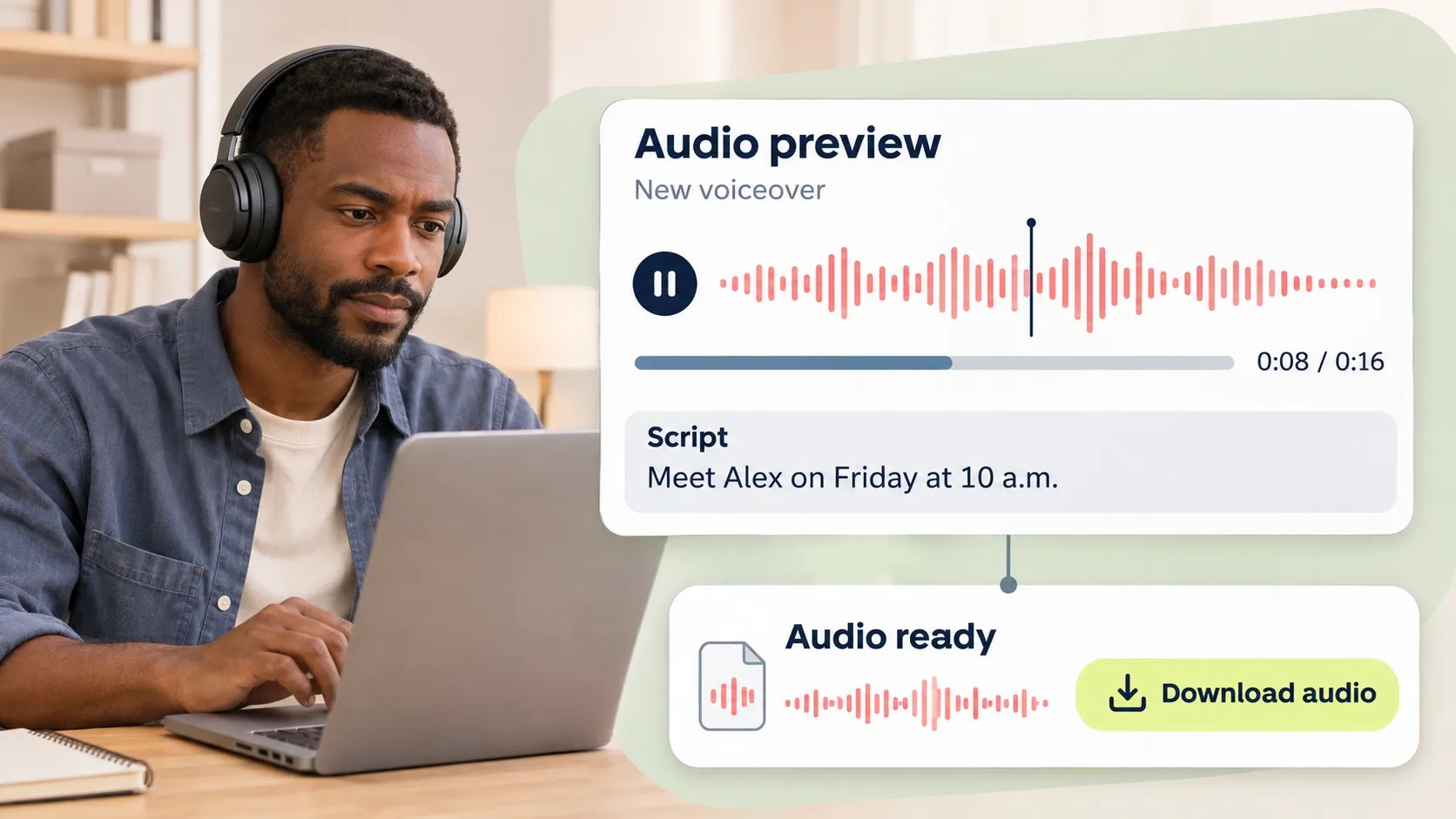
Pronunciation issues discovered during editing can require replacement clips and timeline adjustments. Built-in playback lets you review names, numbers, abbreviations, and voice matching before downloading. Revise the text and regenerate the audio on the page, keeping corrections within the generation workflow. Download the reviewed version for your video, podcast, or lesson, reducing the chance of carrying audio problems into post-production.

Speech to Speech Preview and Download

Speech to Speech for Content Creation

Make Product Details Clear

A bag video can show its shape without making capacity or compartments clear. Use speech to speech AI to add a prepared explanation of what fits inside and how the pockets work. The video can then answer practical purchase questions alongside the product demonstration.

Explain the Reasoning Behind an Answer

A slide may show a correct answer without explaining the method. Turn written explanations into short spoken walkthroughs beside the relevant calculations or diagrams. Students can revisit the reasoning they missed, while text to MP3 provides audio versions of accompanying practice passages.

Podcast Sponsor Reads

Sponsor messages need to communicate the product, offer, and call to action accurately. Speech to speech turns approved copy into a separate audio segment for the episode. Editors can place it beside the relevant discussion, giving listeners the offer details without mixing promotional wording into the interview itself.

Character Voices for Audio Stories

Generate separate narration and dialogue clips with a reference sample for each role. Assemble them in an audio editor for a story, animation, or audio drama. Speech to speech gives the cast distinct voice references, helping listeners follow conversations without a spoken label before every line.

Tips for Better Speech to Speech Results

  • Use 10–60 seconds of clear speech from a single speaker.
  • Avoid samples with background music, strong echo, or uneven volume.
  • Use punctuation and spell out numbers or abbreviations that sound unclear.
  • Test a short passage to check pronunciation and the voice match.

Speech to Speech FAQs

What is speech to speech AI?

The AI tool generates new audio from a voice sample and written text. The sample provides the voice reference, while your text determines what the generated audio says.

Can I use speech to speech online for free?

Yes. You can generate speech online for free using a voice sample and your text. Once processing finishes, you can play the result on the page or download the audio.

How can I turn text into speech in my own voice?

Upload a recording of yourself or record a sample directly on the page, then enter your script. The recording guides the generated voice, so you do not need to record every word of the new text.

Can I make an audio recording say different words?

Yes. The reference clip supplies the voice, and your text supplies the new words. The tool generates a new audio clip, so the script does not need to match what was said in the original recording.

How long should a reference voice sample be?

A clear sample of around 10–60 seconds is recommended. Choose a section with one speaker and minimal background noise. The speaker's voice should remain easy to hear throughout the clip.

What audio formats and text limits does the tool support?

Supported formats include MP3, MPEG, MPGA, M4A, WAV, WEBM, and OGG. Uploads are limited to 30 minutes and 500 MB per file. The text box accepts up to 500 characters per generation.

Try Speech to Speech for Free

Create your next voiceover using a reference voice. Generate audio online, listen to the result, and download it for your project.

Generate Speech